
Table of Contents

-
1. NetSuite Data Integration Tools for Automation & Reporting
- Why NetSuite Data Integrations Are Uniquely Complex
- The Two Types of NetSuite Data Integration
- What to Look for in a NetSuite Integration Tool
- The 8 Best NetSuite Data Integration Tools
- NetSuite Data Integration Tools: Quick Comparison
- How to Connect NetSuite to Google Sheets or Excel with Coefficient
- How to Choose the Right NetSuite Integration Tool for Your Team
- 2. Top 5 NetSuite Reporting Tools in 2026: Boost Your Analytics Game
- 3. Top 10 NetSuite Apps for Integration & Reporting for 2026
- 4. Best 6 NetSuite Connectors in 2025
- 5. Best HubSpot NetSuite Integration Software
- 6. Best NetSuite Salesforce Integration Software
- 7. Best NetSuite Snowflake Integration Software
- 8. Best NetSuite QuickBooks Integration Software
- 9. Best Zendesk NetSuite Integration Software
- 10. Best Zoho CRM NetSuite Integration Software
- 11. Best NetSuite Pipedrive Integration Software
- 12. Best SharePoint NetSuite Integration Software
- 13. Best Google Drive NetSuite integration software
- 14. Best Shopify NetSuite Integration Software
- 15. Best Stripe NetSuite Integration Software
- 16. Best Chargebee NetSuite Integration Software
- 17. Best WooCommerce NetSuite Connector
- 18. Best BigCommerce NetSuite Integration Software
- 19. Best BambooHR NetSuite Integration Software
- 20. Best Klaviyo NetSuite integration software
- 21. Best Mailchimp NetSuite integration software
- 22. Best Square NetSuite Integration Software
- 23. Best NetSuite Gmail Integration Software
- 24. How to Connect NetSuite to Snowflake: A Step-by-Step Guide


NetSuite ERP holds the financial and operational data that runs your business: general ledger, accounts receivable, accounts payable, inventory, order management, and revenue records. The challenge is that this data rarely needs to stay inside NetSuite. Finance teams need it in spreadsheets for FP&A models and board reporting. Operations teams need automated data flows between NetSuite and their CRM, ecommerce platform, or supply chain systems. Data teams need it in a warehouse for cross-system analytics.
The problem is that NetSuite integrations are genuinely harder to build and maintain than most ERP connectors. Its API architecture, re-authentication requirements, and SuiteCloud licensing implications mean that picking the wrong tool adds ongoing engineering overhead rather than cutting it. And most articles reviewing NetSuite integration tools mix two completely different buyer audiences, finance teams needing reporting access, and IT teams needing workflow automation, without acknowledging that these buyers need fundamentally different solutions.
This guide separates those use cases clearly. We review eight NetSuite data integration tools across three layers: spreadsheet-native connectors for finance and FP&A teams, iPaaS platforms for system-to-system workflow automation, and ETL tools for data warehouse pipelines. Each entry includes real user feedback, honest pros and cons, and current pricing. The goal is to help you pick the right netsuite connector for your actual use case, not a one-size-fits-all integration platform.
| Quick Answers Which NetSuite integration tool is best for automating workflows between NetSuite and Salesforce, Shopify or Amazon? Celigo is the specialist choice. For broader enterprise integration requirements, Boomi or Jitterbit offer more flexibility across a wider app ecosystem. How do Finance and FP&A teams get NetSuite data into spreadsheets without manual CSV exports? Coefficient connects NetSuite directly to Google Sheets and Excel with no-code setup, automated refresh schedules, and two-way sync. Finance teams can import Saved Searches, Records and Lists, Datasets, SuiteQL queries, and NetSuite reports without writing a line of code or filing an IT ticket. What makes NetSuite integrations harder than other ERP systems? NetSuite’s API requires a one-time RESTlet script deployment by a NetSuite admin before third-party connectors can access data. OAuth tokens expire every seven days, requiring periodic re-authentication. API call limits and SuiteCloud Plus licensing add further complexity for high-volume use cases. Good integration tools handle these constraints automatically; weak ones surface them as recurring user problems. What is the best tool for loading NetSuite ERP data into a data warehouse? Fivetran for a fully managed, low-maintenance ELT pipeline. Integrate.io if you need built-in data transformation and finance-specific data handling (subsidiary standardization, currency handling, transaction validation) before data lands in the warehouse. |
Why NetSuite Data Integrations Are Uniquely Complex
NetSuite is a powerful ERP platform, but its API architecture introduces integration challenges that most tools underestimate. Understanding these before evaluating any netsuite connector saves significant time and avoids surprises after you’ve committed to a platform.
RESTlet script deployment. Before any third-party connector can access NetSuite ERP data, a NetSuite admin must deploy a RESTlet script within the SuiteCloud environment. This is a one-time setup, but it requires admin access and familiarity with SuiteScript. Tools that market themselves as ‘instant connection’ often skip over this requirement in their demos.
Seven-day OAuth token expiration. NetSuite’s token-based authentication requires re-authorization every seven days. For automation workflows that need to run unattended, this creates a recurring maintenance task that some connectors handle gracefully and others surface as breaking errors.
API call limits. NetSuite imposes daily API call limits that vary by edition and SuiteCloud Plus license count. High-volume data flows — large record exports, frequent real-time synchronization — can exhaust these limits and cause partial syncs. Integration tools that use intelligent batching and incremental sync strategies use API calls far more efficiently than those that run full table resyncs.
Custom object complexity. Most NetSuite customers have customized their ERP with custom fields, custom record types, and custom workflows using SuiteScript. Not all connectors support custom objects cleanly. Those that do typically require additional field mapping configuration that adds to setup time.SuiteAnalytics and SuiteCloud Plus licensing. Certain data access methods, particularly those using SuiteAnalytics Connect for ODBC/JDBC access, may require additional licensing on top of the base NetSuite subscription. Factor this into your total cost of ownership when evaluating native access options.
The Two Types of NetSuite Data Integration
Most articles reviewing netsuite integration tools mix two fundamentally different buyer needs without acknowledging the distinction. Getting this right before evaluating tools saves significant time.
System-to-system workflow automation is the process of connecting NetSuite ERP to other operational business apps — CRM systems like Salesforce, ecommerce platforms like Shopify or BigCommerce, marketplaces like Amazon, HR systems, logistics providers, and supply chain tools. The goal is automating workflows: syncing orders, updating inventory, triggering fulfillment, pushing invoices. iPaaS platforms like Celigo, Boomi, and Jitterbit are built for this. Finance and FP&A teams do not typically need these tools.
Data extraction for reporting and analysis is the process of getting NetSuite data out into spreadsheets, BI tools, or a data warehouse so business users can work with it. The goal is live reporting, financial modelling, and dashboard automation without manual CSV exports. Spreadsheet connectors like Coefficient and ETL tools like Fivetran are built for this. The IT team does not typically own these decisions.
Identifying which problem you are solving first eliminates half the tools from your evaluation immediately.
What to Look for in a NetSuite Integration Tool
RESTlet and REST API support. Confirm the connector uses NetSuite’s supported API methods. Tools using outdated SOAP web services or unsupported integration patterns may break when NetSuite updates its platform.
Handling of the seven-day token refresh. Ask specifically how each tool handles OAuth re-authentication. The best connectors handle this automatically without requiring manual intervention between scheduled automation runs.
Custom object and SuiteScript compatibility. If your NetSuite ERP has been customized with SuiteScript-based workflows, saved searches, or custom record types, verify the connector exposes these, not just standard objects.
No-code vs. developer-required setup. iPaaS platforms like Celigo and Boomi require technical configuration even when marketed as low-code. Finance-focused tools like Coefficient are genuinely no-code for the end user, though initial admin setup is still required.
Two-way sync and write-back. If you need to push changes back to NetSuite from a spreadsheet or downstream system, verify the connector supports write operations, not just read. Many ETL tools are extraction-only.
SuiteApp certification. Tools certified as SuiteApps by Oracle NetSuite have passed functional and security testing specific to the NetSuite platform. This reduces risk for enterprise deployments and typically means better support for platform updates.
The 8 Best NetSuite Data Integration Tools
For Finance, FP&A and Reporting Teams — Spreadsheet-Native NetSuite Connectors
Finance teams, FP&A analysts, and RevOps leaders who need to get NetSuite ERP data into spreadsheets for budgeting, forecasting, close reporting, and board decks belong in this category. These tools are built for business users, not IT departments.
1. Coefficient
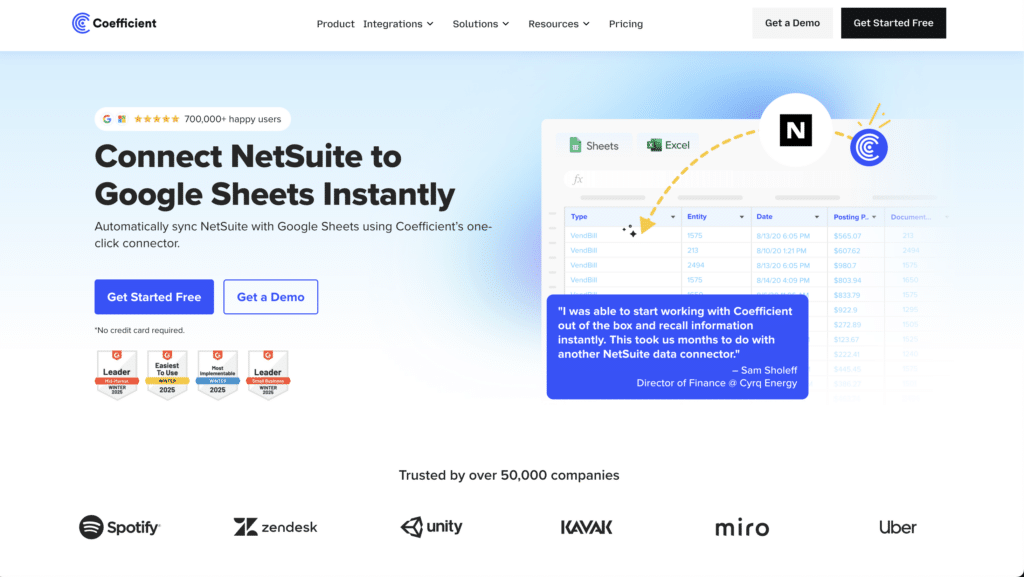
Best for: Finance, FP&A, and RevOps teams who need live NetSuite data in Google Sheets or Excel, with automated refresh schedules, two-way sync, and no IT involvement for day-to-day use.
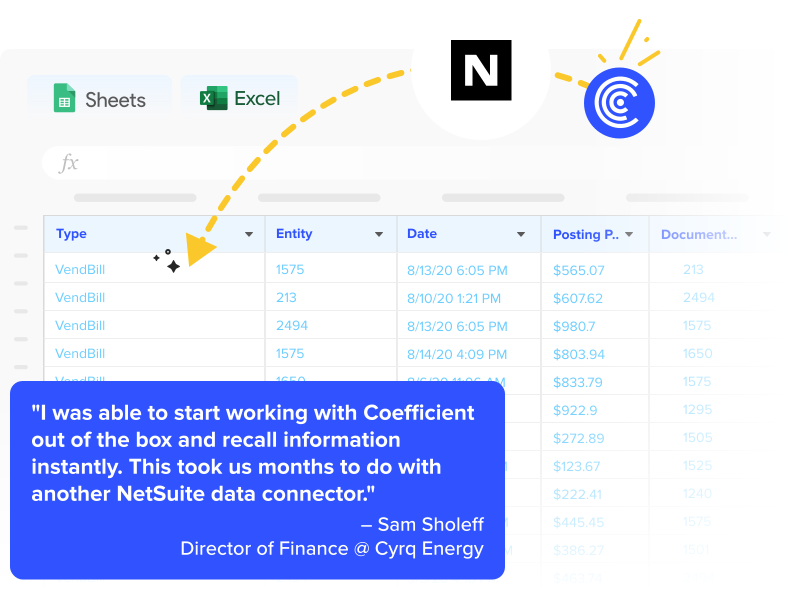
Coefficient is a no-code data connectivity platform that connects NetSuite ERP directly to Google Sheets and Excel. It is the only spreadsheet connector that supports all major NetSuite data access methods in a single interface: Saved Searches, Records and Lists, Datasets, SuiteQL queries, standard NetSuite reports, and the NetSuite Agent for pulling additional report types via URL.
The core workflow Coefficient replaces is the manual CSV export cycle. Instead of logging into NetSuite, running a saved search, exporting a CSV, formatting it, and pasting it into a spreadsheet, finance teams connect once and set a refresh schedule. Their financial dashboards, AR aging reports, GL reconciliations, and revenue models stay current automatically. When a transaction posts in NetSuite, the spreadsheet reflects it on the next scheduled refresh.
For FP&A teams specifically, Coefficient supports importing from NetSuite Saved Searches across any standard or custom object, applying filters and field selections in a no-code sidebar UI. SuiteQL queries are available for teams that need more complex logic. The two-way sync allows teams to push data back to NetSuite, updating records, logging notes, or correcting field values in bulk from the spreadsheet without manual data entry back into the ERP.
Coefficient also works in Microsoft Excel, making it the right choice for organizations where finance teams work in Excel rather than Google Sheets. See the Excel NetSuite connector for details.
From a governance standpoint, Coefficient uses OAuth 2.0 authentication with NetSuite’s REST API via RESTlet script. The initial setup requires a NetSuite admin to deploy the RESTlet, but after that, business users can connect and run imports without ongoing IT involvement.
Pros
- No-code import picker for all major NetSuite access methods: Saved Searches, Records and Lists, Datasets, SuiteQL, and reports via NetSuite Agent.
- Genuine two-way sync with write-back to NetSuite. Supports update, insert, and upsert actions with field mapping and preview before export.
- Works in both Google Sheets and Excel. Finance teams can use whichever spreadsheet environment they already operate in.
- Automated refresh scheduling (hourly, daily, weekly) eliminates manual exports and keeps dashboards current without manual data entry.
- Free plan available. No per-user fees on paid plans.
Source: Coefficient user reviews on G2 — NetSuite feedback
Cons
- Initial setup requires a NetSuite admin to deploy the RESTlet script. The one-time configuration is well-documented but is not zero-touch.
- Not an iPaaS platform. Coefficient does not automate system-to-system workflows between NetSuite and Shopify, Salesforce, or supply chain apps. For that use case, see Celigo below.
Source: Coefficient pros and cons — G2 verified reviews
Pricing
Free plan available. Paid plans start from $49/month. See Coefficient pricing for complete details.
For System-to-System Workflow Automation — NetSuite iPaaS Connectors
If your goal is automating workflows between NetSuite ERP and other operational apps — CRM, ecommerce platforms, marketplaces, logistics providers, HR systems — you need an iPaaS integration platform. These tools connect application data flows and automate business processes like order-to-cash, procure-to-pay, and inventory synchronization.
2. Celigo
Best for: Mid-market and enterprise teams that need deep NetSuite integration automation with CRM systems, ecommerce platforms like Shopify, marketplaces like Amazon, and other SaaS apps.
Celigo is the specialist NetSuite integration platform. It has been Oracle NetSuite’s largest integration partner for over a decade, and that focus is embedded in the product. Its prebuilt NetSuite integration apps and templates cover the most common automation workflows out of the box: NetSuite-to-Salesforce CRM sync, NetSuite-to-Shopify ecommerce integration, NetSuite-to-Amazon marketplace sync, order-to-cash automation, procure-to-pay workflows, and EDI. On G2, Celigo has held the #1 iPaaS ranking for seven consecutive quarters through 2025-2026.
The platform’s AI-powered error management is a genuine differentiator. It resolves up to 95% of integration errors automatically, detecting, categorising, and routing exceptions without human intervention. For operations teams managing dozens of data flows between NetSuite and their ecommerce and CRM systems, this reduces the monitoring overhead significantly. Celigo is also recognised as a Visionary in Gartner’s Magic Quadrant for iPaaS for 2026.
Pros
- Best-in-class NetSuite specialisation. 1,000-plus prebuilt connectors and templates, with the deepest NetSuite-specific coverage of any iPaaS. Prebuilt flows for NetSuite-Salesforce, NetSuite-Shopify, NetSuite-Amazon work out of the box with minimal configuration.
- AI-powered error management resolves up to 95% of integration errors automatically. Reduces operational overhead for teams managing many concurrent data flows.
- Rated #1 iPaaS on G2 for seven consecutive quarters. Strong customer support consistently praised in user reviews.
Source: Celigo G2 reviews — pros and cons
Cons
- Expensive for smaller teams. G2 reviewers consistently flag pricing as a barrier for small businesses and those needing only simple automations. One reviewer noted: ‘Celigo is very expensive, making it not always worth using the platform for simple things.’
- Vague error messages for complex custom integrations. While AI error management handles common failures, debugging edge cases and custom NetSuite configurations still requires technical expertise.
- Learning curve for non-technical users. The platform is marketed as low-code but benefits significantly from someone familiar with integration platform concepts and NetSuite’s data model.
Source: Celigo Capterra verified reviews
Pricing
From approximately $600/month for basic plans. Pricing scales with the number of integration flows, endpoints, and features. Contact Celigo for a current quote.
3. Boomi
Best for: Large enterprises needing a comprehensive integration platform that connects NetSuite ERP to a wide range of cloud, on-premises, and legacy systems with advanced master data management and EDI capabilities.
Boomi is a broad enterprise iPaaS platform covering API management, workflow automation, EDI, and master data hub alongside standard application integration. Its patented Atom architecture allows integrations to run in Boomi’s cloud, your cloud, or on-premises, which matters for enterprises with legacy systems or data residency requirements. For NetSuite customers, Boomi provides strong connectors for NetSuite alongside integrations across Salesforce, SAP, Oracle, and hundreds of other systems.
Boomi’s strength relative to Celigo is breadth: it handles more integration patterns, more system types, and more complex enterprise scenarios. Its weakness relative to Celigo is NetSuite-specific depth: Celigo’s prebuilt NetSuite apps and templates are more mature and require less custom configuration.
Pros
- Comprehensive platform covering integration, API management, workflow automation, EDI, and master data management in a single product.
- Hybrid deployment via Atom architecture. Run integrations in the cloud or on-premises, which matters for enterprises with legacy ERP systems or strict data governance policies.
- Strong connector library across Salesforce, NetSuite, SAP, Microsoft, and 200-plus other systems. Praised for seamless integrations and drag-and-drop interface.
Source: Boomi G2 reviews — user pros and cons
Cons
- Complexity and pricing increase significantly with scale. Costs start around $1,000-2,000/month and escalate with additional connectors. G2 reviewers flag costs as high compared to competitors.
- Steeper learning curve than Celigo for NetSuite-specific workflows. Boomi requires more custom configuration where Celigo offers prebuilt templates.
- Error reporting and troubleshooting are recurring complaints. Users find it challenging to identify and resolve integration failures efficiently.
Source: Boomi vs Jitterbit — Gartner Peer Insights comparison
Pricing
Starts at approximately $1,000-2,000/month. Pricing scales with connectors, endpoints, and modules. Contact Boomi for current pricing.
4. Jitterbit
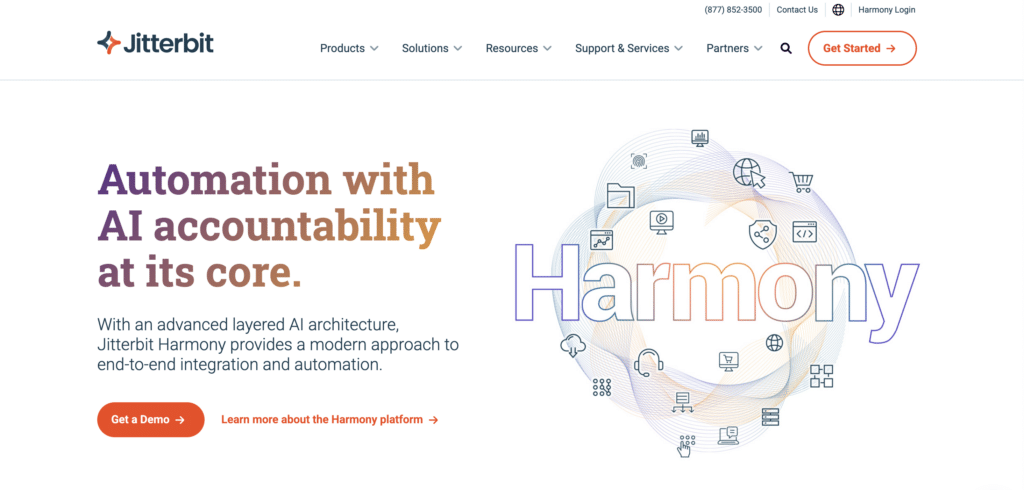
Best for: Mid-market teams that need faster time-to-value on NetSuite ERP integrations with Salesforce, CRM systems, and other SaaS apps, at a lower price point than Boomi or MuleSoft.
Jitterbit is a mid-market iPaaS with strong roots in Salesforce and NetSuite integration. Its Harmony platform provides a low-code interface and pre-built integration templates for common NetSuite workflows. Jitterbit’s differentiation versus Celigo and Boomi is speed of deployment and relative affordability. Most NetSuite customers using Jitterbit are up and running with their first integration within 30 days, according to the company.
Jitterbit also offers an API Manager that makes it easy to wrap existing databases and NetSuite data in REST APIs, which is useful for organisations that need to expose NetSuite ERP data to custom applications or partner systems.
Pros
- Faster time-to-value than Boomi and MuleSoft. Pre-built connectors and templates for common NetSuite-Salesforce and NetSuite-ecommerce workflows reduce deployment time significantly.
- Lower entry price point than Boomi or MuleSoft. Accessible for mid-market organisations that need iPaaS capabilities without enterprise budgets.
- API creation capability. Jitterbit makes it easy to expose NetSuite data as a REST API for downstream applications, which is useful beyond standard app-to-app integration scenarios.
Source: Boomi vs Jitterbit iPaaS comparison — user reviews
Cons
- Less NetSuite-specific depth than Celigo. Pre-built templates cover common use cases but custom NetSuite configurations often require scripting beyond what the low-code interface handles.
- Vendor stability risk. Unlike Celigo (NetSuite-focused) and Boomi (private equity-backed enterprise), Jitterbit’s long-term roadmap is less clearly defined.
- Limited on-premises integration support compared to Boomi’s Atom architecture. Less suitable for enterprises with significant legacy system requirements.
Source: Jitterbit vs Boomi comparison — user reviews and analysis
Pricing
Entry-level plans from approximately $1,000/month. Contact Jitterbit for current pricing based on specific integration requirements.
5. MuleSoft Anypoint Platform
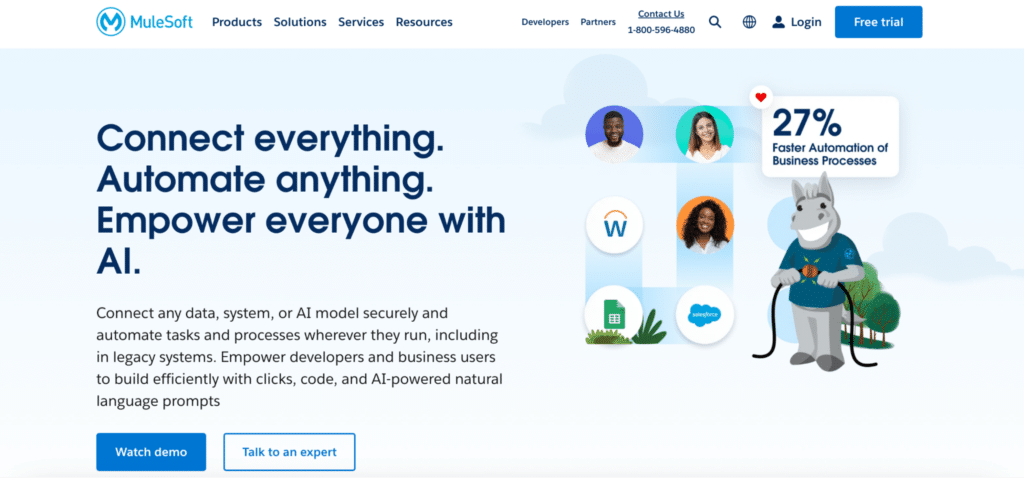
Best for: Large enterprises requiring API-led NetSuite integration architecture with advanced governance, security, and the ability to reuse integration assets across the organisation.
MuleSoft is Salesforce’s enterprise integration platform. For NetSuite ERP integration, MuleSoft’s Anypoint Platform provides API-led connectivity that treats every integration as a reusable API asset. This architectural approach is more complex to implement than Celigo or Jitterbit but delivers significantly more governance, reusability, and scalability at enterprise scale.
MuleSoft makes sense for organisations already in the Salesforce ecosystem, those with complex multi-system integration requirements spanning dozens of applications, or those with strict API governance requirements. For most mid-market NetSuite customers, it is significantly over-engineered and over-priced.
Pros
- API-led connectivity model creates reusable integration assets. Once a NetSuite API layer is built, it can be consumed by multiple downstream systems without rebuilding the integration each time.
- Enterprise-grade governance, security, and API management. The right choice when integration architecture is a strategic platform, not just a connectivity tool.
- Deep Salesforce ecosystem alignment. For organisations using Salesforce CRM with NetSuite ERP, MuleSoft provides the most complete integration architecture.
Source: MuleSoft Anypoint Platform G2 reviews
Cons
- Expensive and complex. Requires certified MuleSoft developers and significant implementation time. Not suited to self-service or teams without dedicated integration engineering resources.
- Overkill for most NetSuite integration use cases. Celigo delivers better NetSuite-specific outcomes with far less investment for the majority of mid-market buyers.
- Steep learning curve and implementation dependency. Most deployments require an implementation partner, adding cost and timeline.
Pricing
Custom enterprise pricing. Not publicly listed. Typically requires significant budget relative to mid-market iPaaS alternatives.
For Data Warehouse Pipelines — NetSuite ELT Tools
If your goal is loading NetSuite ERP data into Snowflake, BigQuery, Redshift, or another cloud data warehouse for downstream analytics and reporting, these ETL and ELT tools are the right category.
6. Fivetran
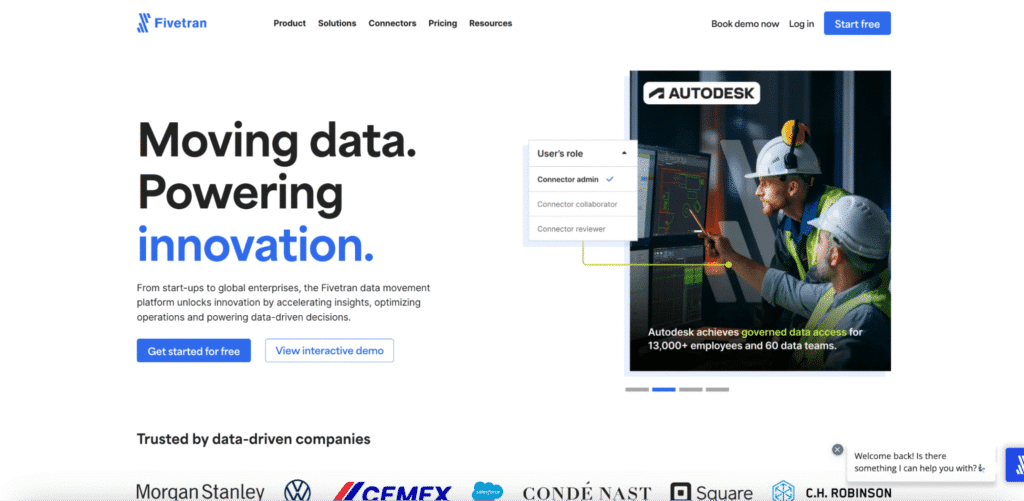
Best for: Data engineering teams that need a reliable, fully managed ELT pipeline from NetSuite into a cloud data warehouse with minimal ongoing maintenance.
Fivetran’s NetSuite connector is one of the more mature managed ELT options for loading NetSuite ERP data into data warehouses like Snowflake, BigQuery, and Redshift. It handles schema management automatically, supports incremental sync to reduce API call consumption, and covers standard NetSuite objects including transactions, customers, vendors, inventory items, and financial records.
Fivetran changed its pricing model in March 2025, moving to a per-connector Monthly Active Rows model that has driven cost increases for some users. For teams with a small number of high-volume NetSuite connections, the model is less disruptive than for those with many connectors.
Pros
- Fully managed pipeline with automatic schema management. NetSuite schema changes are handled without manual intervention.
- Incremental sync reduces API call consumption, which matters given NetSuite’s daily API limits.
- Wide data warehouse destination support: Snowflake, BigQuery, Redshift, Databricks, and more.
Source: Fivetran G2 reviews — pros and cons
Cons
- Per-connector MAR pricing introduced March 2025 has raised costs for some users. Bills can be difficult to forecast as data volumes grow.
- Extraction only. No transformation capabilities and no write-back to NetSuite. Requires dbt or similar downstream for transformation logic.
- NetSuite’s API complexity means the connector requires the standard RESTlet setup and is subject to the same API call limits as other third-party connectors.
Source: Fivetran Capterra verified reviews
Pricing
Usage-based pricing per connector based on Monthly Active Rows. Annual contracts start at $12,000/year minimum. Costs vary by data volume and connector count.
7. Integrate.io
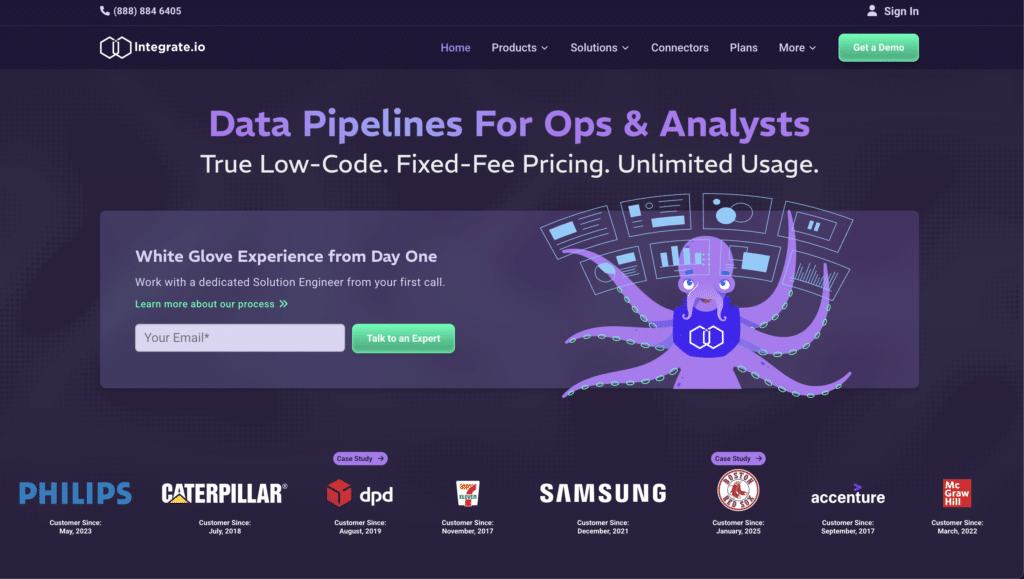
Best for: Finance and data teams that need ETL pipelines from NetSuite ERP to a data warehouse, with built-in data transformation and finance-specific handling of subsidiaries, currencies, and transaction types.
Integrate.io is a low-code ETL platform with a NetSuite connector that understands the specific data quality and structure challenges of ERP data. Unlike generic ETL tools that load raw data as-is, Integrate.io’s NetSuite pipeline supports incremental sync tracking by last-modified fields, currency standardisation, subsidiary filtering, and transaction-level validation before loading. For finance-led analytics use cases where data quality upstream of the warehouse matters, this is a meaningful differentiator.
Integrate.io covers 220-plus built-in data transformations in addition to standard extraction and loading, which reduces the dependency on a separate dbt layer for teams that don’t have analytics engineering resources.
Pros
- Finance-aware NetSuite connector with subsidiary standardisation, multi-currency handling, and transaction validation built in. Reduces data quality work downstream.
- 220-plus built-in transformations reduce the need for a separate transformation layer like dbt.
- Low-code interface accessible to data analysts without deep SQL or engineering background.
Source: Integrate.io NetSuite integration overview
Cons
- Pricing starts at $1,999/month, which is significantly higher than ETL-only alternatives like Fivetran for straightforward extraction use cases.
- Less connector breadth than Fivetran or Airbyte for non-NetSuite sources. Better suited to NetSuite-centric pipelines than broad multi-source data stacks.
Pricing
From $1,999/month. Contact Integrate.io for current plan details.
For Native NetSuite Data Access
8. SuiteAnalytics Connect
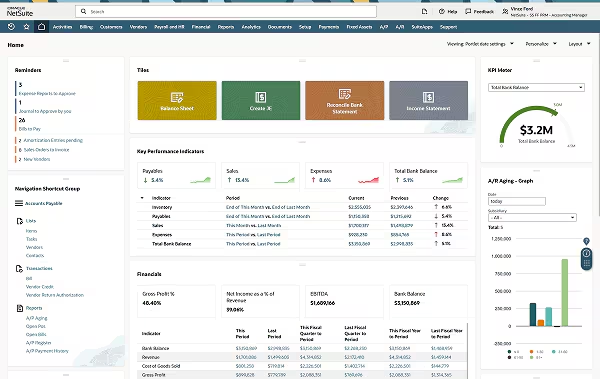
Best for: BI teams and data analysts who need direct SQL or ODBC/JDBC access to NetSuite ERP data from tools like Power BI, Tableau, or custom reporting applications, without a third-party connector.
SuiteAnalytics Connect is Oracle NetSuite’s own data connectivity layer. It provides ODBC, JDBC, and .NET interfaces that allow external systems to query NetSuite data directly using SQL. For BI teams that want to connect Power BI, Tableau, or a custom analytics application directly to NetSuite without adding another vendor, this is the most direct path.
The honest limitations: SuiteAnalytics Connect may require an additional SuiteCloud Plus license depending on your NetSuite edition. Query performance can degrade on large datasets. And it provides read-only access with no automation or scheduling built in, so it works best as a data source for tools that handle their own refresh and scheduling logic.
Pros
- Native Oracle NetSuite connector. No third-party tool required. Reduces vendor complexity for BI teams already managing Tableau or Power BI.
- Standard SQL interface. Any tool with ODBC/JDBC support can connect to NetSuite data without custom connectors.
- Included with some NetSuite editions. May reduce or eliminate licensing cost compared to third-party connectors for the right use case.
Source: NetSuite SuiteAnalytics Connect documentation
Cons
- May require SuiteCloud Plus license add-on. Check your NetSuite edition before assuming it is included.
- No automation, scheduling, or write-back. Pure read access only. Requires the consuming BI tool to manage refresh scheduling independently.
- Performance limitations on large datasets. Not suitable for high-volume data extraction or real-time synchronization use cases.
Pricing
Included with certain NetSuite editions. SuiteCloud Plus license may be required for full functionality. Consult your NetSuite account manager for licensing details.
NetSuite Data Integration Tools: Quick Comparison
Use this table to compare all eight tools across the criteria that matter most for your NetSuite integration decision.
| Tool | Best For | Integration Type | No-Code | Two-Way Sync | Pricing Model |
|---|---|---|---|---|---|
| Coefficient | Finance, FP&A, RevOps teams in spreadsheets | Spreadsheet connector | Yes | Yes | Free; paid from $49/month |
| Celigo | NetSuite-to-app automation (Shopify, Salesforce, Amazon) | iPaaS | Partial | Yes | From ~$600/month |
| Boomi | Enterprise multi-system integration | iPaaS | Partial | Yes | From ~$1,000-2,000/month |
| Jitterbit | Mid-market ERP and CRM workflows | iPaaS | Partial | Yes | From ~$1,000/month |
| MuleSoft | Enterprise API-led integration at scale | iPaaS/API mgmt | No | Yes | Custom enterprise pricing |
| Fivetran | NetSuite data into data warehouses | ELT pipeline | Yes | No | Per-connector MAR model |
| Integrate.io | Finance-aware ETL pipelines to warehouses | ETL/ELT | Partial | No | From $1,999/month |
| SuiteAnalytics Connect | Direct SQL/ODBC access for BI tools | Native connector | No | No | Included with NetSuite license |
How to Connect NetSuite to Google Sheets or Excel with Coefficient
For Finance and FP&A teams, connecting NetSuite ERP to Google Sheets with Coefficient eliminates manual CSV exports and keeps financial data current automatically. Here is the short version:
- Install Coefficient. Add the Coefficient add-on from the Google Workspace Marketplace or Microsoft AppSource. In Google Sheets, go to Extensions, click Add-ons, search for Coefficient, and install. Launch it from the Extensions menu.
- Admin setup (one time). Your NetSuite admin deploys a RESTlet script to enable API access and configures OAuth 2.0 authentication. This is a one-time step documented in Coefficient’s setup guide.
- Connect NetSuite. In the Coefficient sidebar, click ‘Import From’ and select NetSuite. Authorize using your NetSuite credentials. Once connected, your account is ready to import.
- Choose your data source. Select from Saved Searches, Records and Lists, Datasets, SuiteQL queries, or NetSuite reports via the NetSuite Agent. No SQL required for standard imports.
- Set your refresh schedule. Choose hourly, daily, or weekly auto-refresh. Your spreadsheet stays current on the schedule you set without further manual data entry or exports.
- Enable write-back (optional). Use Export to NetSuite to push updates from your spreadsheet back to the ERP. Supports update, insert, and upsert actions with preview before execution.
For the full step-by-step walkthrough with screenshots, see How to Connect NetSuite to Google Sheets. For Microsoft Excel, see coefficient.io/integrations-excel/netsuite.
How to Choose the Right NetSuite Integration Tool for Your Team
Finance, FP&A or RevOps team needing NetSuite data in spreadsheets without manual exports: Coefficient. No-code setup, scheduled auto-refresh, two-way sync, and support for all major NetSuite data access methods including Saved Searches, SuiteQL, Datasets, and Records. Works in both Google Sheets and Excel.
Operations or IT team automating workflows between NetSuite and Shopify, Salesforce, Amazon, or other apps: Celigo for the deepest NetSuite-specific template library and AI-powered error management. Boomi for broader enterprise integration across more complex system landscapes. Jitterbit for mid-market teams seeking faster time-to-value at a lower price point.
Large enterprise needing API-led integration architecture across NetSuite and many other systems: MuleSoft. The right choice when integration is a strategic platform investment and you have dedicated engineering resources to build and maintain it.
Data engineering team loading NetSuite ERP data into a data warehouse: Fivetran for a fully managed, low-maintenance ELT pipeline. Integrate.io if you need finance-specific data handling and built-in transformations before the data lands in your warehouse.
BI team needing direct SQL access to NetSuite data from Tableau, Power BI, or a custom app: SuiteAnalytics Connect. The native Oracle NetSuite connector eliminates third-party vendor dependency for read-only SQL access, subject to licensing requirements.
Get Started with Coefficient for NetSuite
If you are on a Finance, FP&A, or RevOps team and want live NetSuite ERP data in your spreadsheet without manual exports or IT tickets, try Coefficient for free. Connect your NetSuite account, import your first Saved Search or dataset, and set a refresh schedule that keeps your data current automatically.For pricing, see coefficient.io/pricing. For the full product overview, visit coefficient.io/product. For pre-built NetSuite dashboard templates, see coefficient.io/dashboard-examples.