Connect NetSuite to Google Sheets with Coefficient
Coefficient keeps your NetSuite reports and saved searches live in Google Sheets, so month-end reporting stops being manual.

Trusted by 700,000+ users


How to connect NetSuite to Google Sheets
Your NetSuite admin sets up the connection once. After that, anyone on the team installs the Coefficient add-on, picks a saved search or report and sets it to refresh.
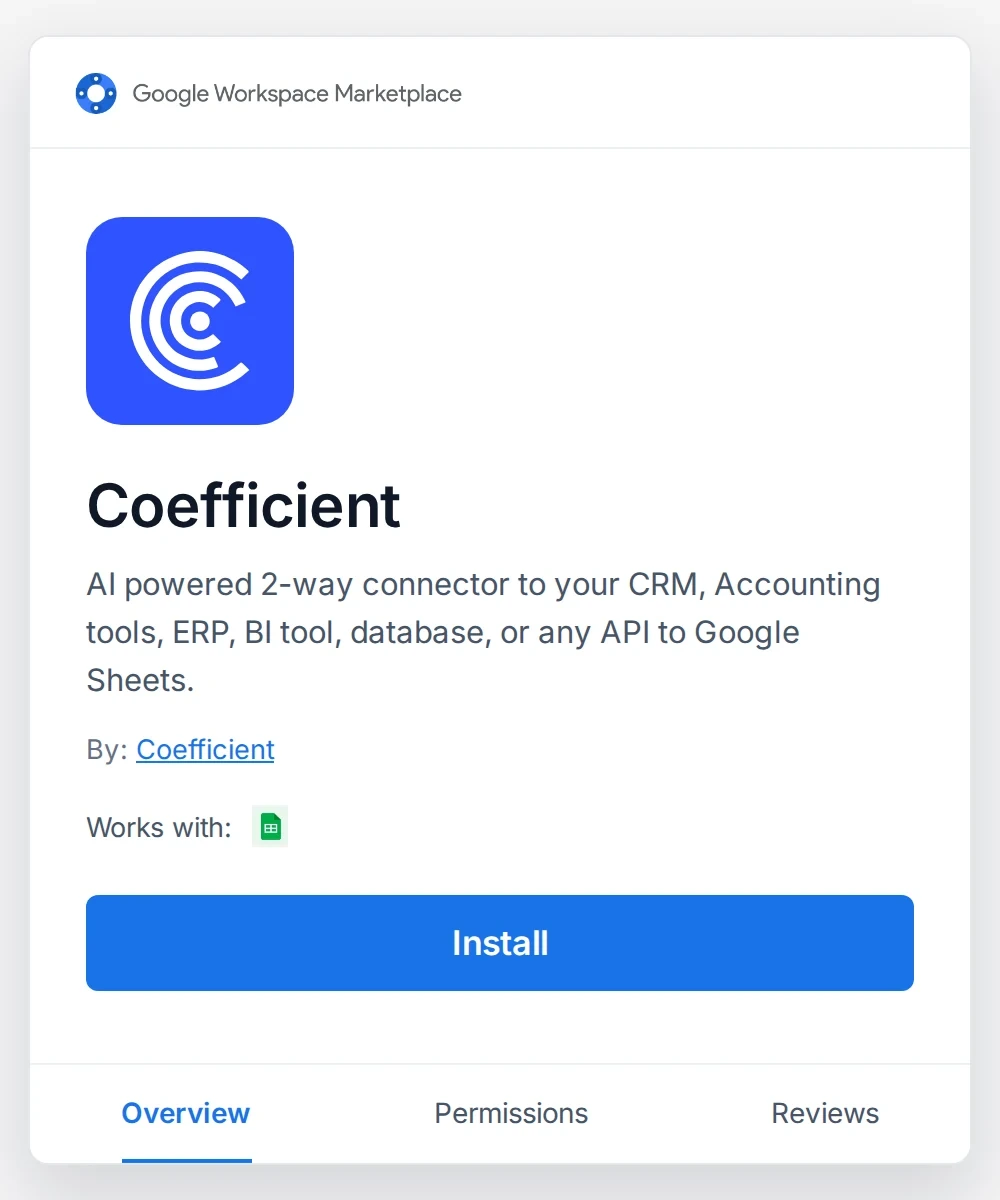
1. Install Coefficient

Install the Coefficient add-on from Google Workspace Marketplace and open it from the Extensions menu in Google Sheets.
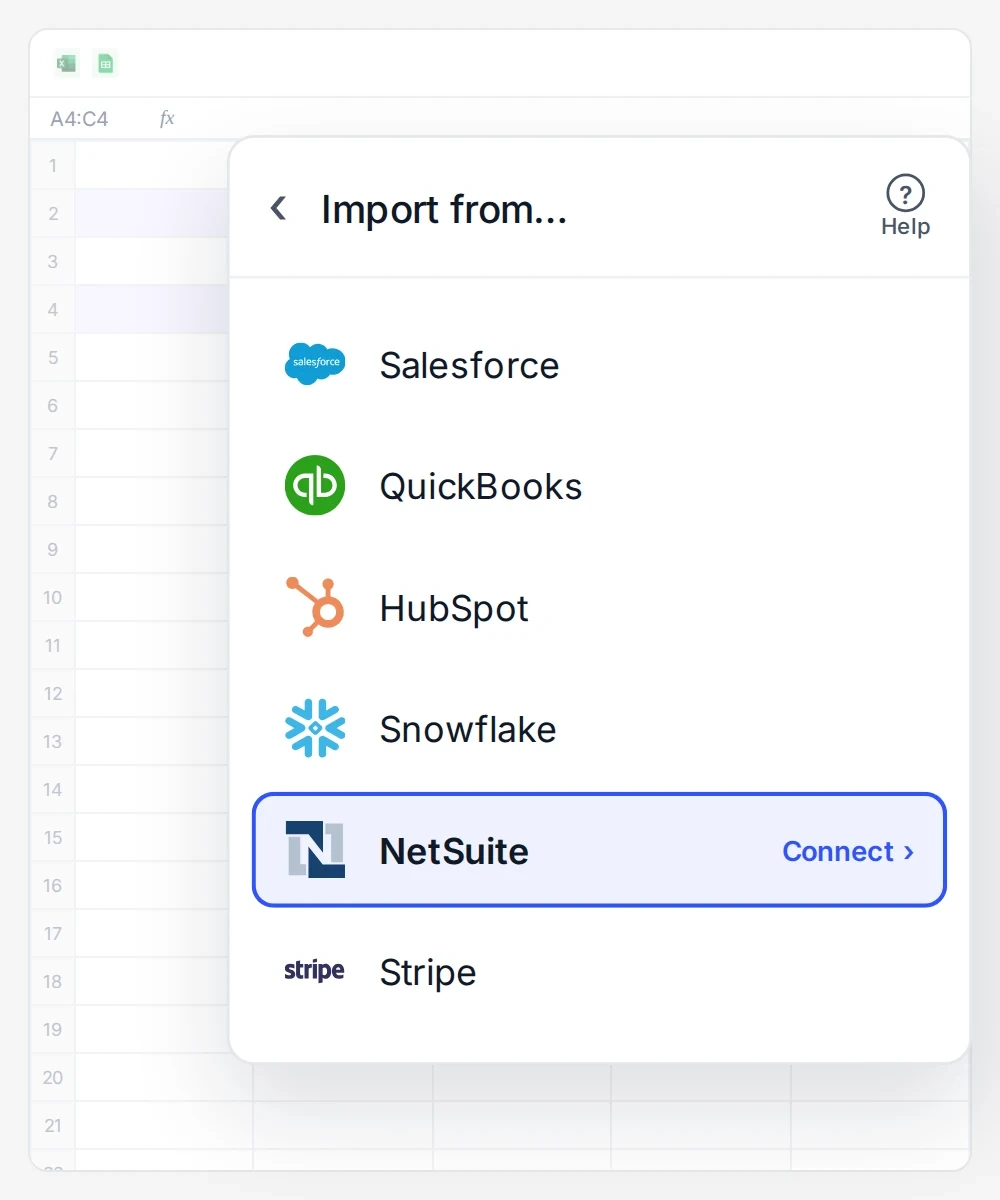
2. Connect NetSuite
Your NetSuite admin sets up the connection once. Then your team signs in and starts importing. See the admin setup.
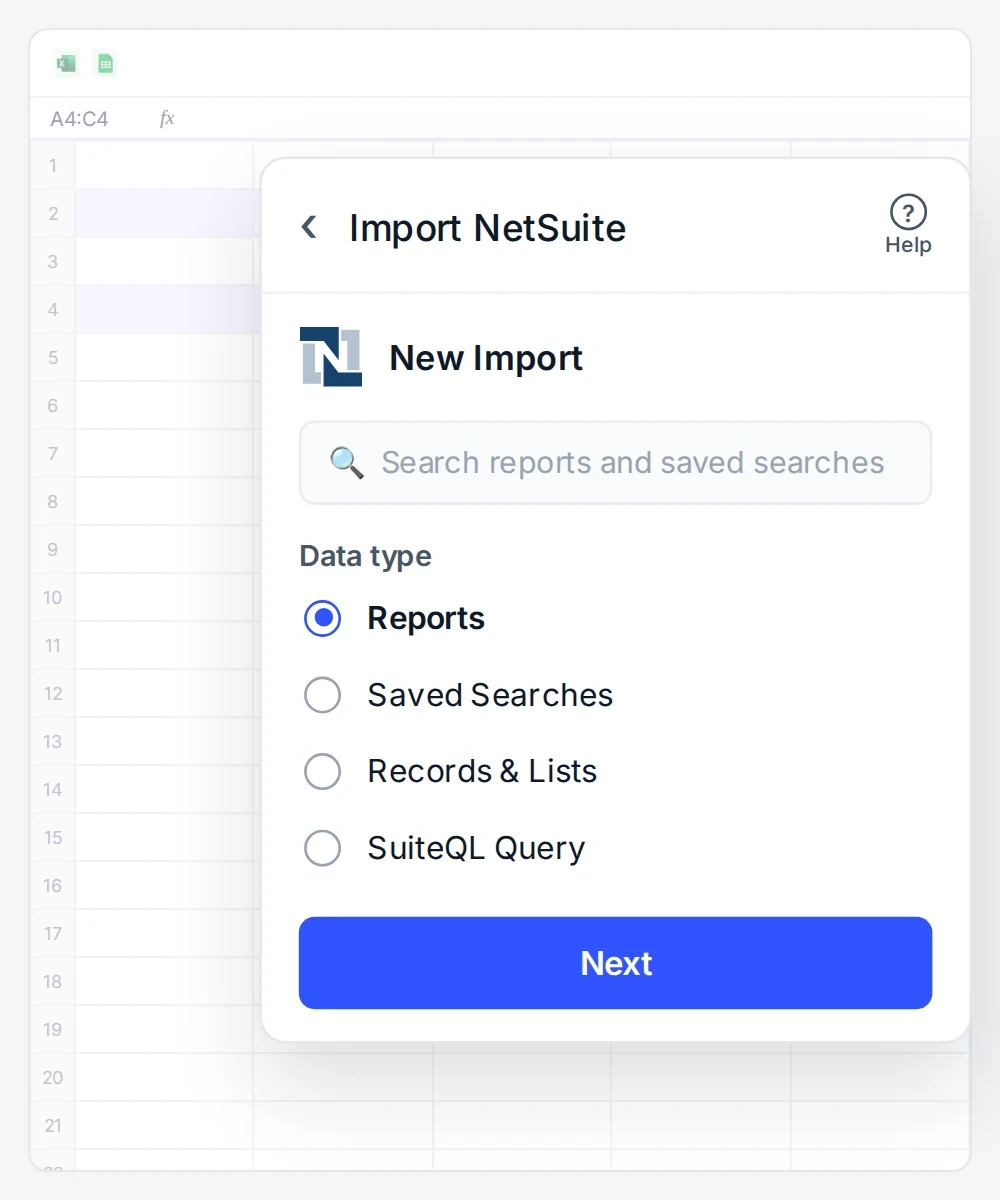
3. Choose your data
Pick a saved search, report, record, dataset or SuiteQL query.
4. Preview and import
Check the preview, then import the results into your sheet.
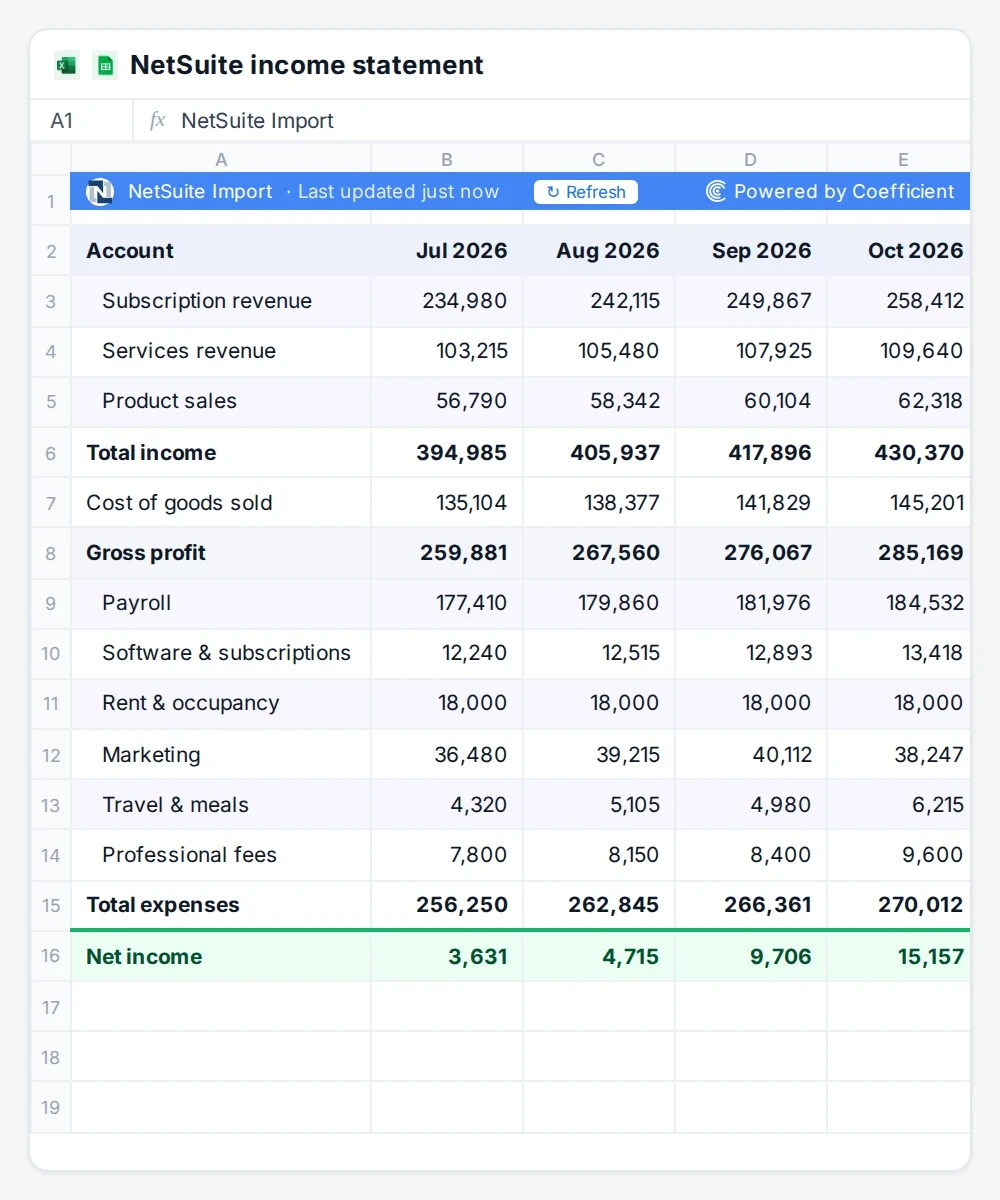
5. Schedule auto-refresh
Set the import to refresh hourly, daily or weekly, or refresh it yourself whenever you need the latest numbers.
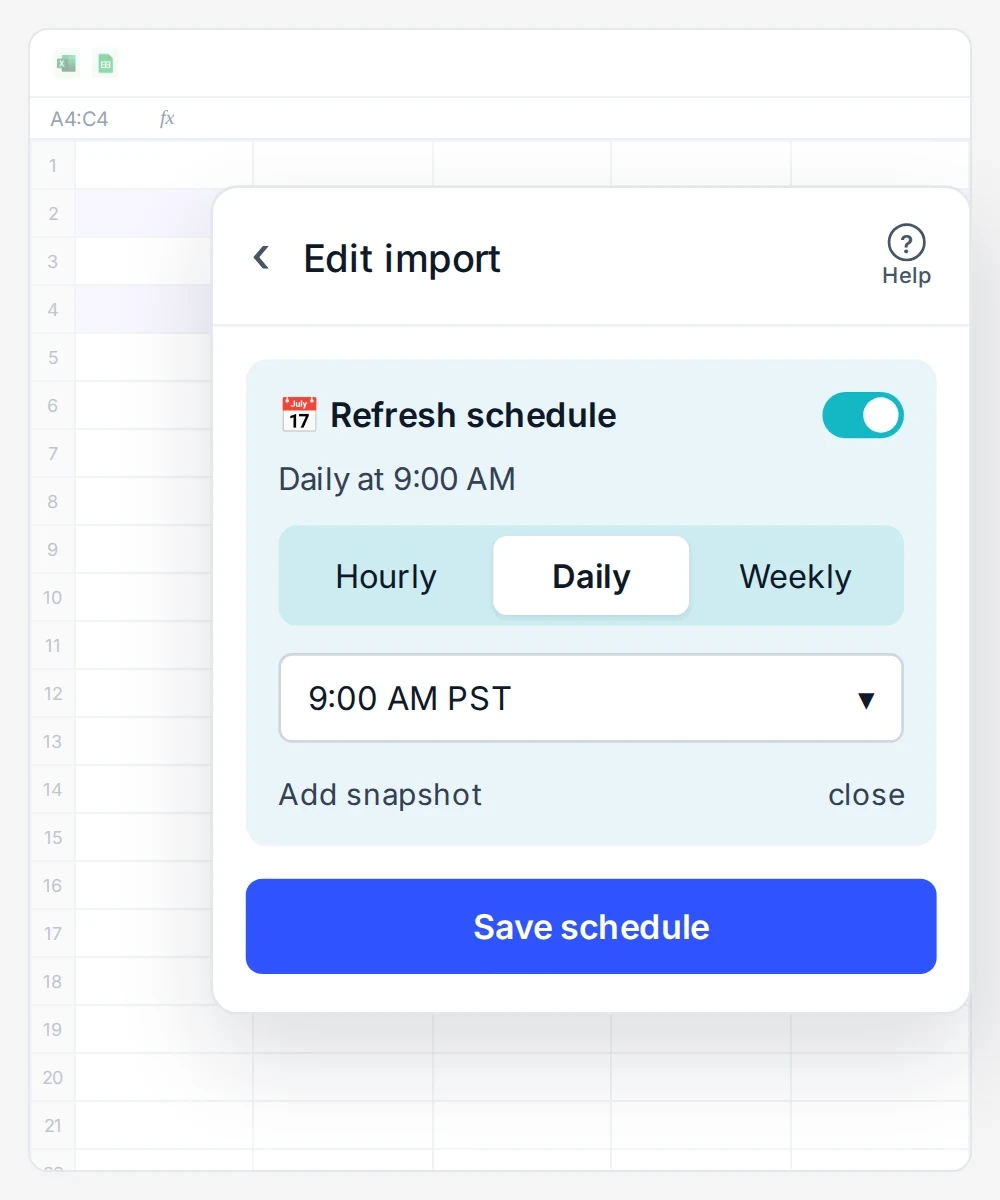
Ways to import NetSuite data into Google Sheets
Start from any NetSuite report or saved search, or write a SuiteQL query, and it lands in a new tab
 Sheets
 Excel
Same imports in Google Sheets and Excel
Income Statement
P&L by period, department and subsidiary.Comparative Income Statement
Two periods side by side in one pull.General Ledger
Line-level detail for tie-outs.Trial Balance
Account balances for close checks.Balance Sheet
Assets, liabilities and equity at any date.A/R and A/P aging
Summary or detail by customer and vendor.Cash Flow Statement
Operating, investing and financing cash.Sales by Customer
Revenue by customer and period.Budget vs Actuals
Variance by account and period.
Transactions
Invoices, sales orders, POs, payments and journals.Customers and contacts
Customer lists, leads and balances.Vendors
Vendor lists, bills and payments due.Items and inventory
Item lists and inventory on hand.Employees
Employee lists, time and expenses.Custom searches
Any saved search your team built.
Customers and vendors
Master data with custom fields.Items
Item records with pricing and stock.Accounts
The chart of accounts.Transactions
Invoices, bills, journals and orders.Subsidiaries and projects
Entity and project records.Custom records
Your custom record types too.
Analytics datasets
Datasets built in NetSuite Analytics Workbook.Transaction detail
Line-level data for ad hoc analysis.SuiteQL queries
Your own query across NetSuite records.

We’ve avoided the much higher costs of similar NetSuite packages, at least $50,000 a year in savings. And the automated data pipeline from our ERP to Excel saves our teams a few hours a week.

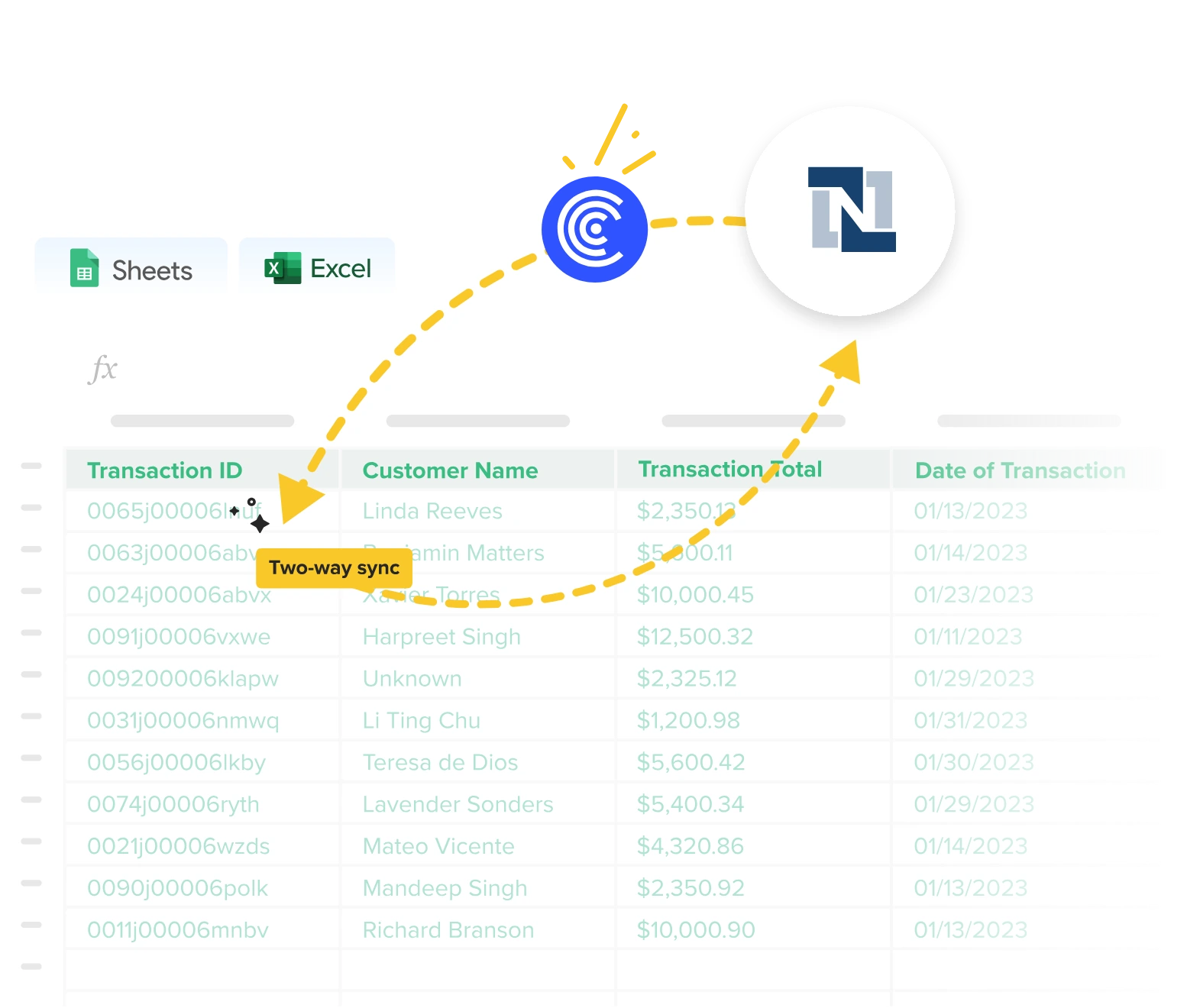
Two-way sync
Post changes from Google Sheets back to NetSuite
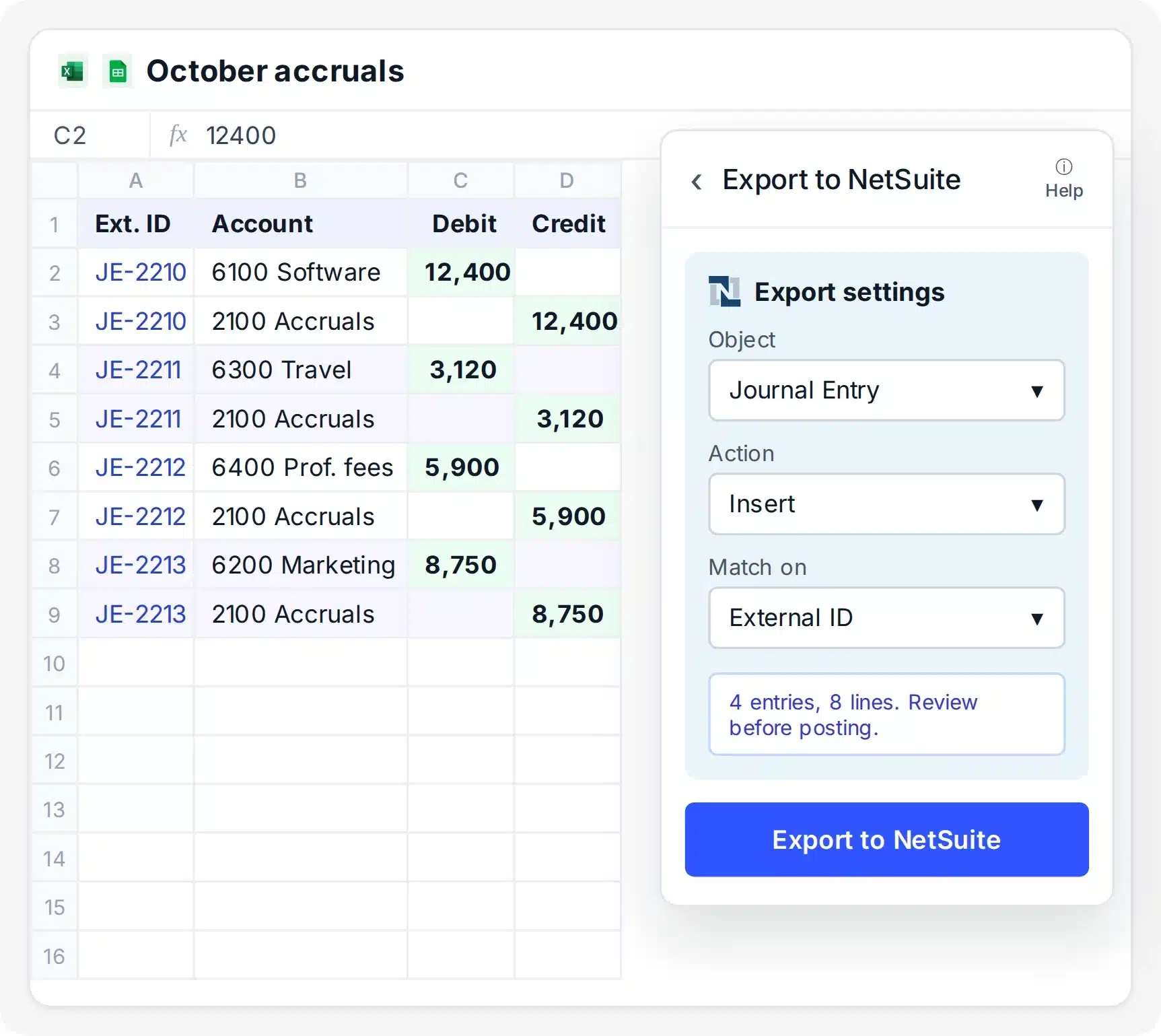
- Turn each row into a journal entry, invoice, order or bill
- Match each sheet column to its NetSuite field
- Preview the export and approve it before it posts
AI Dashboards
Turn your NetSuite data into a live dashboard
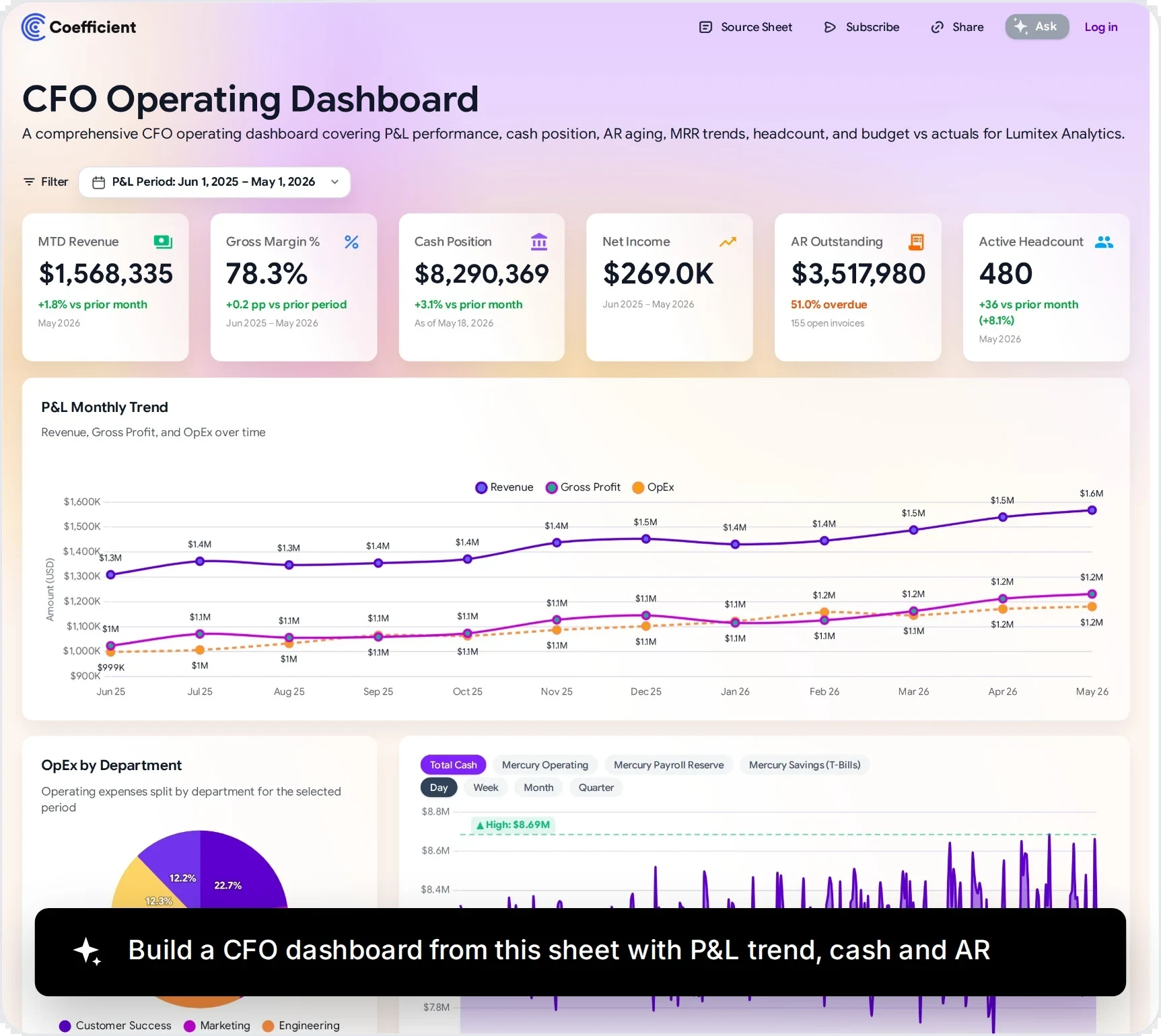
- Describe the dashboard and AI builds it from your sheet
- Share a live link, no NetSuite login needed
- Get Slack, Teams or email alerts when numbers change
150+ integrations
Blend NetSuite with 150+ other data sources

- Put NetSuite revenue next to Salesforce and HubSpot pipeline
- Match NetSuite and CRM records on customer ID
- No warehouse or ETL job to set up
What finance teams build with NetSuite and Coefficient
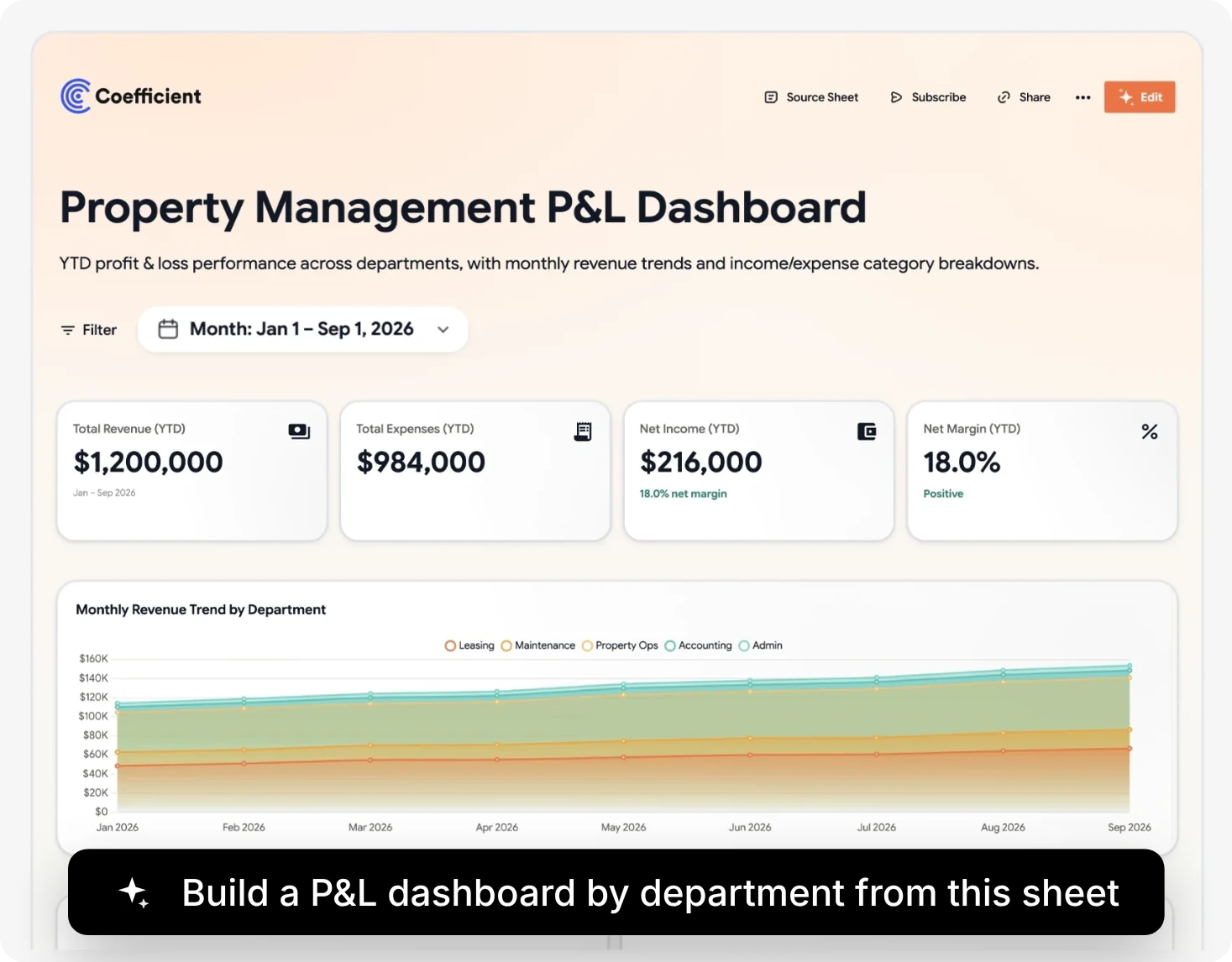
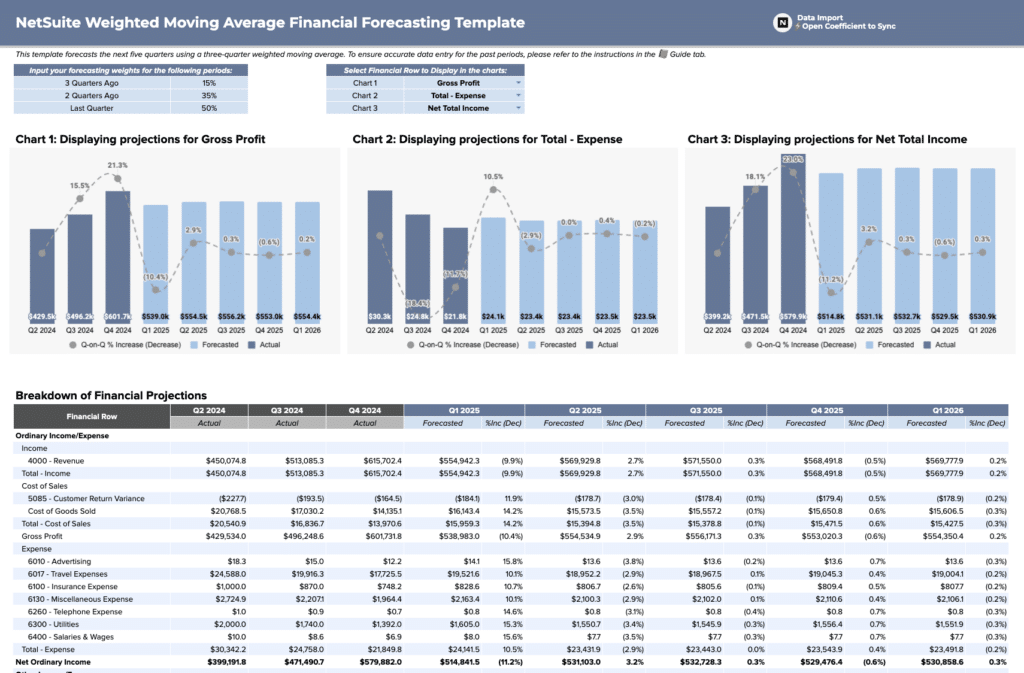
Monthly P&L dashboard
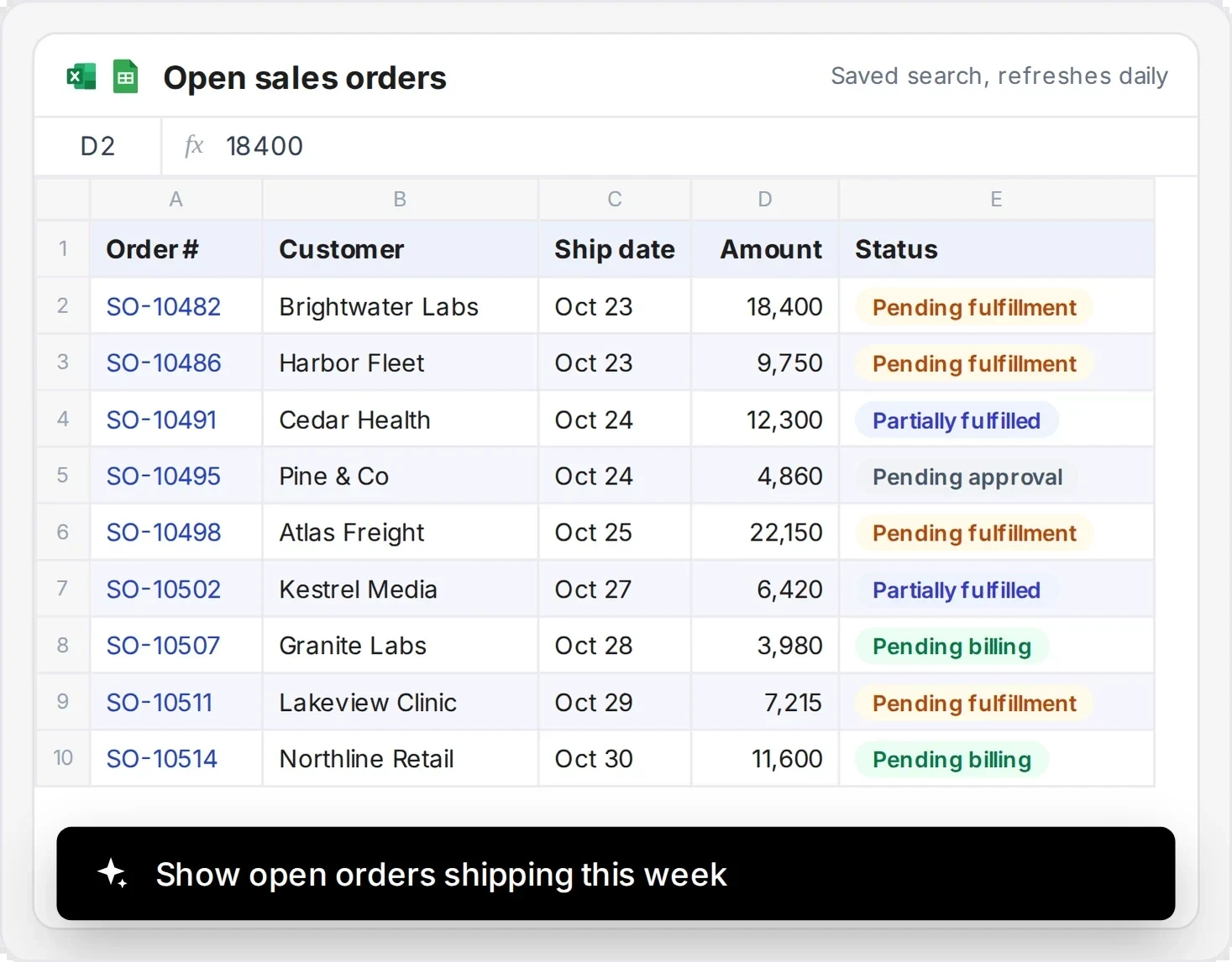
Sales and order reports
Inventory and warehouse reports

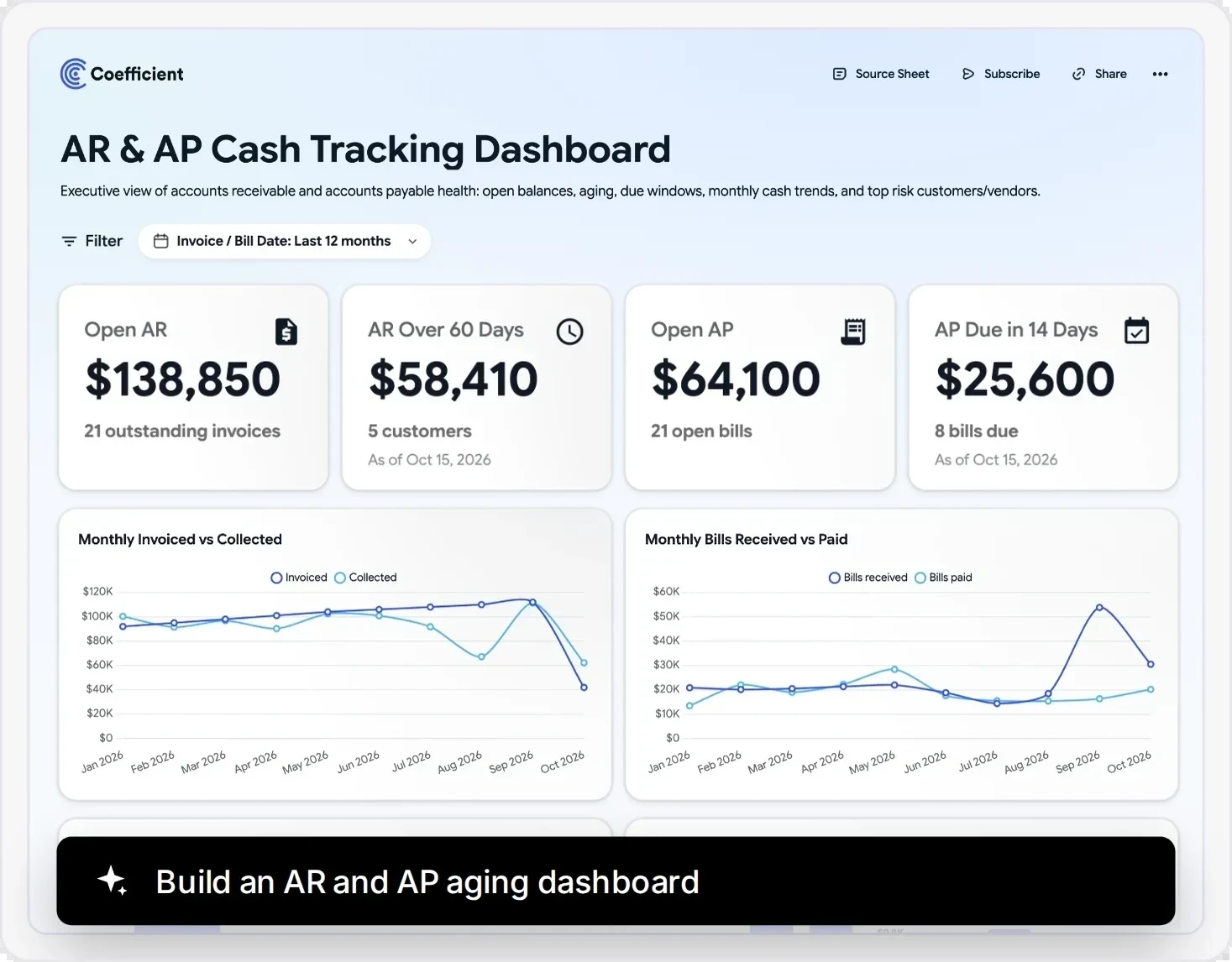
AR and AP aging dashboard
AI Sheets Assistant
Clean your NetSuite data with the AI Sheets Assistant

- Standardize vendor, customer and account names
- Merge duplicate records with one prompt
- Create pivots and formulas from plain English
Coefficient vs. NetSuite CSV export vs. custom scripts
Compare import, refresh, writeback and sharing for NetSuite reporting in Google Sheets.
| Coefficient | NetSuite CSV export | Custom scripts | |
|---|---|---|---|
| Get NetSuite data into a sheet | Pick a saved search, report or SuiteQL query. | Run the search, export a CSV, paste it in. | A developer builds a RESTlet or SuiteScript. |
| Keep reports up to date | Refreshes automatically on a schedule. | Export and paste again every time. | Breaks when searches or fields change. |
| Send journal entries back to NetSuite | Export from the sheet after a review. | Upload a CSV through the Import Assistant. | Custom code for every record type. |
| Combine with CRM and warehouse data | Salesforce, Snowflake and 150+ sources in the same sheet. | NetSuite only. | A new integration for each source. |
| Get alerts when numbers change | Slack or email alerts from your sheet. | Not available. | Custom code for every alert. |
| Share with people who don’t have NetSuite access | Share the sheet. No NetSuite login needed. | Email a static file that’s outdated tomorrow. | Depends on how it was built. |
| Who can run it | Anyone on the finance team, no code. | Only people with a NetSuite login. | Only the developer who built it. |
What customers say about Coefficient

Before Coefficient, I was doing multiple data pulls a day.

I went from downloading 100+ tables every week to writing strategic summaries on analyzed data.

Coefficient saved us hours upon hours of work. There’s no manual back-and-forth anymore.

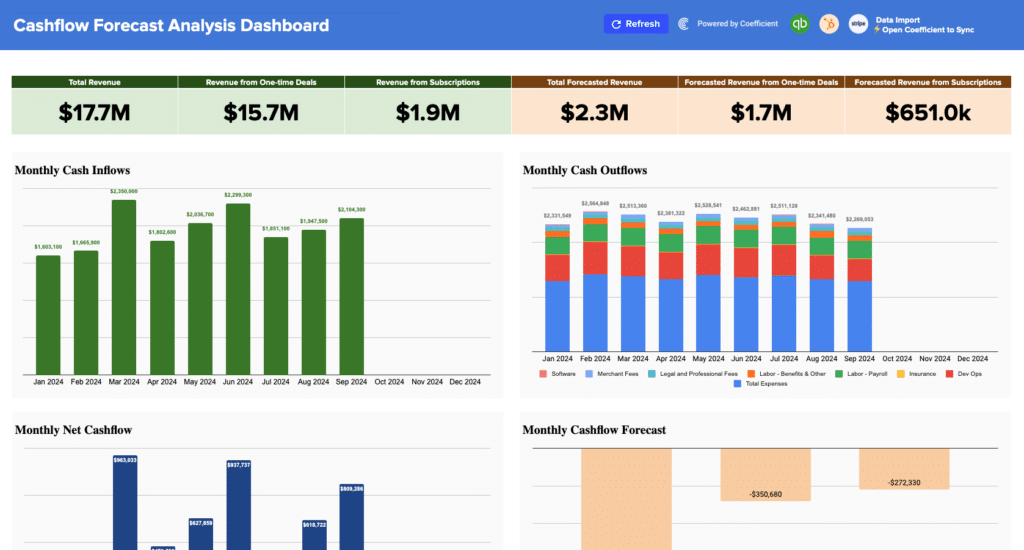
NetSuite reporting templates for Google Sheets
Prebuilt finance dashboards. Connect live NetSuite data in one click.
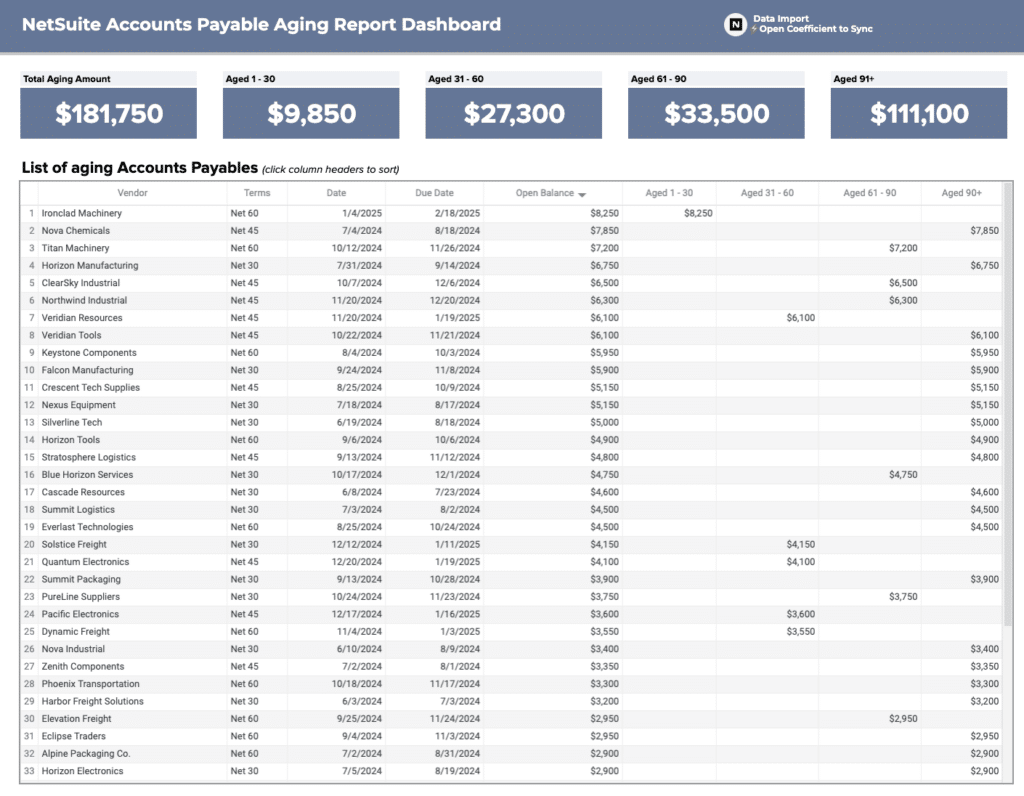
Set up access with your NetSuite admin
Security, compliance, and control - without the enterprise sales cycle.
SSO & access control
Your identity provider. Your rules.
- SSO: Okta, Azure AD, Google Workspace, OneLogin
- Roles: Admin, Editor, Viewer
- Permissions: Control who accesses which data sources

Coefficient NetSuite connector capabilities at a glance
Import NetSuite saved searches, reports, records, datasets and SuiteQL results into Google Sheets.
| What Coefficient supports | |
|---|---|
| Saved searches | Any saved search your NetSuite role can run |
| Reports | Income Statement, Comparative Income Statement, General Ledger and Trial Balance, plus any other report with NetSuite Agent |
| Records and lists | Customers, vendors, items, transactions and custom records |
| Datasets | Analytics Workbook datasets your team built |
| SuiteQL | Your own SuiteQL query results |
| Scheduled refresh | Hourly, daily or weekly, with no manual exports |
| Writeback | Journal entries, invoices, sales orders, purchase orders, vendor bills and credit memos |
| Alerts | Slack or email alerts when sheet values change |
| Team reporting | Share the sheet and dashboard, no NetSuite login needed |
| Cost | Included in the Enterprise plan |
NetSuite Google Sheets integration FAQs
About NetSuite
Oracle NetSuite brings finance, inventory and operations together. Coefficient connects NetSuite to Google Sheets and Excel so your team can build reports in the spreadsheets it already uses.


Put live NetSuite data in Google Sheets
No credit card required.
