QuickBooks Google Sheets integration for finance teams
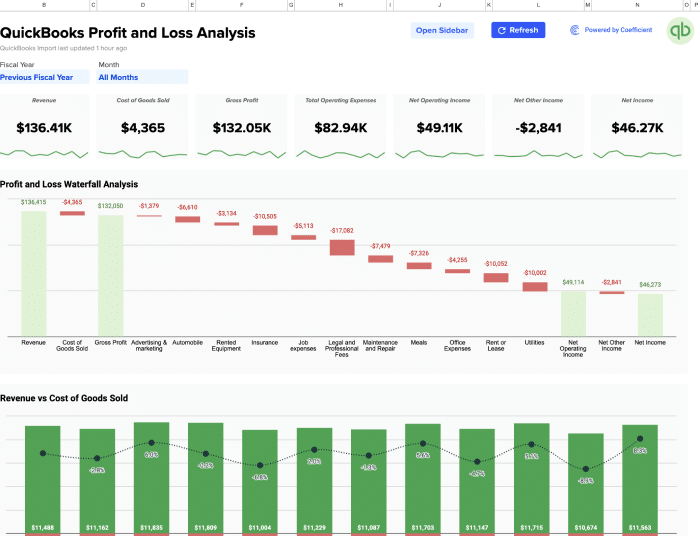
Pull P&L reports, close the books faster, track key metrics and visualize forecasts in spreadsheets or dashboards.

Trusted by 700,000+ users


How to connect QuickBooks to Google Sheets
Live data in minutes. No code or API work.
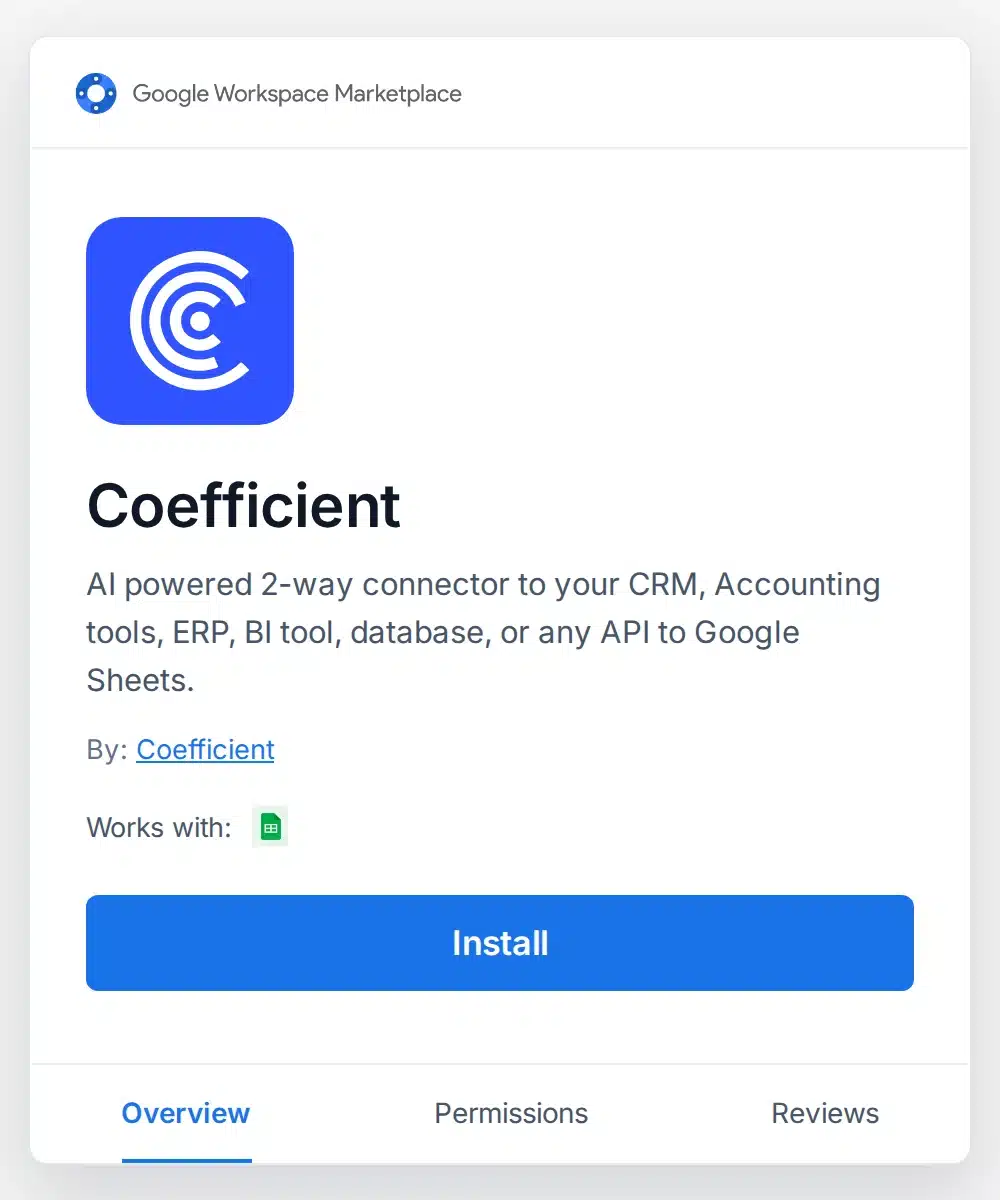
1. Install Coefficient

Install Coefficient from Extensions › Add-ons › Get add-ons.
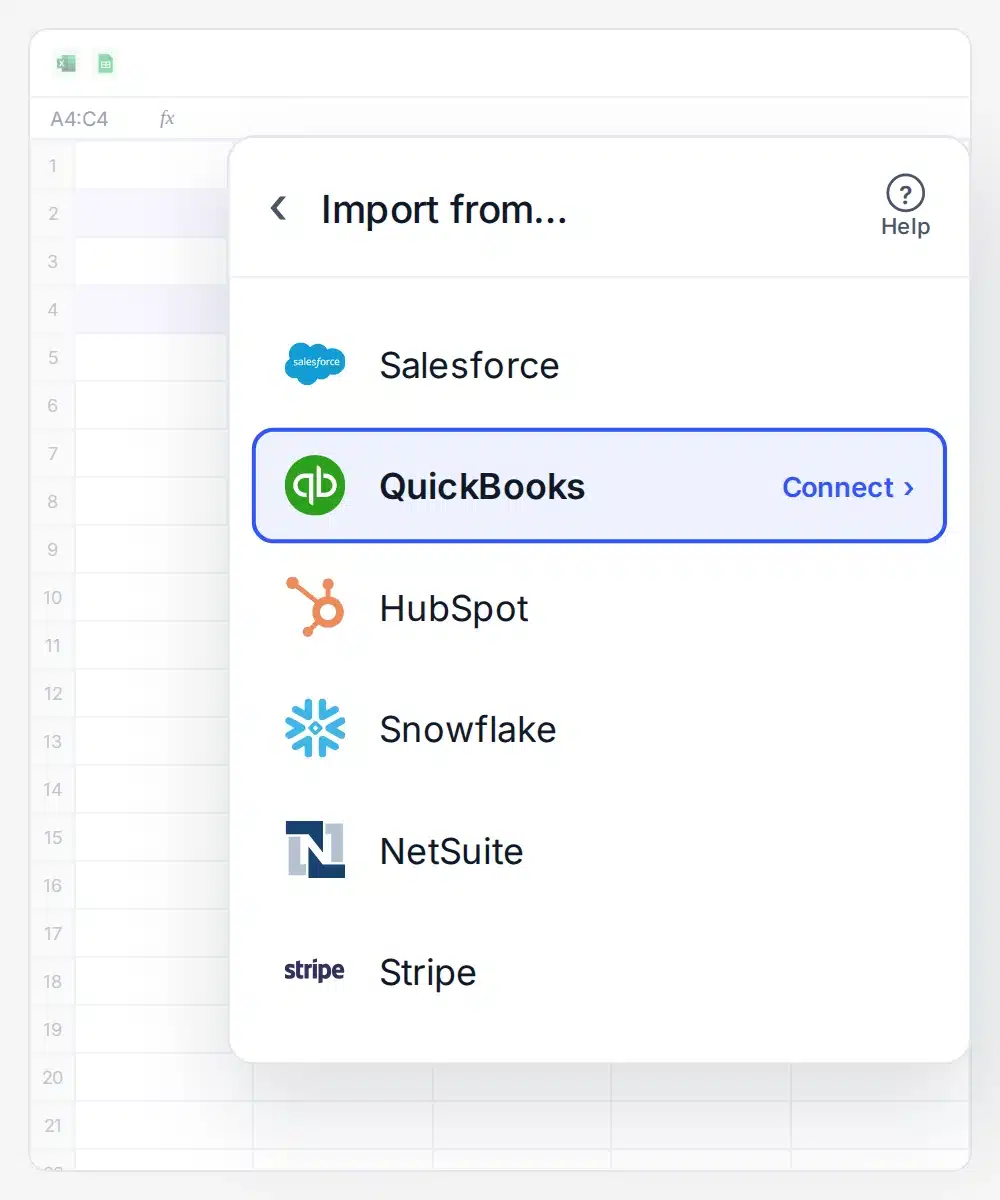
2. Connect QuickBooks
Click Import from › QuickBooks, then sign in.
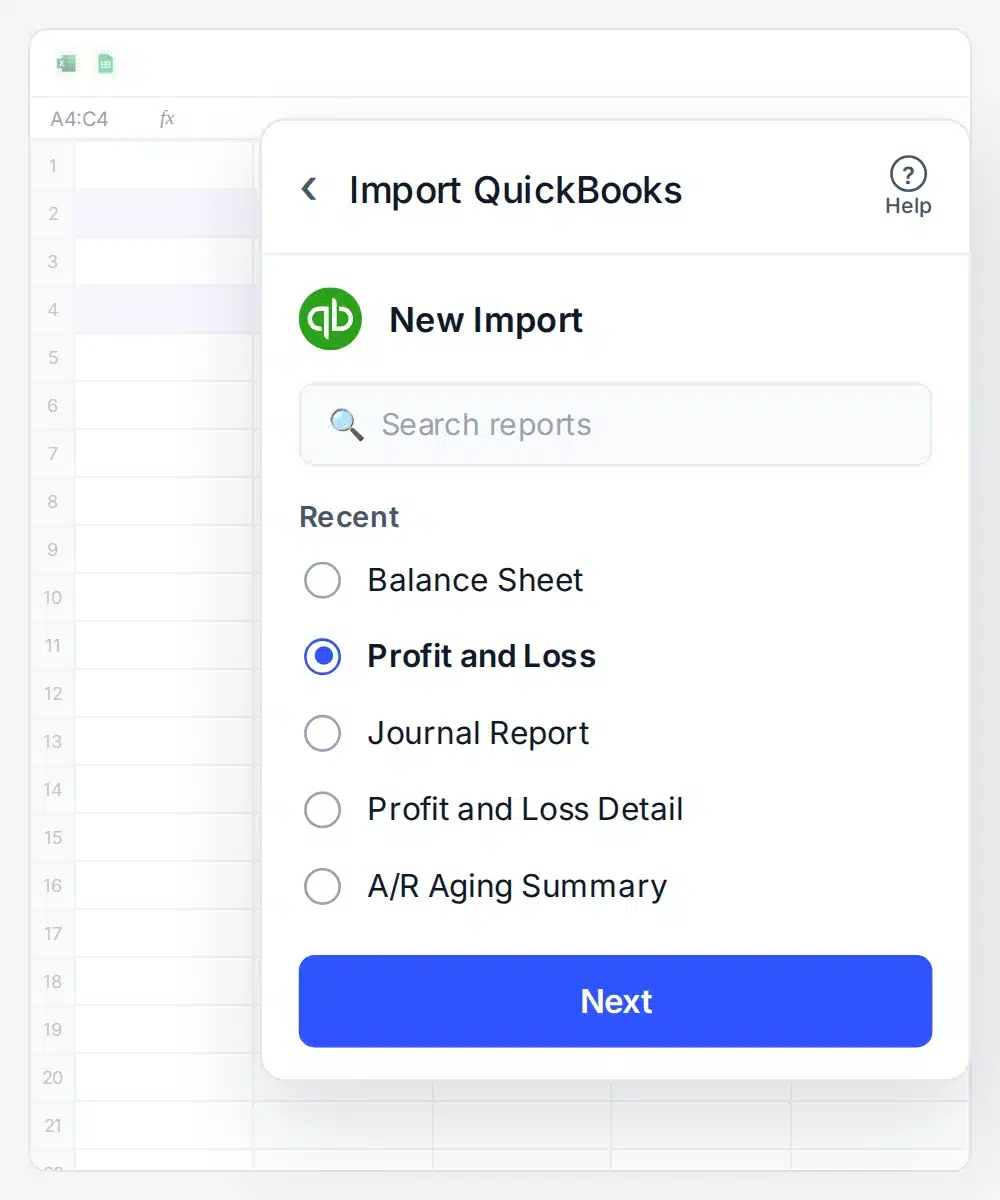
3. Choose the QBO data to import
Select any report or object, then click Next.
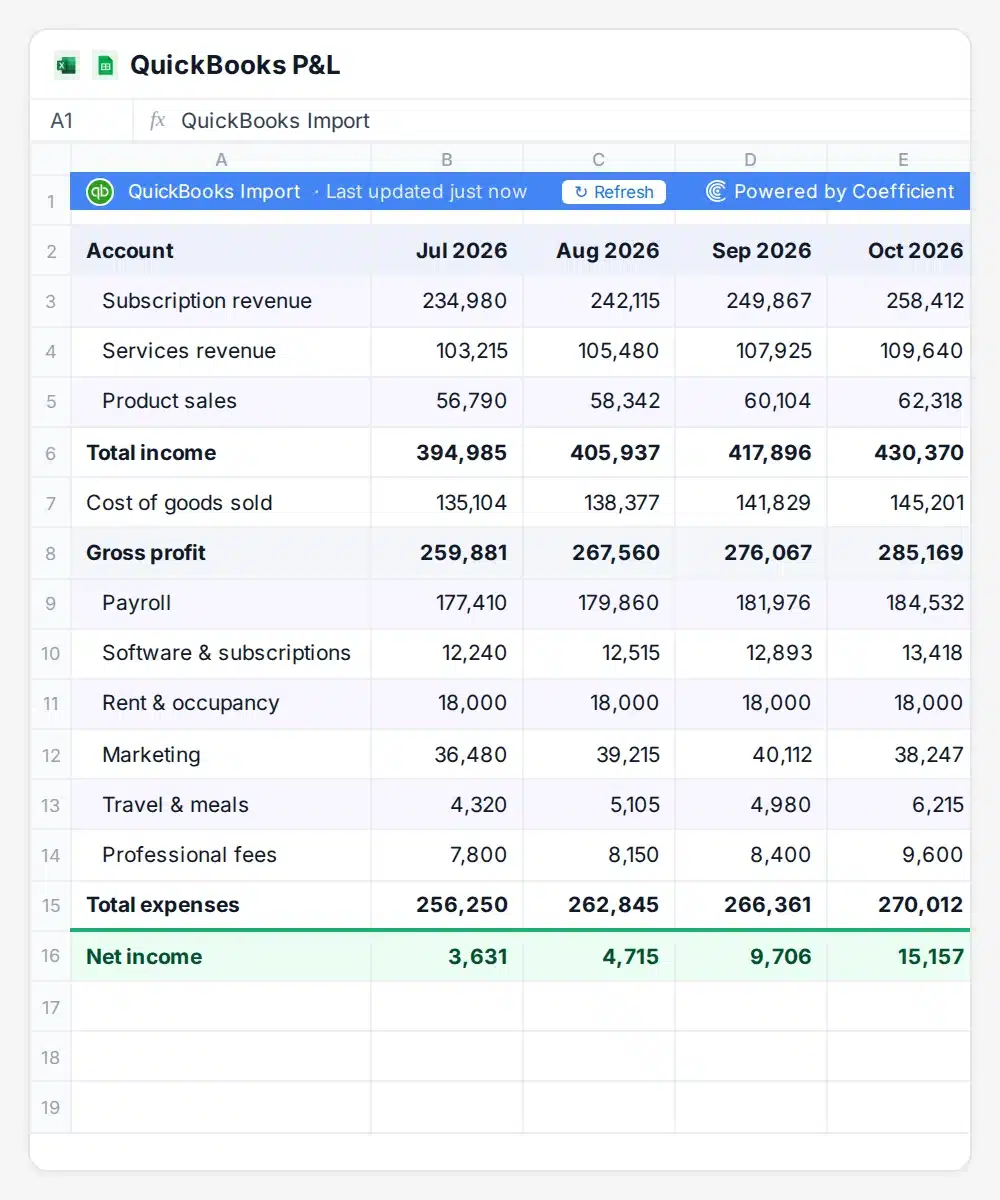
4. Run your import
Click Import. Your P&L lands in the sheet.
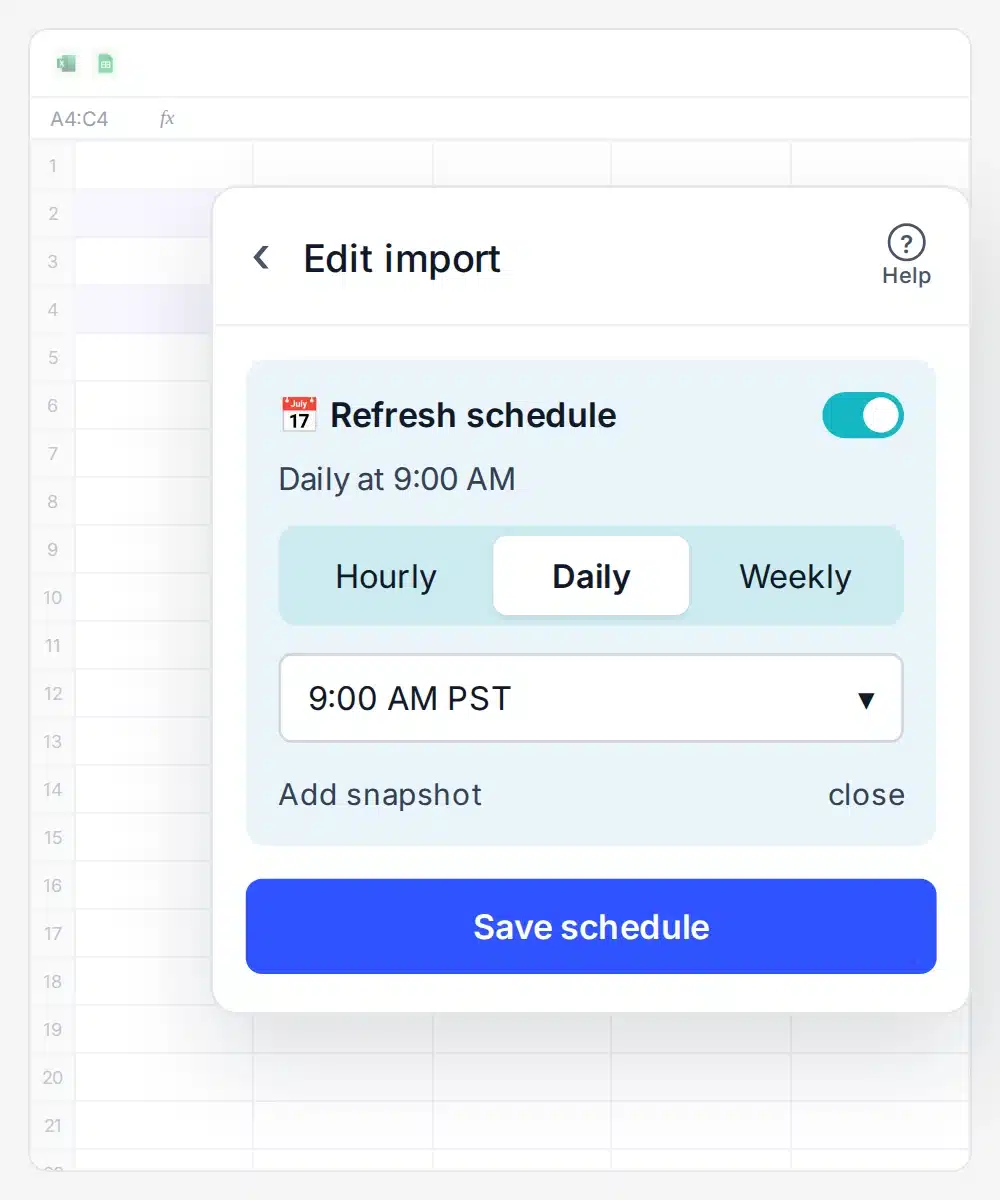
5. Schedule auto-refresh
Choose hourly, daily or weekly, then pick a time.
QuickBooks data you can import into Google Sheets
 Sheets
 Excel
ExcelSame imports in Google Sheets and Excel
Profit and Loss
Income, expenses and net income for any date range.Balance Sheet
Assets, liabilities and equity as of any date.General Ledger
Every posted transaction by account, ready to filter.Cash Flow
Operating, investing and financing cash movements.Trial Balance
Debit and credit balances to check before close.Accounts Receivable
Open invoices by customer and aging bucket.Accounts Payable
Unpaid bills by vendor and due date.Sales
Revenue by customer, product or service.Transaction List
Every transaction with date, type, name and amount.
Invoice
Invoice lines, amounts, due dates and status.Customer
Customer names, contacts, terms and open balances.Bill
Vendor bills with amounts and due dates.Payment
Customer payments received, with dates and amounts.Journal Entry
Manual entries with accounts, debits and credits.Budget
Budgeted amounts by account and month.Account
Your chart of accounts with types and balances.Sales Receipt
Paid-at-sale transactions with items and totals.Credit Memo
Customer credits and the amounts left to apply.
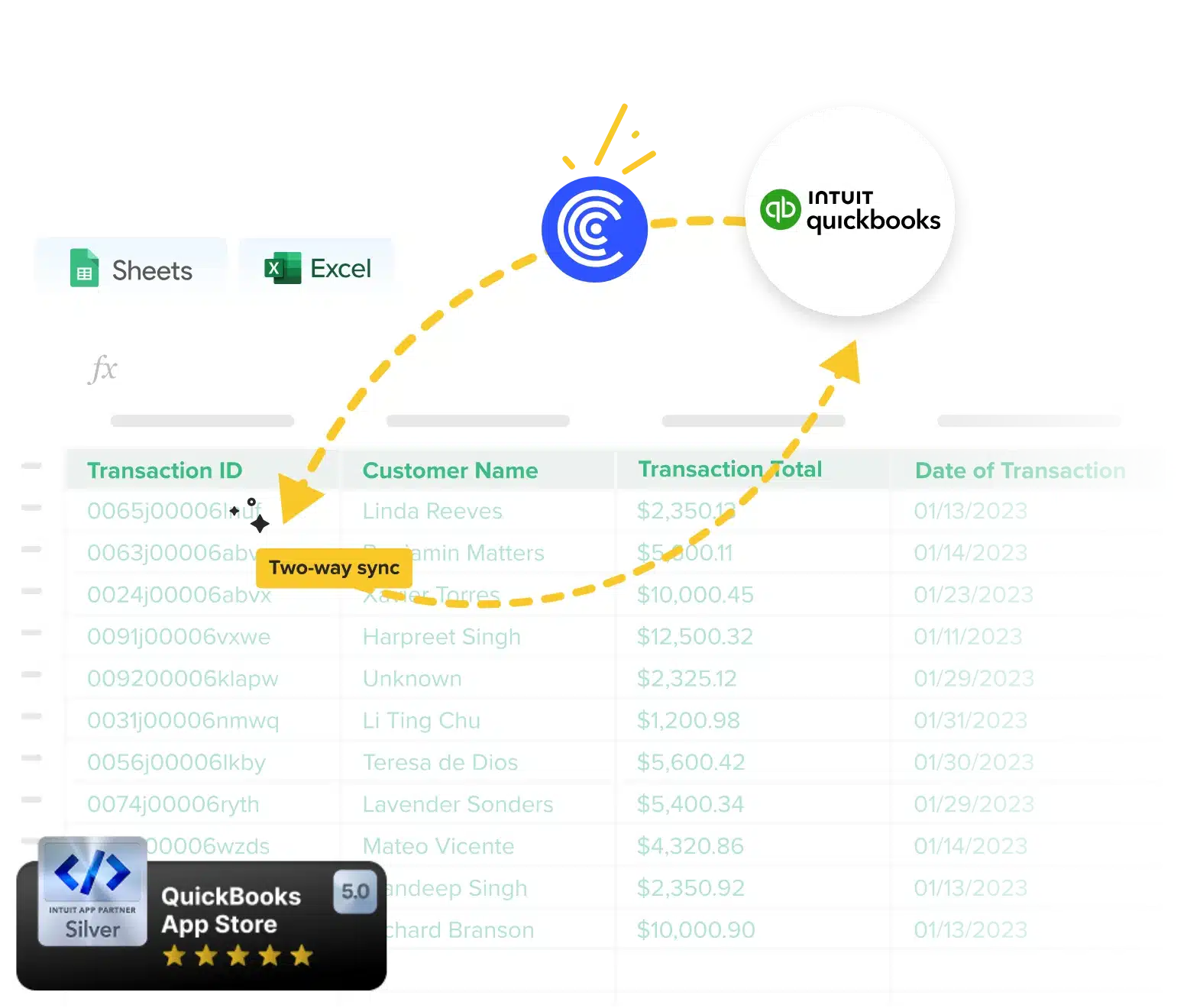
Two-way sync
Export changes from your sheet back to QuickBooks
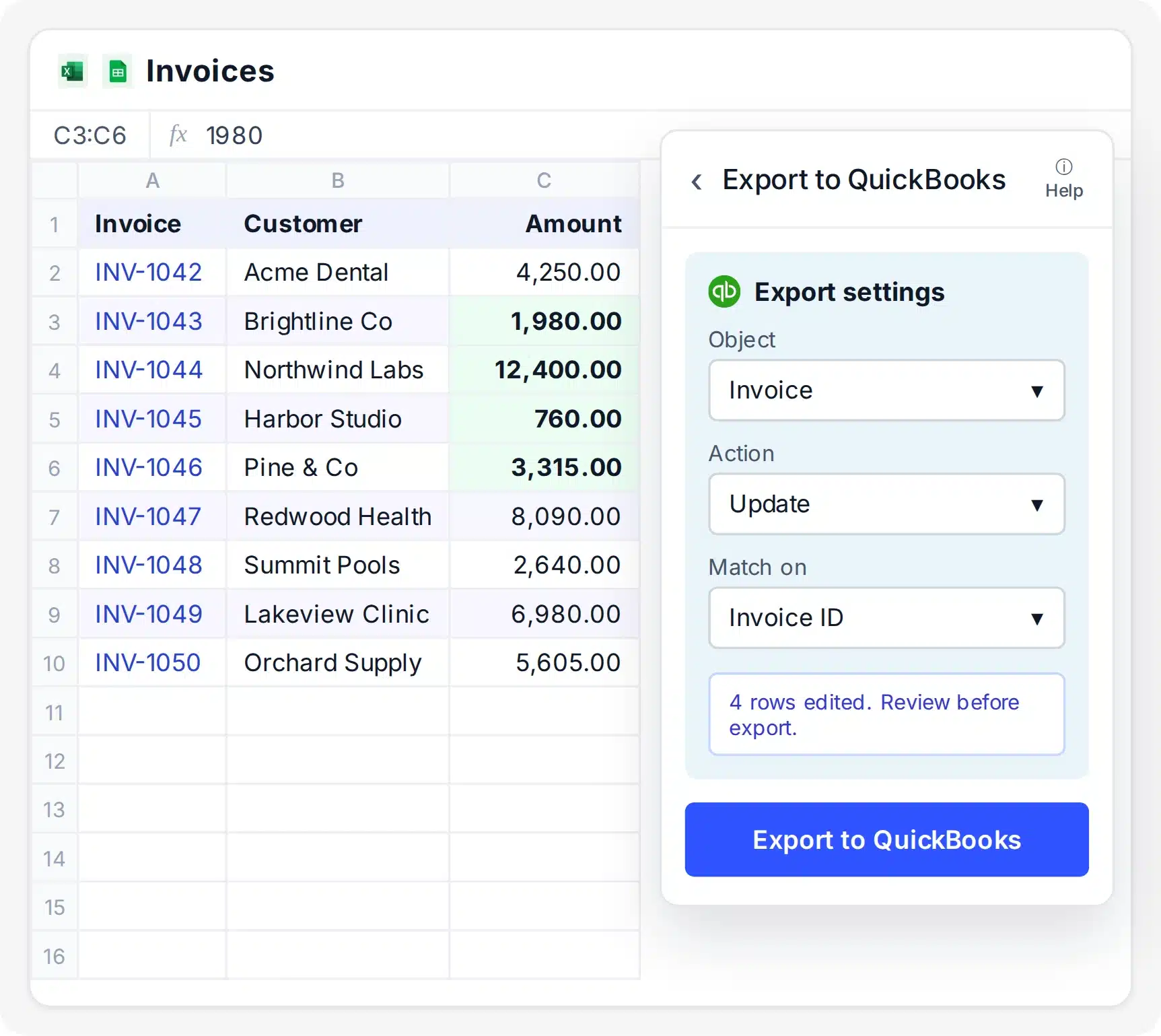
- Edit invoices, bills and other records in the sheet
- Create, update or void transactions in bulk
- Map sheet columns to QuickBooks fields before you export
No BI tool needed
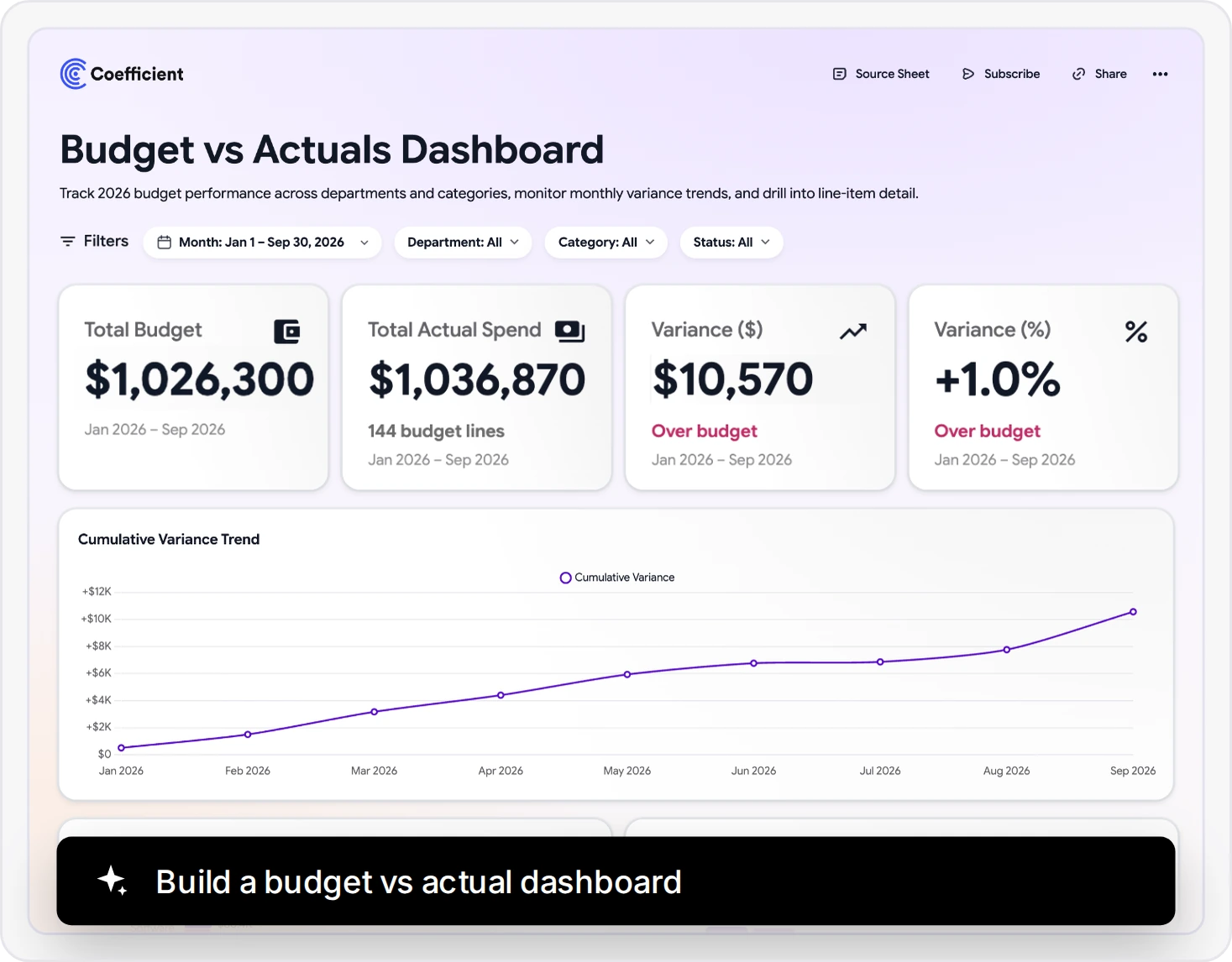
Build and share beautiful AI dashboards
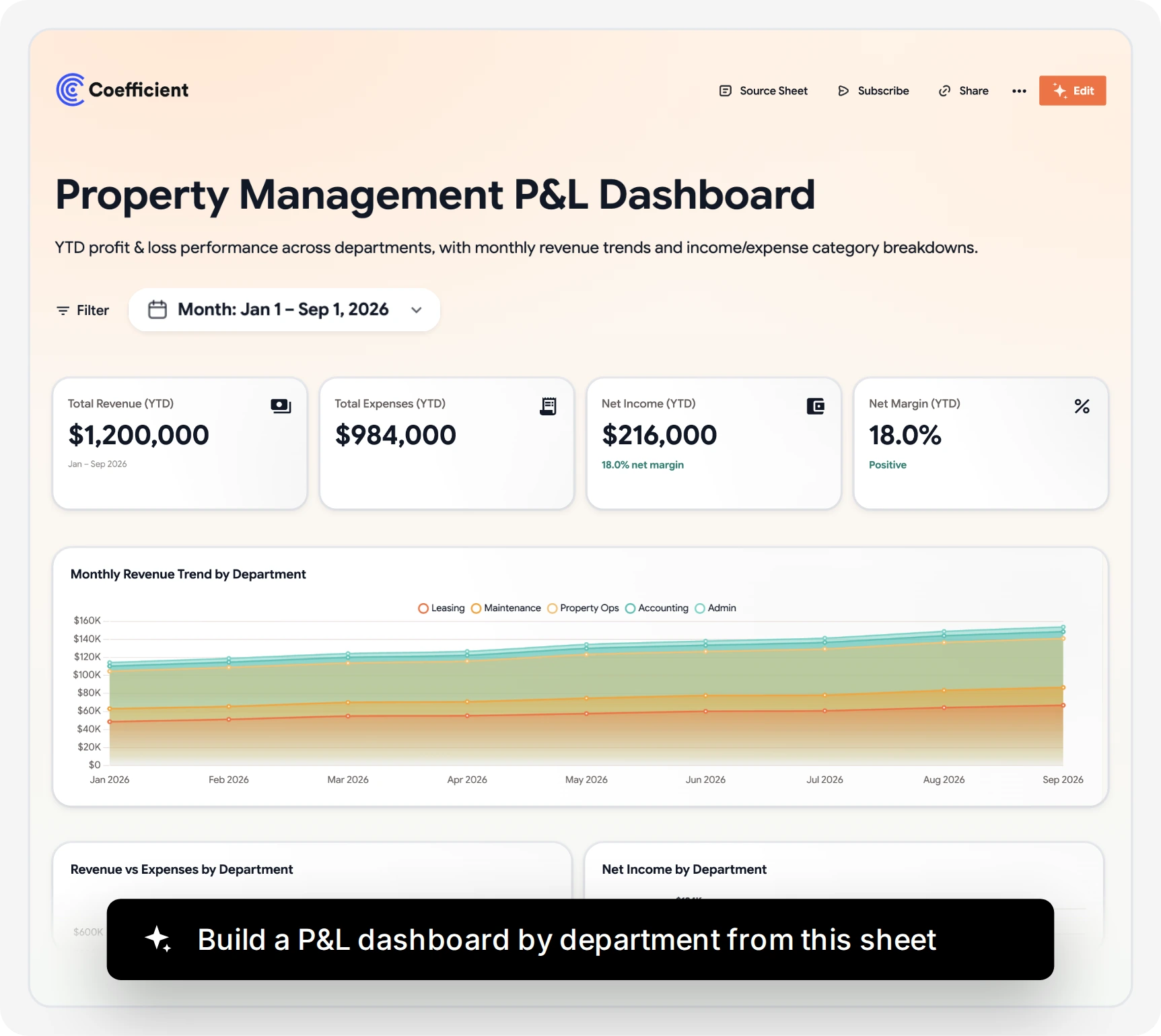
- Build a dashboard from a plain-English prompt
- Charts update automatically with every data refresh
- Share a live link with no per-viewer fee
150+ integrations
Blend data from QuickBooks and 150+ other sources
- Pull Stripe, Salesforce and HubSpot into the same sheet
- Report across every source in one tab
- No data warehouse or ETL tool needed
What finance teams build with QuickBooks and Coefficient
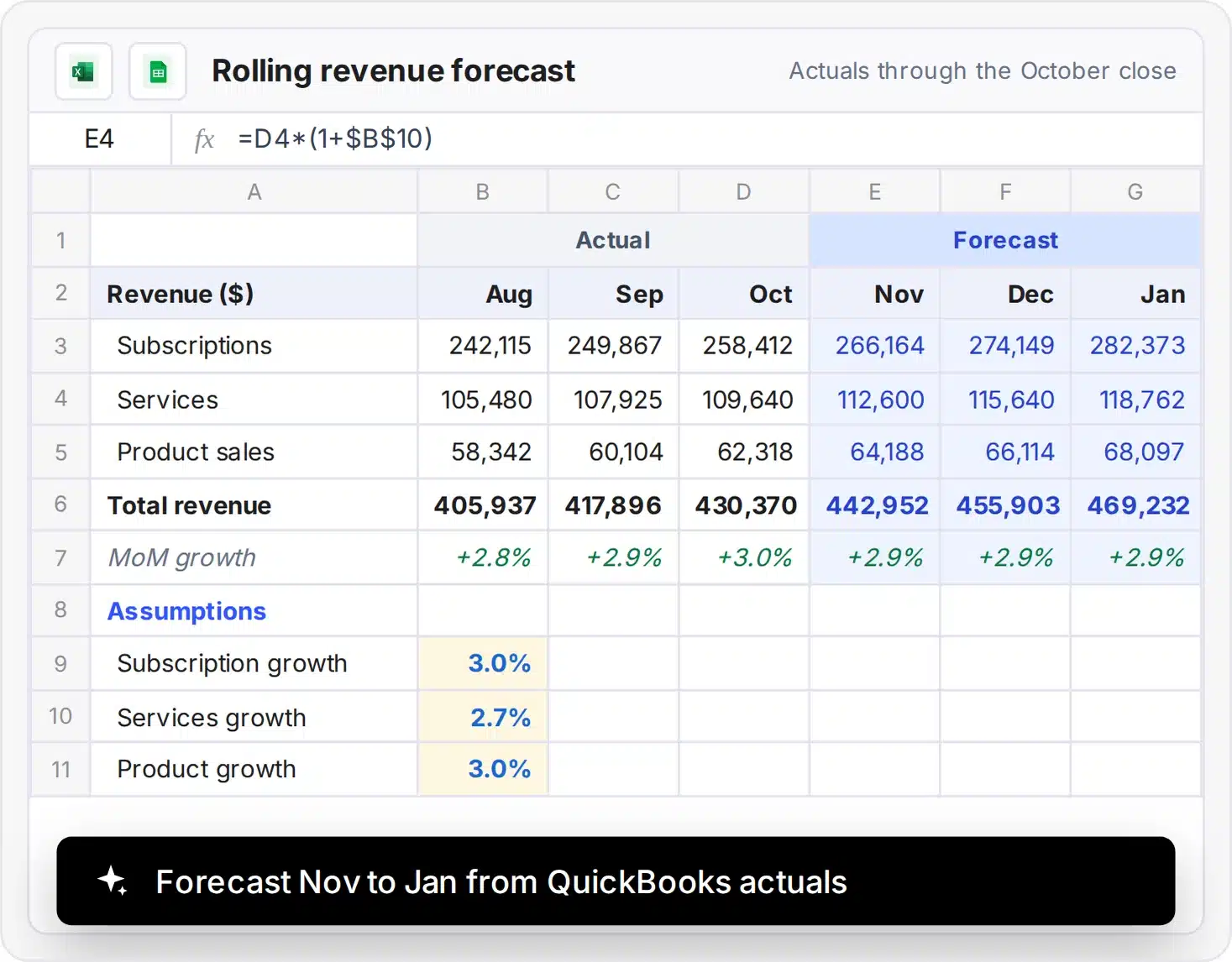
Forecasting
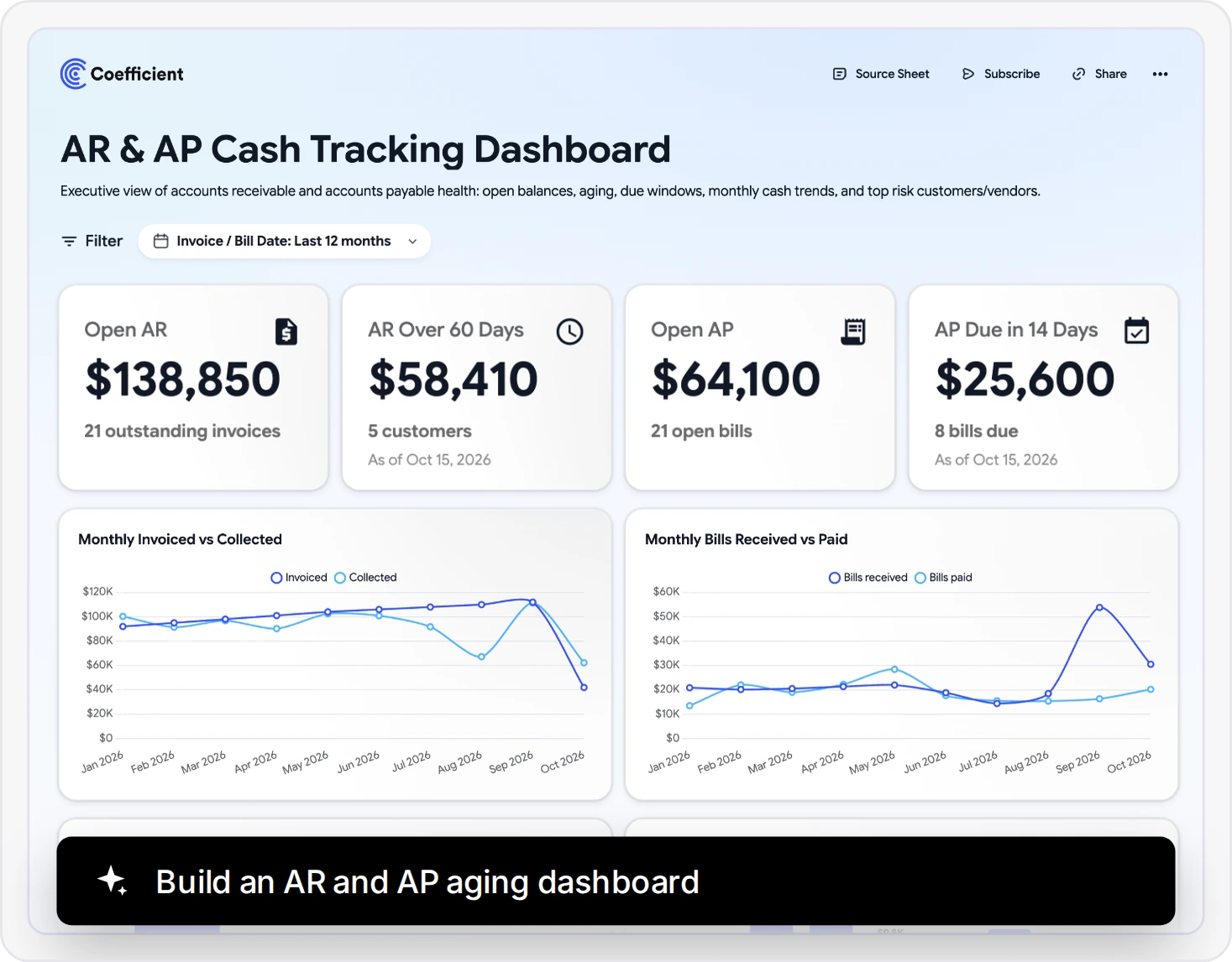
AP and AR tracking
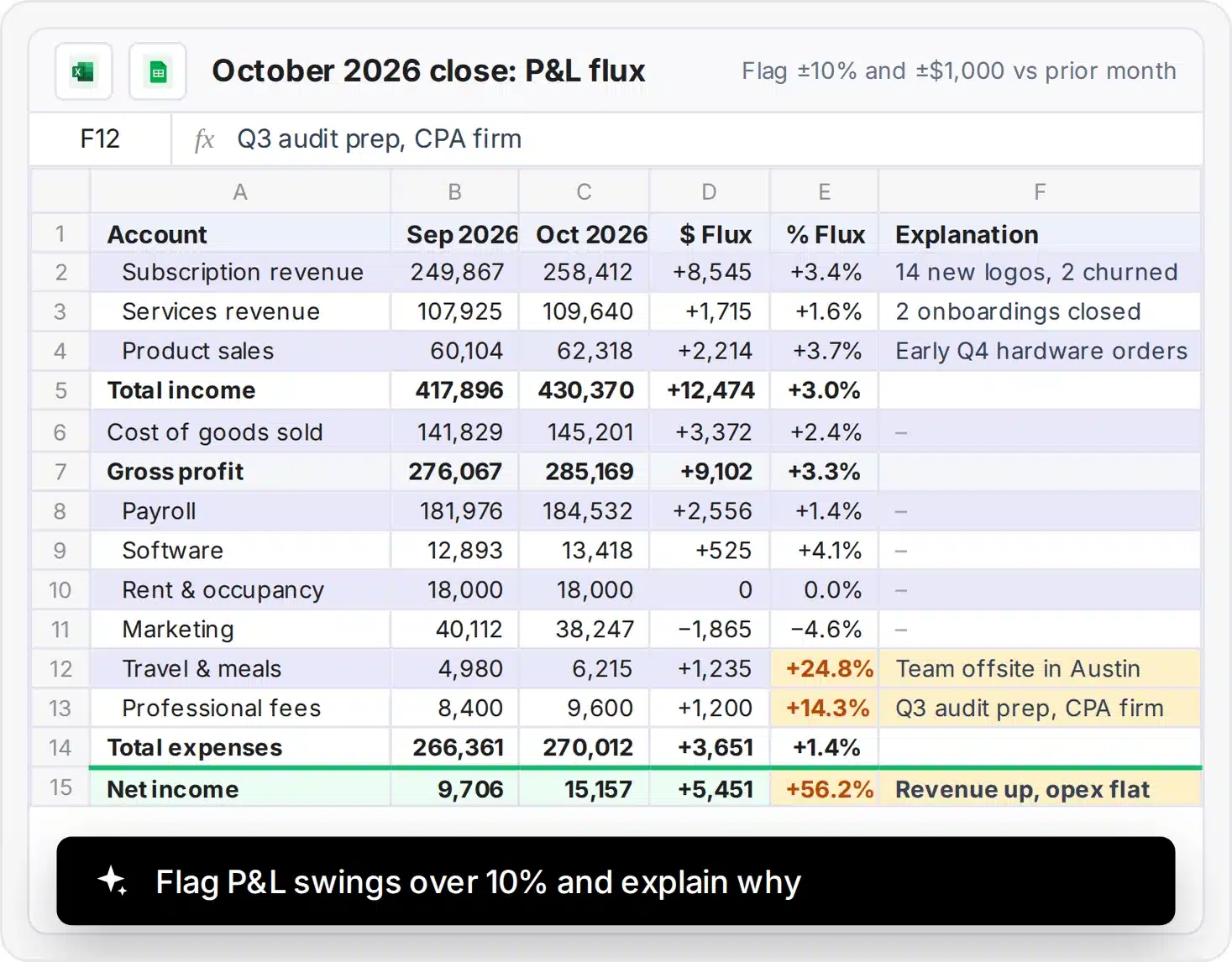
Month-end close
Budget vs actual dashboard
Data cleanup
Clean your QuickBooks data with the AI Sheets Assistant
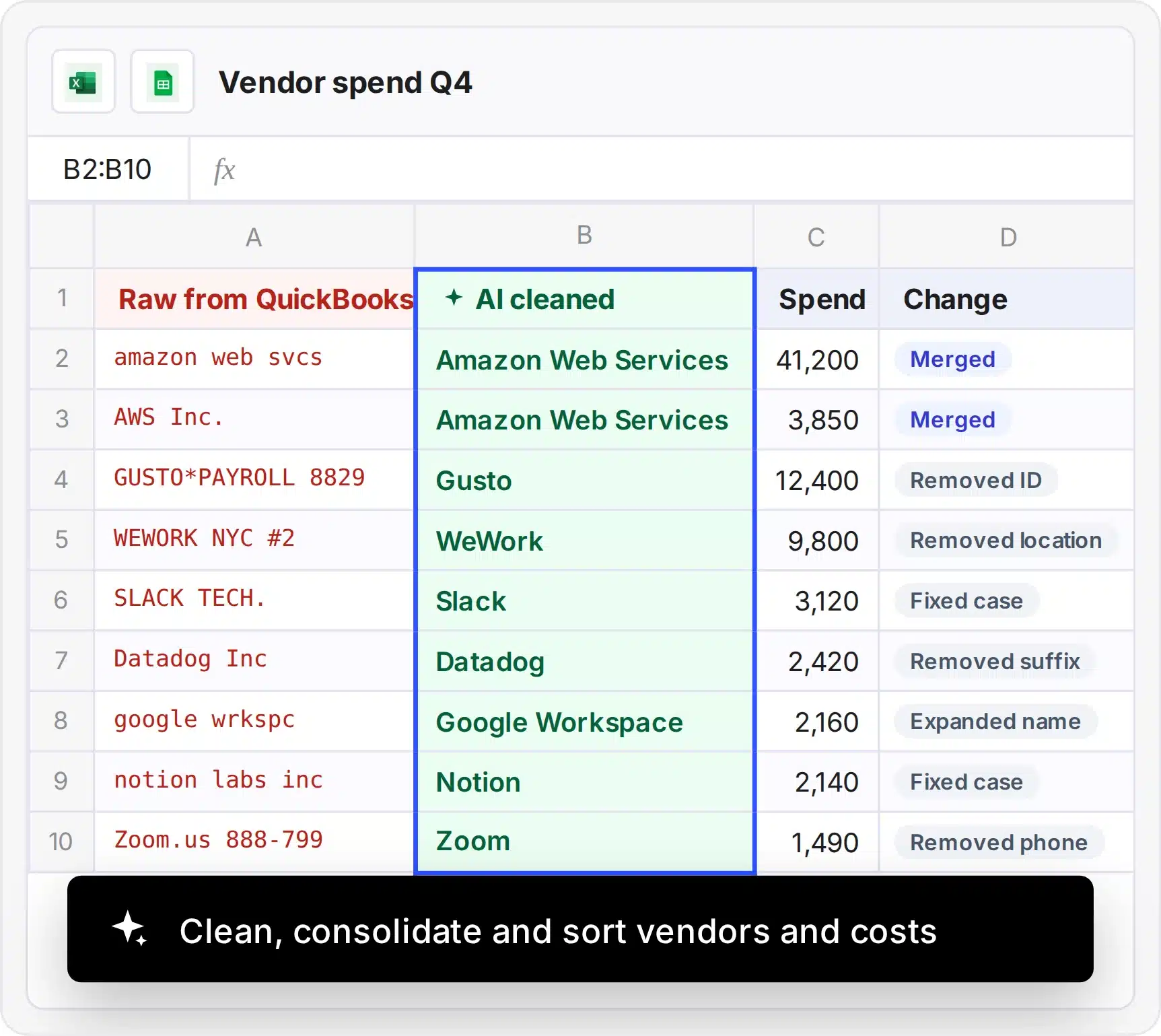
- Clean and standardize vendor and customer names
- Merge duplicate records with one prompt
- Create pivots and formulas from plain English
What finance teams say about Coefficient

By automating connections between Salesforce, Looker, and QuickBooks, we saved 364 hours per year.

Coefficient’s QuickBooks connector saves me hours of time each week. It’s not a nice to have, it’s a must have.

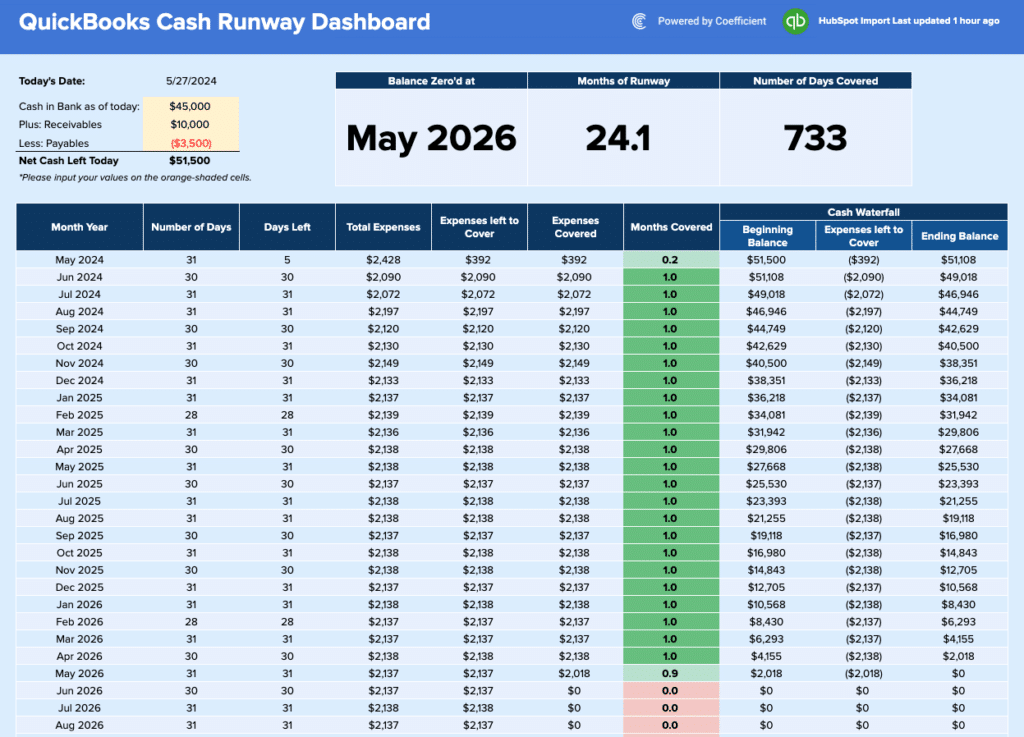
I’m using Coefficient to create a 13-week cash flow report that is linked to my QuickBooks account. It works great!

Your QuickBooks data stays yours
Security, compliance, and control - without the enterprise sales cycle.
SSO & access control
Your identity provider. Your rules.
- SSO: Okta, Azure AD, Google Workspace, OneLogin
- Roles: Admin, Editor, Viewer
- Permissions: Control who accesses which data sources

QuickBooks Google Sheets integration FAQs
About QuickBooks Online
Intuit’s cloud accounting software for small and mid-sized businesses. Coefficient connects QuickBooks Online data to Google Sheets and Microsoft Excel.



Get live QuickBooks data in Google Sheets
30-day Pro trial. No credit card. Free plan after.