




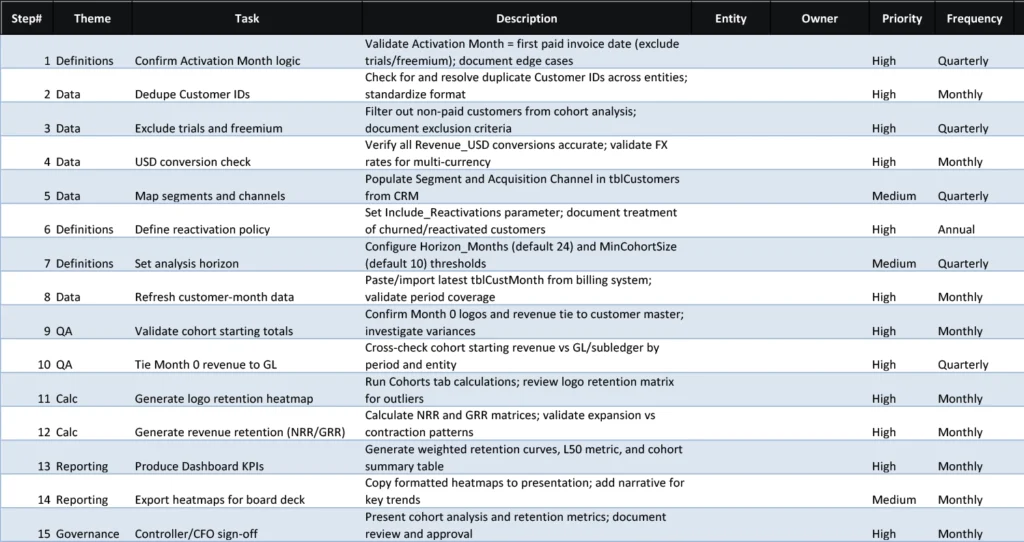


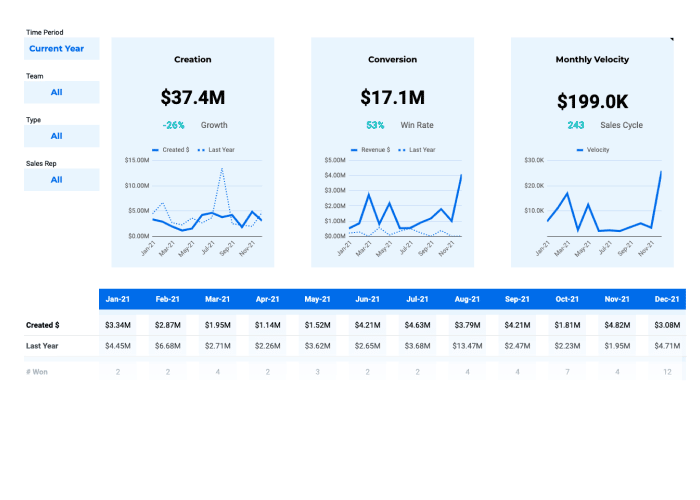
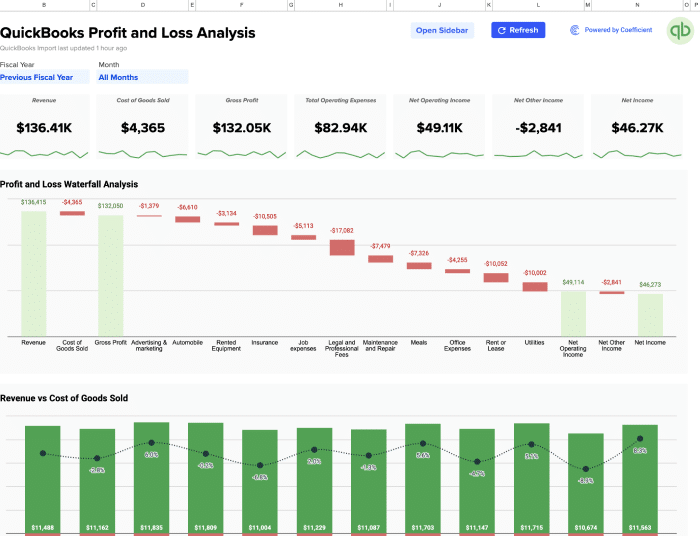

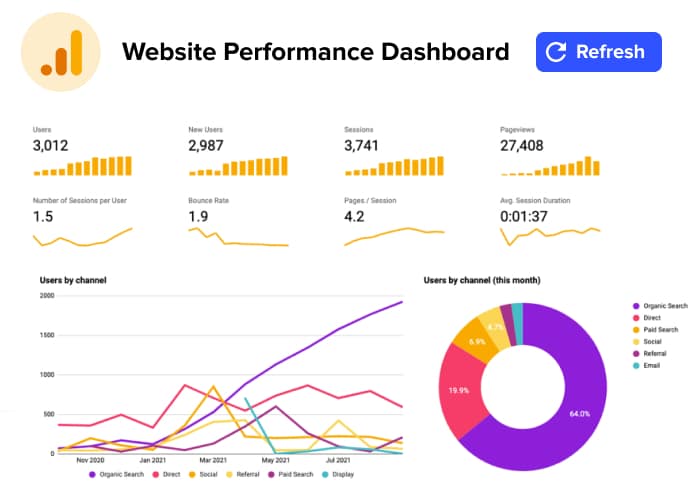




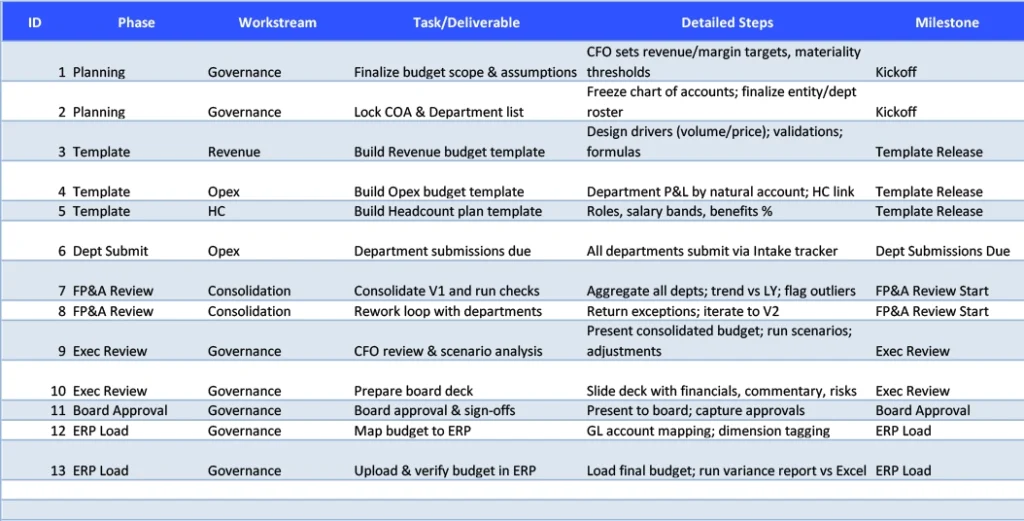




Department budget reviews drain hours from your finance team’s week. Manual data collection, spreadsheet updates, and chasing down stakeholders create bottlenecks that delay critical spending decisions. This template automates data sync, standardizes your review process, and keeps your team focused on strategic analysis instead of administrative work.
What is a Department Budget Review Checklist?
Department budget reviews ensure spending requests align with strategy and resources. You analyze assumptions, challenge justifications, identify synergies, and optimize allocation. This balances departmental needs with organizational constraints. Resources go to highest-priority initiatives. Finance maintains fiscal discipline. Leadership makes informed tradeoffs.
Benefits of using this template
- Real-time automation and data accuracy – Coefficient automatically syncs your financial data into Google Sheets and Excel, eliminating manual data entry and ensuring your Department Budget Review Checklist stays current with live information from your source systems.
- Enhanced team collaboration – Multiple team members can work simultaneously in Google Sheets, providing real-time visibility into task status, completion, and any issues that arise during the process.
- Time savings and efficiency – Streamline your process by automating repetitive tasks and data collection, allowing your team to focus on analysis and strategic activities rather than manual work.
- Improved compliance and control – Maintain a clear audit trail and ensure all required steps are completed consistently, reducing compliance risks and improving internal controls.
Flexible and scalable solution – Easily customize the template to fit your organization’s unique requirements and scale as your business grows without expensive software investments.
