















Most accounting teams discover missing transactions or errors weeks after they occur. A bank reconciliation checklist ensures you match every deposit, withdrawal, and fee against your bank statement—so you catch discrepancies immediately, protect your cash position, and maintain accurate books every single day.
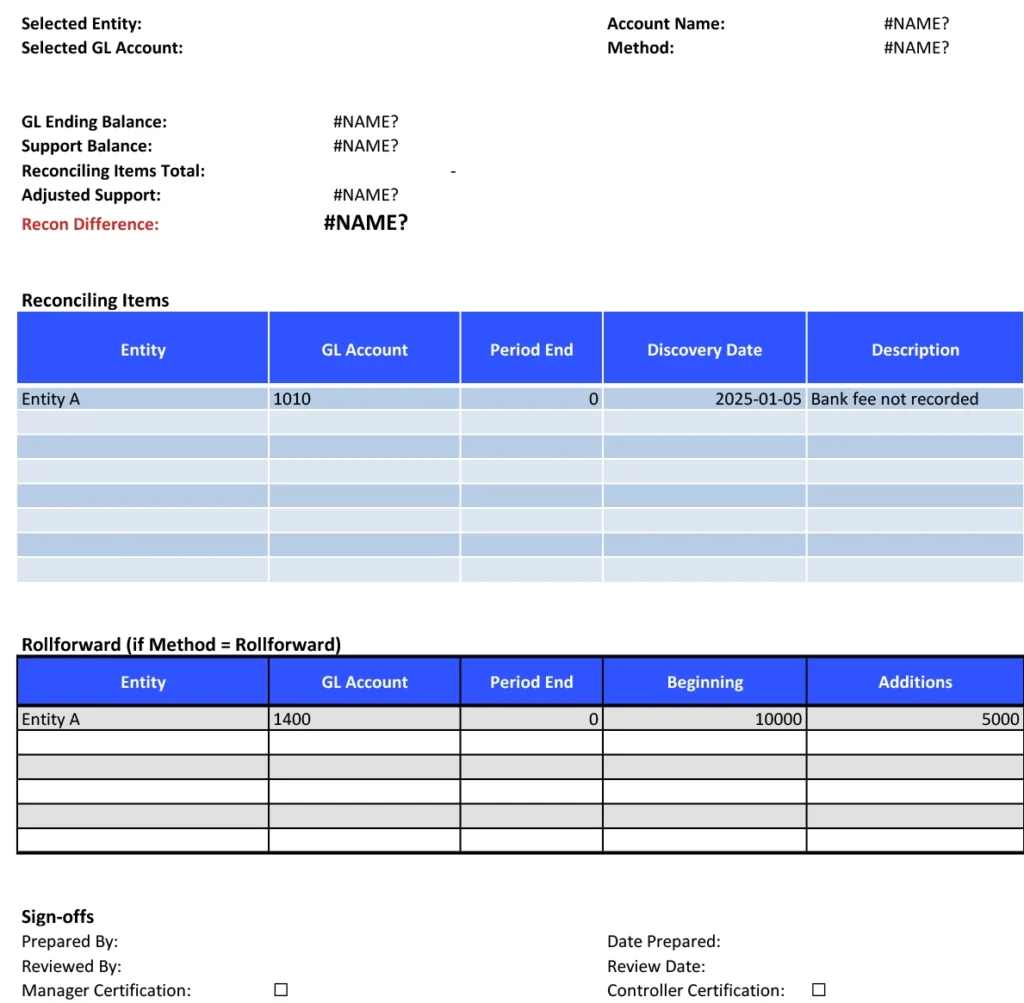
This template gives you a systematic process to compare bank statements against your records, flag outstanding items, and document adjustments for complete audit trails.
What is a Bank Reconciliation Checklist?
Bank reconciliation matches your records to your bank statement. Every deposit. Every withdrawal. Every fee. If they don’t match, you have a problem—missing transactions, errors, or fraud. Regular reconciliation catches issues fast, protects cash, and keeps books accurate.
Benefits of using this template
- Automated Bank Data Integration – Coefficient automatically imports bank transactions directly into Google Sheets, eliminating manual data entry and reducing transcription errors that commonly occur during reconciliation.
- Real-Time Discrepancy Detection – As bank data syncs automatically, the template immediately flags discrepancies between your books and bank records, allowing for prompt investigation and resolution.
- Comprehensive Audit Trail – Every reconciliation is documented within Google Sheets with timestamps and user tracking, providing a complete audit trail for compliance and internal control purposes.
- Streamlined Team Collaboration – Multiple team members can work on different bank accounts simultaneously, with clear visibility into which accounts have been reconciled and which require attention.
Reduced Reconciliation Time by 60% – Automated data import and intelligent matching algorithms dramatically reduce the time spent on bank reconciliation, allowing finance teams to complete daily or weekly reconciliations that were previously only possible monthly.
