
Table of Contents

- 1. 10 Multi-Entity Accounting Automation Tips
- 2. Fast close accounting: How to close your books in 3 days or less
- 3. Intercompany reconciliation: 7 steps for accurate financial reporting
- 4. Strategic Scenario Planning: A Practical Guide for Finance Teams
- 5. Incremental Budgeting: A Complete Guide for Finance Teams
- 6. FP&A AI: Complete Guide to Artificial Intelligence in Financial Planning
- 7. Strategic budgeting: A complete guide to aligning finances with long-term goals
- 8. How to Create an Operating Budget (Step-by-Step Guide)
- 9. How to Do Vertical Analysis of a Balance Sheet
- 10. How to Do Sensitivity Analysis in Excel: A Complete Guide
- 11. CFO Reports to the Board of Directors: A Complete Guide
- 12. Cost volume profit analysis: A complete guide for finance teams
- 13. Workflow Automation for Fractional CFOs & Finance Service Firms
- 14. 11 Account Reconciliation Best Practices
- 15. How to build budget vs. actual reporting in spreadsheets
- 16. Automate Your Month End Close Process: A CFO’s 5-Step Playbook
- 17. 8 Must Automate Processes for Fractional CFO & Accounting firms
- 18. 6 Ways for CFO Firms to Provide Better Client Reporting
- 19. 6 Great Excel Report Templates for Fractional CFOs
- 20. How to Perform Price‑Volume‑Mix (PVM) Analysis in Excel — Free Template
- 21. How to Build a 13‑Week Cash‑Flow Forecast in Excel (Free Template)
- 22. How to Calculate Trailing‑12‑Month (TTM) Metrics in Spreadsheets + Free Template
- 23. How to do Scenario Analysis in Spreadsheets
- 24. Best Practices for Consolidating Financial Statements



Most finance teams spend 6-10 days closing the books each month. Manual data exports pile up. Reconciliations wait for period-end. Teams work late to meet deadlines. This slow close process delays decisions when speed matters most.
Fast close accounting changes this. It compresses the month-end close timeline to 3-5 days through automation, continuous accounting practices, and real-time data connectivity.
This guide explains what fast close accounting is, how it differs from other close types, and the proven steps to implement it in your organization.
What is fast close accounting?
Fast close accounting means completing your accounting cycle and releasing financial statements within 3-5 business days of period end. The accounting department works through a standard checklist—billing customers, conducting bank reconciliations, assigning valuations to ending inventory—but does so with compressed timelines. Quick close accounting achieves this acceleration through systematic process improvements, not shortcuts.
The importance of fast close extends beyond speed. Timely financial insights enable better decisions, especially in fast-paced or competitive industries. When executives have access to current data, they can respond quickly to market conditions and business opportunities. For public companies, fast close is essential for meeting strict reporting deadlines and preparing for audits, mergers, or IPOs.
Current benchmarks reveal the performance gap:
- Top performers close in 4.8 days or less
- Median organizations need 6.4 calendar days
- Bottom 25% need 10+ calendar days
- Only 18% of teams close in 3 days or less
Fast close means achieving audit-ready financials faster through systematic elimination of waste—not through shortcuts that sacrifice accuracy. Organizations accomplish this through close management software, ERP automation, continuous accounting practices, and real-time data connectivity. The goal is maintaining the accuracy of a traditional close while dramatically reducing time required.
Hard close vs fast close vs soft close
Understanding different close types helps you choose the right approach for different reporting periods.
Hard close
A hard close treats each period almost like year-end, with thorough reconciliation. Every transaction is reviewed. The books are adjusted to reflect the company’s most accurate financial position at month-end. You leave the books open longer, reconcile all balance sheet accounts with large balances or significant activity, perform variance analysis, and investigate differences.
This approach produces audit-ready financials at the cost of more time. Teams may spend 8-12 days completing all reconciliations and documentation. A hard close is typically required for year-end and when preparing for audits or regulatory filings.
Fast close
Fast close achieves a quicker hard close through automation, standardization, and technology. It maintains the accuracy and completeness of a hard close but compresses the timeline through systematic improvements. Speed and efficiency are key—wherever you can automate, standardize, or centralize a closing process represents potential for improvement.
The fast close process doesn’t sacrifice accuracy. It eliminates waste through continuous accounting practices, close management software, and real-time data connectivity. Leading companies complete a full hard close in 3-5 days using these methods.
Soft close
A soft close is faster and more streamlined. It focuses on major accounts and uses reasonable estimates for less significant items. Instead of reconciling every transaction, soft closes mean the accounting team does basic auditing and skips hard close steps. The month’s books get locked down quickly and stand as is.
The enhanced speed comes at a cost—reduced accuracy from revenue and expense accruals normally included in a comprehensive close. Soft closes work well for interim periods when approximate figures are acceptable for internal reporting.
Continuous accounting
Continuous accounting distributes workload over the entire month instead of accumulating tasks for month-end. Responsibilities like posting journal entries and reconciling accounts are embedded in day-to-day activities. Instead of reconciling 70 items at month-end, a staff accountant may reconcile two or three items every day.
This approach serves two purposes. First, it provides executives with accurate, real-time financial data when they need it. Second, it makes the fast month end close exponentially faster and more accurate. Activities like reconciliations, journal entries, and flux analyses happen daily, facilitated by integrated and automated financial systems.
Automation makes continuous close possible. Without real-time information flows, continuous processes are impossible. Tools like Coefficient enable continuous reconciliation with live data feeds from accounting systems updating throughout the period, allowing finance teams to monitor accounts daily rather than waiting until month-end.
Benefits of fast close accounting
Faster decision-making and strategic agility
When financial statements are ready within 3-5 days instead of 10+ days, executives gain an extra week for analysis and strategic planning. Real-time data enables faster responses to market conditions, competitive threats, and business opportunities. Month-end close doesn’t block decision-making—leadership can act on current information rather than waiting for reports.
Improved audit readiness
Fast close processes create a discipline of accuracy and documentation throughout the accounting cycle. When your team follows consistent procedures each month, year-end audit preparation becomes significantly easier. External auditors find organized, complete work papers. Internal controls are tested monthly rather than annually. The risk of material misstatements decreases when reconciliations are current and thorough.
Reduced stress and overtime
Traditional month-end close often means late nights and weekend work for finance teams. Fast close redistributes this workload. When reconciliations happen continuously and automation handles routine tasks, the month-end crunch disappears. Employee satisfaction improves, turnover decreases, and your team has better work-life balance.
Enhanced stakeholder confidence
Investors, board members, and lenders value timely financial reporting. Organizations that consistently close quickly signal strong financial controls and operational maturity. This builds trust with external stakeholders and supports fundraising, lending relationships, and investor relations.
Better resource allocation
Finance teams spend less time on data manipulation and more time on value-added analysis. Instead of exporting CSVs and reconciling spreadsheets for days, your team can focus on variance analysis, forecasting, and strategic recommendations. This shift transforms finance from transaction processors to strategic advisors.
How to achieve fast close
Watch how Thornton Capital reduced their month-end close from 10 days to 3 days:
Step 1: Document current state
Map every task, owner, and timeline in your existing process. Identify bottlenecks where work stalls, manual processes requiring the most time, dependencies blocking progress, and error-prone activities needing rework. Track actual time spent on each major activity for one or two closing cycles.
Create a detailed process map showing task sequences, dependencies, and responsible parties. This baseline documentation reveals opportunities and helps you measure improvement. Without understanding your starting point, you cannot effectively optimize the process.
Step 2: Set realistic targets
Define your target close timeline based on organizational complexity and available resources. For companies new to process improvement, reducing close time by 20-30% in the first year represents solid progress. Moving from 10 days to 7 days is achievable. Jumping directly to 3 days may require multiple years of incremental improvement.
Use industry benchmarks for context. Only 18% of organizations close in 3 days or less. The median is 6.4 calendar days. Best-in-class performance is 4.8 business days. Set targets that stretch your team without creating unrealistic expectations.
Step 3: Streamline and automate processes
Manual data export represents one of the largest time sinks in traditional month-end close. Teams export data from ERPs to Excel, consolidate multiple spreadsheets, and refresh reports that quickly become stale. This work adds no value and introduces errors.
Automate routine tasks:
- Recurring journal entries
- Bank reconciliations
- Data consolidation across systems
Connect your accounting systems directly to reporting spreadsheets so data flows automatically. Tools like Coefficient let you pull live data from QuickBooks, NetSuite, and Xero directly into Excel or Google Sheets—eliminating CSV exports and manual data entry entirely.
Schedule automated data refreshes matching your close calendar. Reports update hourly, daily, or weekly without manual intervention. One organization reduced month-end close from 10 days to 3 days primarily by automating data exports from 16 separate QuickBooks files.
Step 4: Improve cross-functional communication
Month-end close involves more than the accounting team. Sales needs to submit revenue data. Operations needs to provide inventory counts. HR needs to finalize payroll. Delays from any department slow the entire process.
Establish shared dashboards showing close progress and outstanding items. Define clear ownership for each task with specific deadlines. Schedule brief daily check-ins during close week to surface blockers quickly. When teams know their submissions impact close timeline, they adapt their workflows accordingly.
Step 5: Implement continuous accounting
Distribute work throughout the month instead of concentrating everything at period-end. Perform daily bank reconciliations rather than waiting until month-end. Post journal entries when transactions occur instead of batching them. Review account balances weekly to identify issues early.
Continuous close transforms period-end from a major event into a minor checkpoint. When reconciliations are current and balances are monitored regularly, closing becomes a matter of running final reports rather than starting from scratch. Teams that practice continuous accounting report significantly reduced close times and lower error rates.
Step 6: Leverage technology and integration
Deploy close management software, ERP automation, and integrated systems reducing manual touchpoints. Platforms like FloQast, BlackLine, and Numeric provide task tracking, workflow automation, and team collaboration. NetSuite Account Reconciliation enables accounting teams to match millions of transactions within minutes, with organizations reporting up to 50% time savings.
Choose solutions with deep ERP integrations that provide transaction-level details directly from your general ledger. Integration eliminates exporting data from one system and importing it into another. Look for platforms offering scheduled refreshes, historical snapshots for trend analysis, and the ability to push updates back to source systems.
Step 7: Monitor, measure, and optimize
Track key metrics: cycle time for monthly close, time per major task, error rates, and variance investigation time. Compare performance against targets and industry benchmarks.
After each close, hold a brief retrospective. Identify what went well and what could improve. Document lessons learned and update procedures accordingly. Celebrate wins when targets are met to maintain momentum.
As processes mature, reset targets to drive continuous improvement. One team reduced close time from 9 days to 4 days over 18 months through consistent measurement and incremental improvements.
Tools enabling fast close accounting
The right tools transform fast close from aspiration to reality.
Spreadsheet-based automation
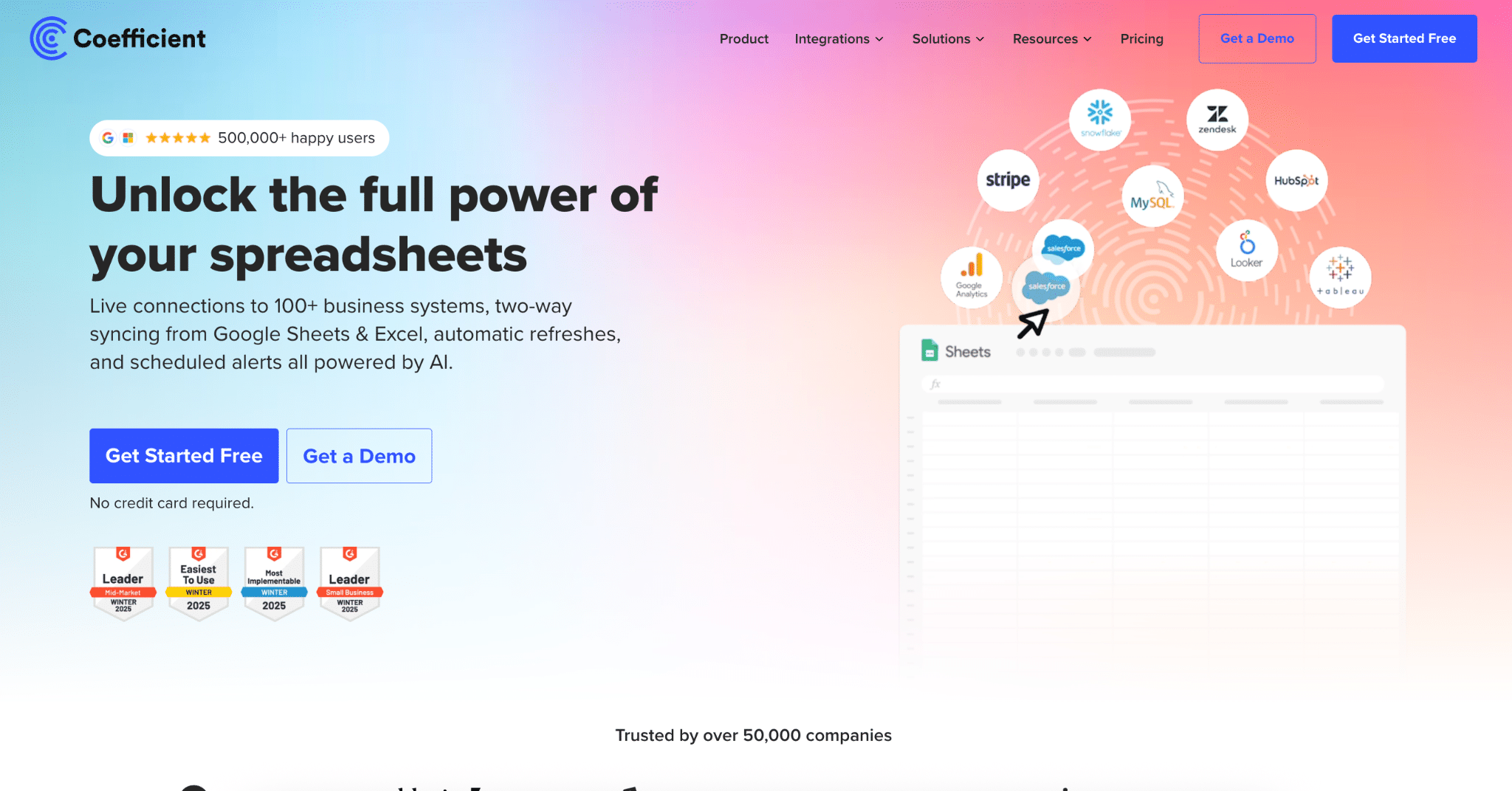
Coefficient enables teams to pull QuickBooks, NetSuite, and Xero directly into workbooks with automated refreshes. Instead of manually exporting CSVs and uploading them to spreadsheets, finance teams establish one-click connections that sync data on schedule—hourly, daily, or weekly. Quick close accounting becomes achievable when automation eliminates manual data entry entirely.
Real-world results:
Cyrq Energy reduced reporting time and saved $50,000+ annually by connecting NetSuite directly to Excel. Their team does 80% of data cleaning and filtering in their ERP system and calls those results to Excel, eliminating extensive manual manipulation. They rebuilt months of work in just days with automated financial statement pipelines for shareholder reporting across multiple geothermal power plants.
Thornton Capital reduced month-end close from 10 days to 3 days, saving 7 days per cycle or 20+ hours monthly. CFO Mike Lynch noted: “Coefficient is the single greatest return on investment I’ve made this year. It paid for itself within weeks.” The firm pulls live data from 16 QuickBooks files into standardized templates, automatically refreshes reports, and makes real-time corrections with updated results in seconds.
Close management software
Platforms like FloQast, BlackLine, and Numeric provide task tracking, workflow automation, and team collaboration for the financial close process.
FloQast helps teams that work in Excel or Google Sheets stay within spreadsheets while organizing month-end close with checklists. The software offers light workflow capabilities and increases visibility of the account reconciliation process. Implementation takes about 1.3 months, making it accessible for mid-market teams.
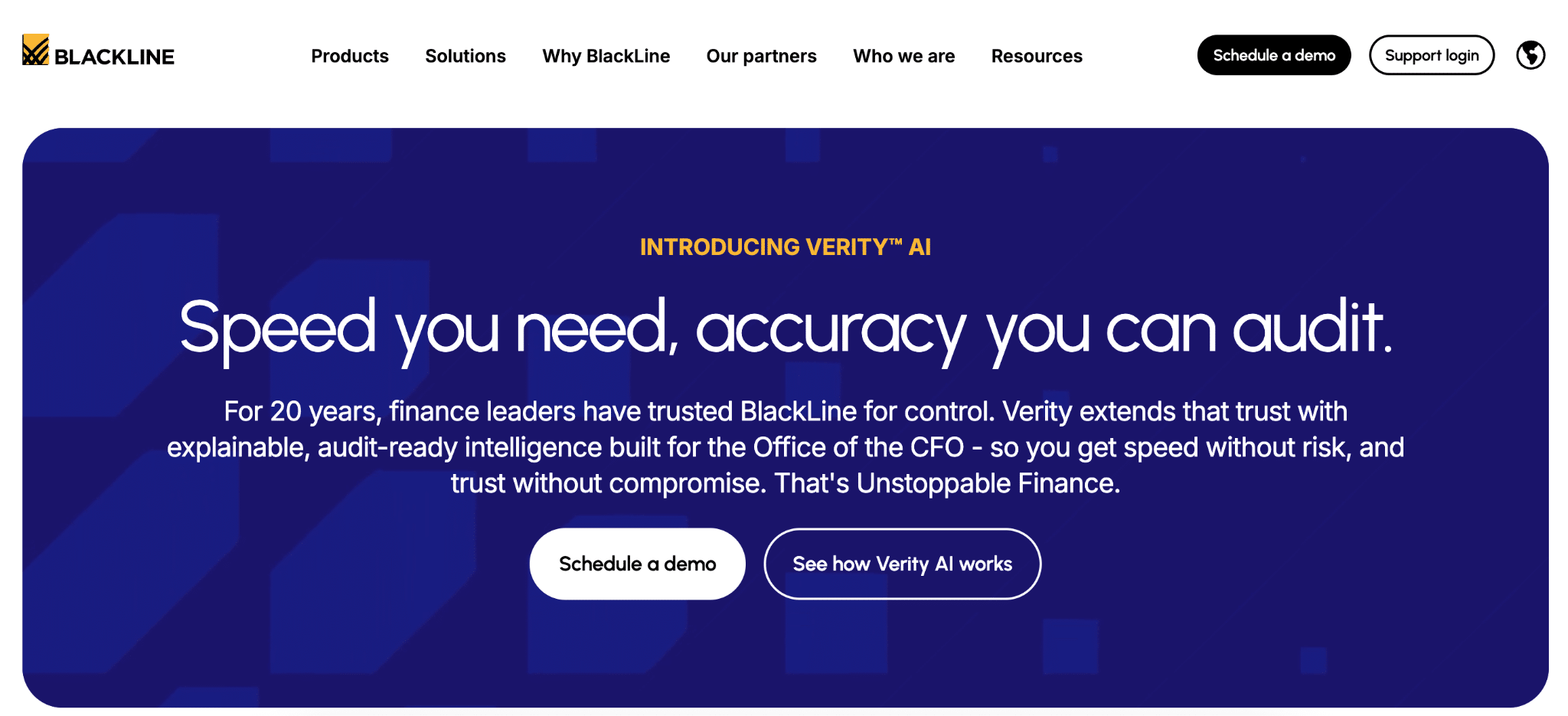
BlackLine offers standardized templates for reconciliation between workpapers and GL, risk-based workflows, and auto-certifications below pre-set thresholds. Transaction matching allows automatic reconciliation of numerous transactions. BlackLine customers report automating up to 98% of their reconciliations, though implementation takes over 4.5 months and requires dedicated staff.
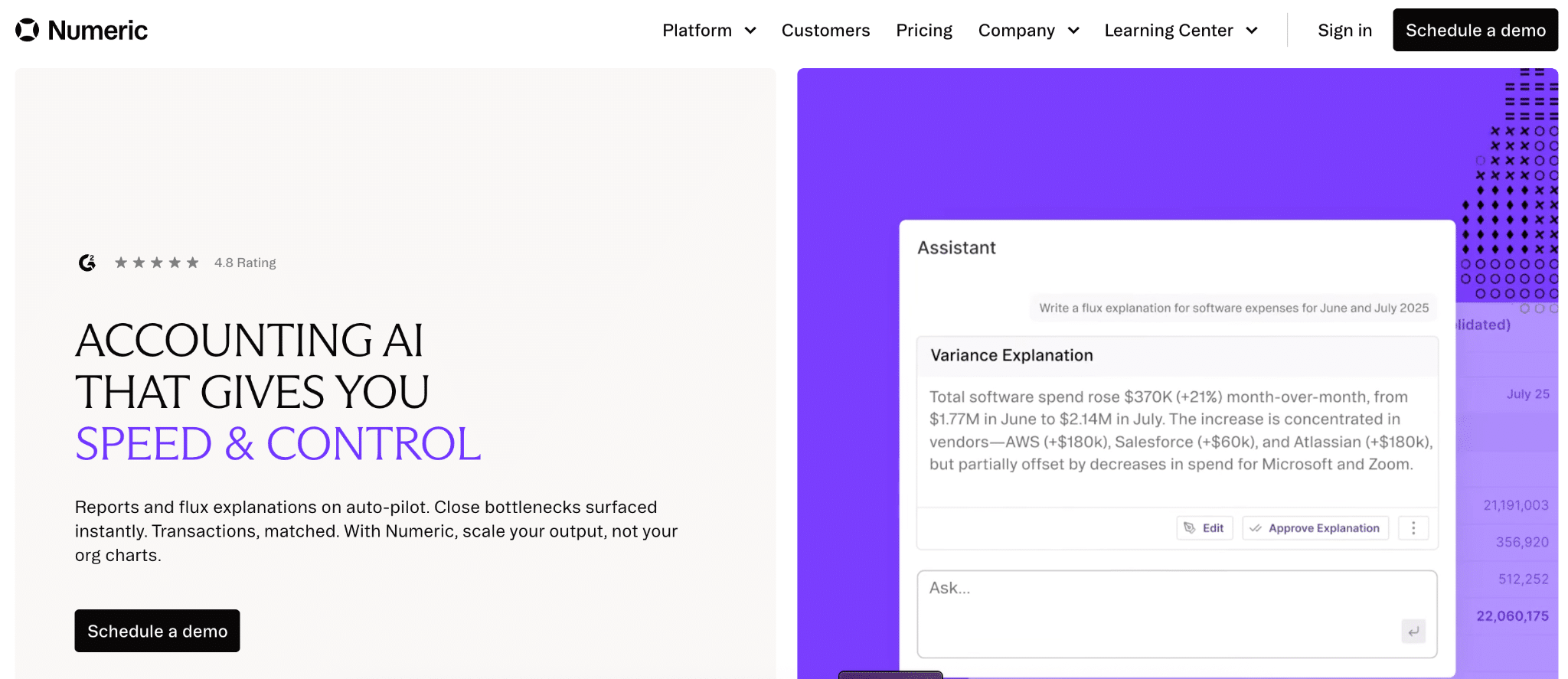
Numeric boasts deep ERP integrations providing transaction-level details directly from the general ledger. This data powers advanced search and pivoting, AI flux writer for variance analysis, and custom reporting for GAAP and management reporting.
ERP integration and automation
NetSuite, SAP, and Oracle offer native capabilities for automated posting and reconciliation. NetSuite Account Reconciliation eliminates manual matching by automatically reconciling transactions according to configurable rules—introducing automation for accounts payable, accounts receivable, bank and credit card transactions, and prepaid accounts.
The robust transaction matching engine enables accounting teams to match millions of transactions within minutes, substantially speeding up the rapid financial close process. Organizations report up to 50% time savings using NetClose.
Multi-ERP platforms like Aico offer native integrations with SAP, Oracle, and Microsoft Dynamics for real-time posting and reconciliation. The key is choosing tools with pre-built connectors that quickly automate processes requiring human intervention.
The best approach combines ERP automation with spreadsheet connectivity. Your ERP handles transaction processing. Your spreadsheets handle reporting and analysis. Automation connects them seamlessly.
Start your fast close journey
Fast close accounting transforms month-end from a dreaded deadline into a routine process. By documenting your current state, setting realistic targets, and implementing automation, you can reduce close time by 50% or more. The benefits extend beyond speed—your team works less overtime, your executives make faster decisions, and your audit preparation becomes easier.
Start with one improvement. Automate your most time-consuming data export. Implement continuous reconciliation for your largest accounts. Companies like Thornton Capital proved that a transformation from 10 days to 3 days is achievable with the right tools and processes.
Your finance team has better things to do than export CSVs and chase down data. Get started with Coefficient today and automate your financial reporting.