Automate financial reporting
in spreadsheets
Month-end close, cash flow forecasts, and dashboards - built by AI,
always up to date.
Trusted by Finance Teams at

THE PROBLEM
Your ERP wasn't built for the analysis you
actually need

Your budget is in Excel

Rigid reporting

No scenario modeling
THE SOLUTION
Build what your ERP cannot

"We cut month-end close from 10 to 3 days. What took weeks now happens in a few clicks."
Monthly Close Automation

"Our cash flow forecasts are now faster, more accurate, and easier to update."
Cash Flow Forecasting

"Coefficient saved us hours of consolidation work. No manual back-and-forth anymore."
Multi-Entity Consolidation

"Budget variance reports that took 3 days now refresh automatically."
Budget vs Actuals
See how it works
1. Connect your financial systems
One-click connections to QuickBooks, NetSuite, Xero, Sage Intacct and 150+ systems.
Live 2-way sync keeps data fresh.











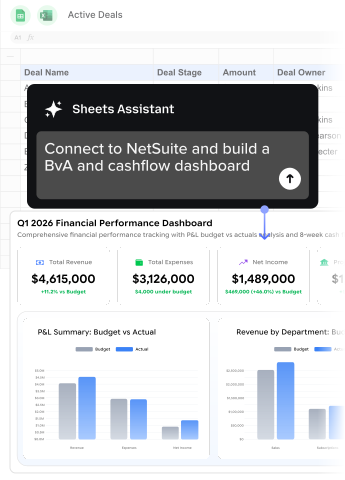
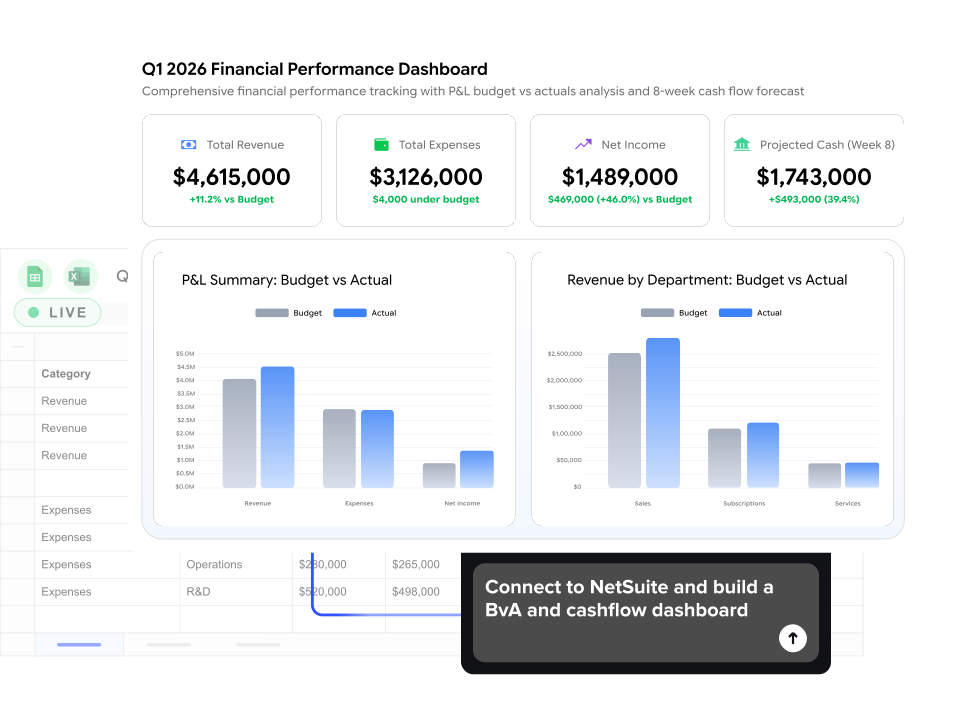
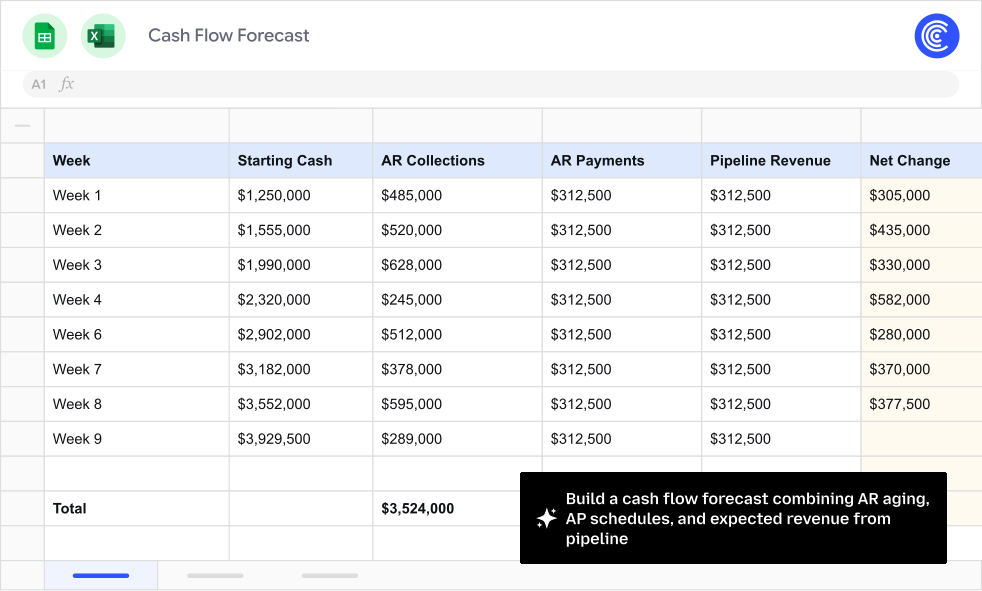
2. Ask AI to build what you need
Describe what you need in plain English. AI pulls the right data, joins across
sources, and builds your report - with formulas you can audit.
3. Publish live dashboards
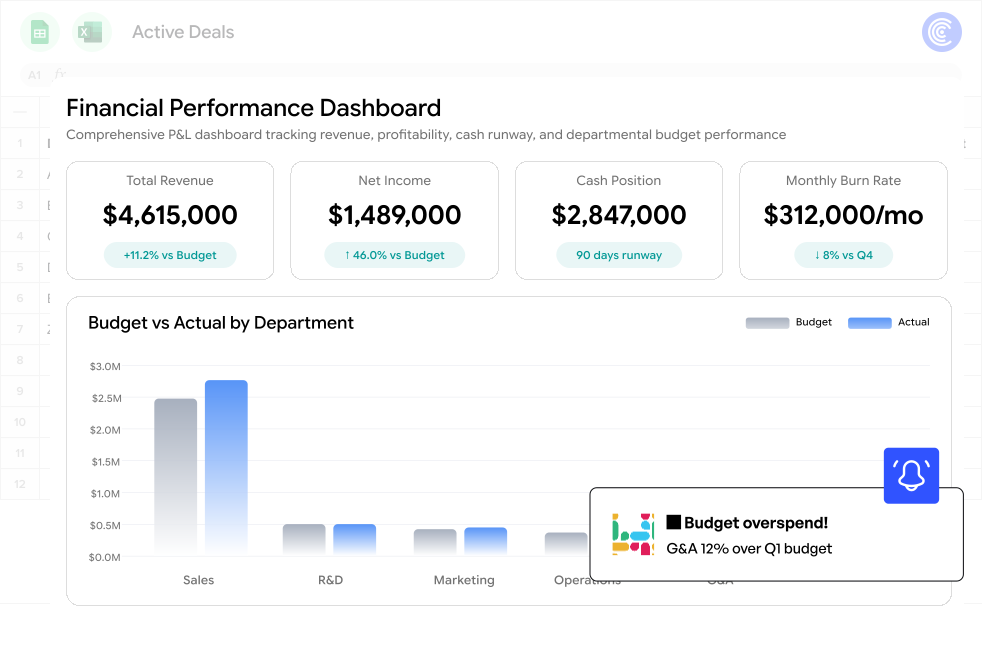
Schedule automatic refreshes. Share live dashboards with leadership. Push
updates back to your systems with 2-way sync.
Enterprise-ready from day one
Security, compliance, and control - without the enterprise sales cycle.
SSO & access control
Your identity provider. Your rules.
- SSO: Okta, Azure AD, Google Workspace, OneLogin
- Roles: Admin, Editor, Viewer
- Permissions: Control who accesses which data sources


Start Automating Today
No credit card. No sales call. Live in 60 seconds.