
Table of Contents

- 1. Snowsight Dashboards Sunset June 22, 2026: A Migration Guide for Teams Without Engineers
- 2. Snowflake Data Integration Tools That Won’t Blow Your Budget
- 3. 7 Best Snowflake Data Visualization Tools in 2026 (With Pricing)
-
4. Datameer Pricing 2026: What It Actually Costs (And What They Don’t Tell You)
- What Is Datameer?
- Datameer Pricing: What's Publicly Confirmed
- Datameer Pricing Plans
- What's Included in Every Plan
- The Hidden Cost: Snowflake Compute
- Datameer vs Alternatives: How Pricing Compares
- Is Datameer Worth the Price?
- Datameer Gets the Data Clean. Coefficient Gets It to Your Business Teams.
- The Bottom Line
- 5. Snowflake Intelligence Cost: What You Actually Pay in 2026
- 6. Bridging the Last Mile: How Coefficient Brings Live Snowflake Data to Your Spreadsheets
- 7. Top 5 Snowflake Reporting Tools for 2026
- 8. Snowflake Partners with Coefficient to Solve the Last Mile of the Modern Data Stack
- 9. 5 Best Snowflake ETL Tools for 2026 [w/ Feature Comparison Table]
- 10. How to Migrate Data from SQL Server to Snowflake
- 11. How to Connect Snowflake to Power BI
- 12. How to Connect BigQuery to Snowflake? Top 3 Methods
- 13. Connect Google Ads to Snowflake – Step-by-Step Guide
- 14. How to Connect Mailchimp to Snowflake? Top 3 Methods
- 15. How to Connect Freshdesk to Snowflake
- 16. How to Connect Klaviyo to Snowflake
- 17. How to Migrate from Redshift to Snowflake: A Comprehensive Guide
- 18. How to Connect Razorpay to Snowflake
- 19. How to Connect Chargebee to Snowflake?
- 20. How to Connect MongoDB to Snowflake? Top 3 Methods
- 21. How to Migrate from BigQuery to Snowflake
- 22. How to Connect Outreach to Snowflake
- 23. How to Connect Zoho CRM to Snowflake
- 24. How to integrate Shopify to Snowflake? 3 Simple ways explained


Datameer’s pricing page does not reveal pricing plans and everyone is required to hop on a sales call. No published tier breakdown, no plan comparison table, no self-serve pricing for teams or enterprises.
For anyone trying to budget or compare options before getting on a call, that is not enough. This article consolidates what is publicly confirmed, what third-party sources report and what the per-user pricing model means in practice including the hidden cost most evaluators miss.
What Is Datameer?
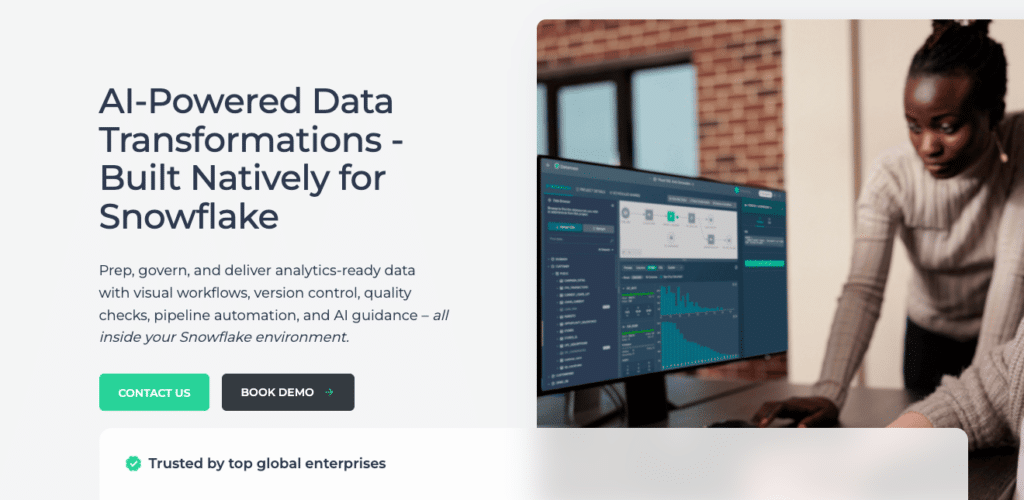
Datameer is a low-code and no-code data transformation platform built exclusively for Snowflake. Data engineers, analytics engineers and analysts use it to transform, model and explore data inside Snowflake using a visual drag-and-drop canvas or a SQL editor, depending on their skill level.
It is not a BI tool. It does not do visualisation or reporting. Datameer sits in the transformation layer between raw Snowflake data and downstream tools like Tableau, Looker or spreadsheets. Its Snowflake-only architecture is both its core strength and its hard limitation.
Datameer Pricing: What’s Publicly Confirmed
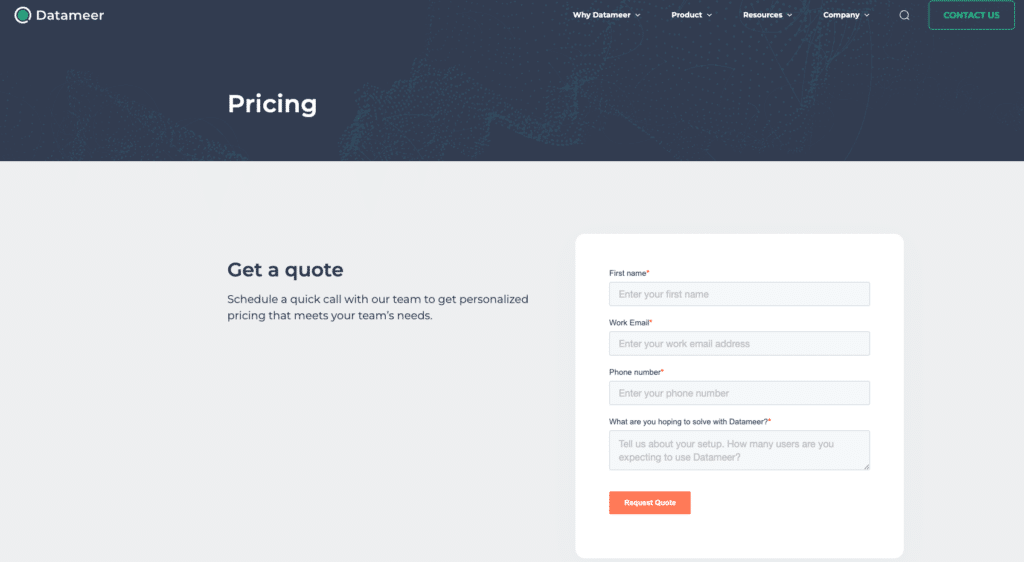
Here is what Datameer confirms publicly:
- Everyone is required to contact sales.
- Pricing is per user, not usage-based. You pay a fixed rate per seat regardless of how much data you process or how many transformation jobs you run.
- No free plan. No confirmed free trial on the pricing page.
Third-party sources including ITQlick and GetApp report a range of $100 to $300/user/month depending on plan tier. These are estimates based on publicly reported data and user disclosures and not official Datameer figures.
Datameer Pricing Plans
Based on third-party reported structure from G2, Capterra and ITQlick. Datameer does not officially publish this breakdown.
| Plan | Reported starting price | Best for | Notable features |
| Individual | ~$100/month | Solo data engineers or analysts | Core transformation canvas, SQL editor, Snowflake view writeback |
| Team | Custom — contact sales | Mid-market data teams | Collaboration, shared workspaces, job management and scheduling |
| Enterprise | Custom — contact sales | Large organisations | Advanced security, audit logs, governance features, priority support |
What’s Included in Every Plan
Based on product documentation and verified user reviews on G2 and Capterra, these features appear across all tiers:
- Visual drag-and-drop transformation canvas to build pipelines without writing SQL.
- SQL editor for data engineers who prefer code can work directly in SQL alongside no-code users on the same platform.
- Snowflake view writeback – transformations are written back to Snowflake as views, not tables. No data duplication, no additional Snowflake storage cost for the transformed output.
- Data cataloging and documentation – datasets can be annotated and documented inside the platform to support data governance and team handoffs.
- Job management and scheduling – transformation jobs can be scheduled and monitored from within Datameer.
- Snowflake cost control dashboards to provide visibility into warehouse credit consumption across transformation jobs.
The multi-persona model is one of Datameer’s more useful structural features. A data engineer can write raw SQL in the same project where an analytics engineer uses low-code transformations and a business analyst explores the output visually. All personas work inside the same Snowflake environment.
The Hidden Cost: Snowflake Compute
This is the cost most Datameer evaluations miss. Datameer is billed per user. But every transformation Datameer runs executes inside Snowflake using Snowflake compute credits. Your Datameer bill is predictable. Your Snowflake bill is not.
Datameer does not charge for additional processing power which is one of its explicit differentiators over tools like Fivetran. But the Snowflake warehouse running those transformation jobs does consume credits at its standard rate. For teams running heavy or frequent transformation pipelines, that Snowflake compute cost is a real and often underestimated line item.
How to estimate it: the cost depends on your virtual warehouse size and how long transformation jobs run. A medium warehouse (4 credits/hour) running transformation jobs for 2 hours per day costs roughly 240 credits/month — around $480 to $720/month at standard on-demand rates. More complex pipelines on larger warehouses scale proportionally. Track credit consumption by source using Snowflake’s QUERY_HISTORY view or the Snowflake consumption table to attribute Datameer job costs accurately.
| Factor Snowflake compute into your Datameer total cost of ownership from day one. The per-user licence is predictable. The warehouse credits are not — and they scale with usage. |
Datameer vs Alternatives: How Pricing Compares
| Tool | Pricing model | Starting price | Snowflake-only | Best for |
| Datameer | Per user | ~$100/month | Yes | Low-code transformation for Snowflake-native data teams |
| dbt Cloud | Per developer seat | Free (developer) / $100/month (team) | No | SQL-native transformation, code-first analytics engineering teams |
| Fivetran | Consumption-based (MAR) | Free tier / ~$500/month paid | No | Data ingestion and EL pipelines across multiple warehouses |
| Matillion | Consumption + platform fee | From ~$2/credit | No | Enterprise ETL/ELT across multiple cloud warehouses |
A few things stand out in this comparison. Datameer’s per-user model is more predictable than Fivetran’s consumption-based billing. Several G2 reviewers cite this specifically as a reason they chose Datameer.
dbt Cloud is the natural alternative for code-first teams, with a free developer tier and a lower team entry point. Fivetran and Matillion serve a different function which is primarily data ingestion rather than transformation and are often used alongside rather than instead of Datameer.
Is Datameer Worth the Price?
Based on G2 and Capterra reviews, here is the honest picture.
What users praise:
- Interface is genuinely intuitive. Reviewers consistently note that non-technical users can use it with minimal training.
- View writeback is a meaningful advantage. Transformations do not create table copies, which keeps Snowflake storage costs clean.
- Per-user pricing is predictable. Teams that previously dealt with Fivetran’s consumption-based billing specifically call this out as a relief.
- Multi-persona support works in practice. Engineers, analytics engineers and analysts can genuinely share the same platform without the tool feeling compromised for any of them.
What users flag:
- Snowflake-only is a hard constraint.Tteams on Redshift, BigQuery or multi-warehouse environments cannot use Datameer. Several reviewers note they are watching for broader warehouse support.
- Web interface has limits when working across multiple datasets simultaneously. Switching between workbooks in the same session requires tab juggling.
- No API access which limits programmatic integration with other parts of the data stack.
The overall fit is clear: Datameer works well for teams already committed to Snowflake who need a low-code transformation layer that business-adjacent users can also navigate. It is not the right fit for multi-warehouse teams or for teams that primarily need data access and reporting rather than transformation pipeline work.
One gap reviewers consistently surface: once Datameer has produced clean, modelled data inside Snowflake, business users still need a separate tool to access and work with that data which is typically a BI tool or a spreadsheet layer.
Datameer Gets the Data Clean. Coefficient Gets It to Your Business Teams.
Datameer and Coefficient solve different problems for different people in the same data workflow.
The data engineer uses Datameer to build governed transformation pipelines inside Snowflake. Clean, modelled datasets land in Snowflake views, ready for consumption. That is where Datameer’s job ends.
The finance manager, RevOps lead or ops analyst then needs to access those clean datasets without filing a ticket, without writing SQL and without buying a BI tool licence. That is what Coefficient does. It connects Snowflake directly to Google Sheets and Excel on a refresh schedule, surfacing governed Snowflake Semantic Views through a visual Metrics and Dimensions picker.
Business users get live Snowflake data in the tools they already use. The AI Sheets Assistant generates formulas, builds pivot tables and creates charts from plain-English descriptions. AI-powered reporting publishes live shareable web dashboards directly from the spreadsheet with no additional BI tool needed.
The two tools are priced at entirely different points for entirely different buyers. Datameer is a transformation platform for data engineering teams. Coefficient is a data connectivity and spreadsheet automation layer for the business teams downstream of those pipelines.
| If your team uses Datameer to build Snowflake transformation pipelines, Coefficient is the fastest way to get that clean data into the hands of non-technical teams and business users without a BI tool and without analyst ticket backlogs. Get started free. |
The Bottom Line
Datameer pricing is custom and requires a sales conversation. The per-user model is predictable but factor Snowflake compute costs in separately, because transformation jobs consume warehouse credits regardless of what you pay Datameer. For Snowflake-native data engineering teams that need a low-code transformation layer multiple personas can share, Datameer is a strong fit. For business teams that need to access the clean data those pipelines produce, Coefficient is the complementary tool that’ll be helpful to avoid analyst ticket backlogs and reduce recurring work. Try Coefficient today..