Claude Artifacts for dashboards: the sharing and refresh limits
Artifacts are a brilliant way to see an idea. They are a hard way to run a business dashboard, and it comes down to sharing, refresh, and editing.

The short version
Claude Artifacts render an idea instantly, but as a business dashboard they have real limits: no per-person access control, no free viewer seats for live data, they freeze on generation, and small edits require re-prompting. For a dashboard people rely on, you want shared URLs, scheduled refresh, and click-to-edit cards.
What Artifacts are great at
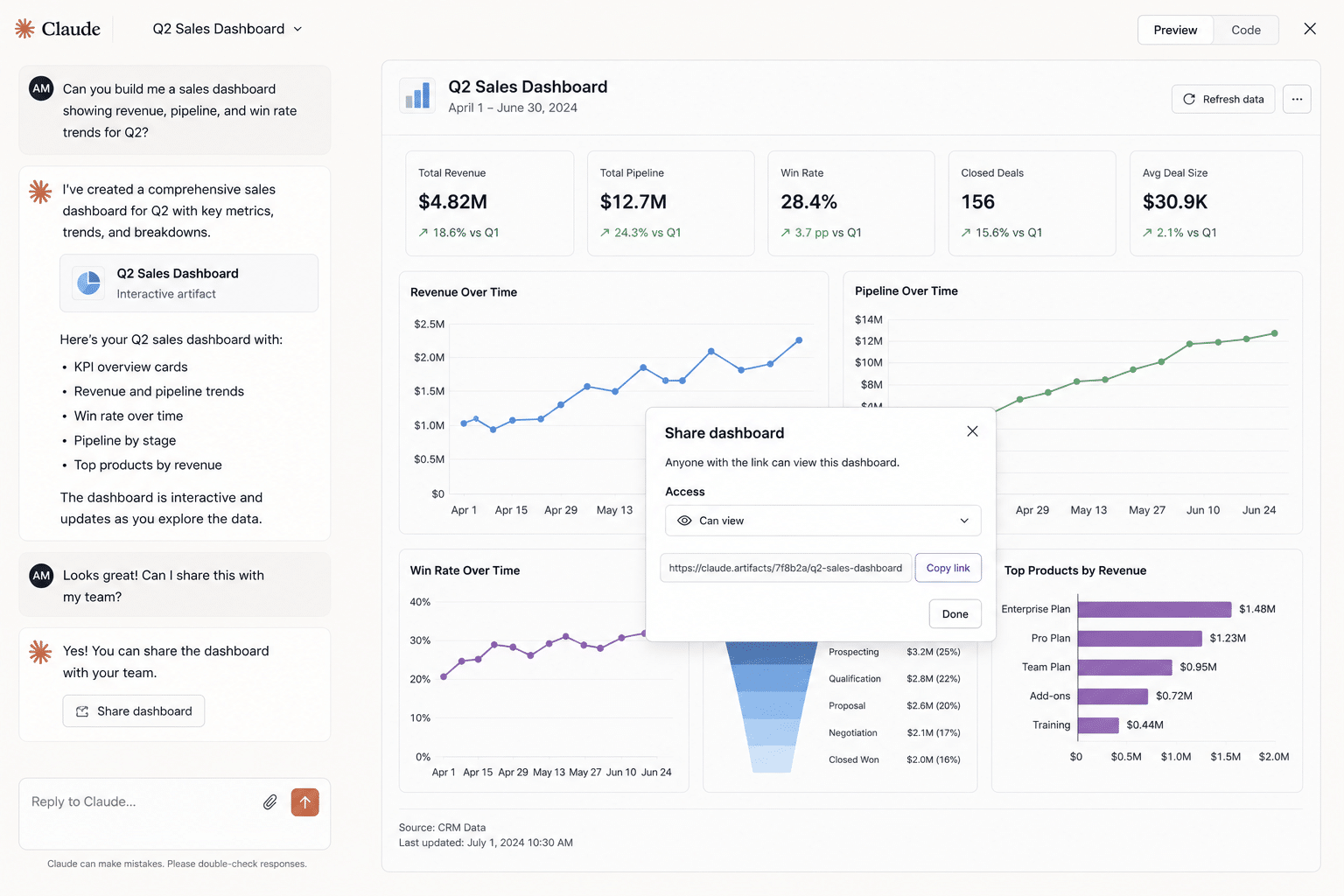
Claude Artifacts are one of the best ways to turn a thought into something you can see. Ask for a dashboard and you get a working, interactive view in seconds. For exploring an idea or showing a concept, they are excellent.
The trouble starts when the artifact stops being a sketch and becomes the thing a team checks every week. A business dashboard has jobs an artifact was never built to do.
When an artifact stops being enough
The gap shows up the moment other people depend on the view. An artifact starts falling short when the dashboard needs to be:
- Shared with viewers, including people who do not have a Claude seat.
- Current every morning, not frozen to the moment it was generated.
- Edited quickly, like renaming a label, without re-prompting the whole thing.
- Trusted in a meeting, where a number has to be explainable, not just rendered.
- Access-controlled, so the right people see live business data and others do not.
Where they fall short
Three gaps turn a great artifact into a poor dashboard, and they are all about what happens after the first render.
- Sharing: no per-person access control and no free viewer seats, so you cannot safely hand live business data to a wider team.
- Refresh: an artifact freezes on generation. Even Live Artifacts only refresh when reopened, with no server-side schedule.
- Editing: changing a label from FY2026 to FY26 means re-prompting in text, instead of clicking the card and typing.
How it plays out: a worked example
Say Jordan builds a revenue artifact and it looks great, so it goes to the team. Here is what happens next:
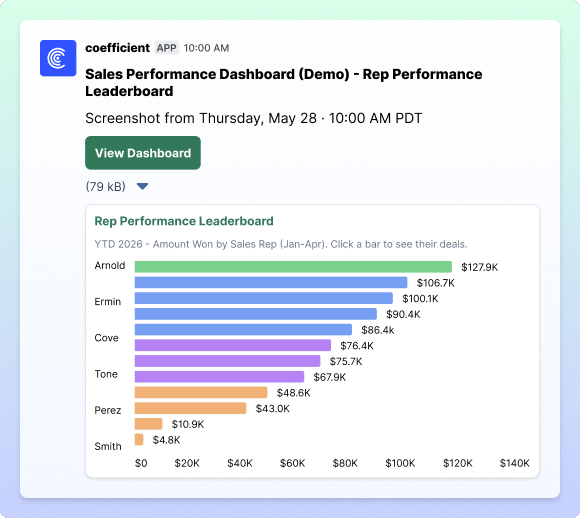
- Sharing hits a wall. Two teammates without Claude seats cannot open it, so Jordan screenshots it into Slack instead.
- The numbers freeze. By Wednesday the data has moved, but the artifact still shows Monday, and nothing flags that it is stale.
- A small edit is a whole prompt. Finance wants FY2026 shown as FY26. That means re-prompting, and the regenerate shifts the layout.
- Trust slips. Someone asks how a figure was calculated. There is no Explain, just the number as generated, so it gets re-checked by hand.
- It gets rebuilt elsewhere. Within a couple of weeks the artifact is abandoned and the dashboard is remade in a tool that can actually run it.
Nothing here is a flaw in the artifact. It is a viewer being asked to do a system's job.
Does it get worse at scale?
It compounds. One artifact you reopen yourself is fine. A handful that a team depends on means manual reshares, stale numbers, and re-prompted edits multiplying across every one. It is the same cycle the rest of the series traces from tool to tool: see the full Claude Boomerang pattern.
None of this makes Artifacts bad. It makes them a viewer for an idea, not a home for a dashboard.
| Running a dashboard a team relies on | Claude Artifacts | Coefficient |
|---|---|---|
| Sharing | No per-person access or free viewers | Shared URL with viewer access |
| Refresh | Freezes; refresh only on reopen | Scheduled, server-side |
| Edits | Re-prompt in text | Click to edit a card |
| Trust | Numbers as generated | SQL-grounded, explainable |
What to use instead
Keep Artifacts for what they are great at: seeing an idea fast. When the idea becomes a dashboard people depend on, move it somewhere built to run it. Coefficient AI Dashboards give you a shareable URL, viewer access for people without data seats, a refresh that runs on a schedule, click-to-edit cards, and an Explain button on every metric.
It is the same dashboard the artifact showed you, except it stays current and you can hand it to the whole team.
When an Artifact is the right tool
For a one-time view, a quick exploration, or a concept you want to react to, an Artifact is perfect. The limits only bite when other people need to rely on it over time.
Related reading: the full Claude Boomerang pattern and why vibe-coded dashboards boomerang.
Common questions about Claude Artifacts
Can you share a Claude Artifact with your team?
Do Claude Artifacts update automatically?
How do you edit a Claude Artifact dashboard?
What should I use instead of a Claude Artifact for a real dashboard?
What are Claude Artifacts?
Can a Claude Artifact connect to live data?
Are Claude Artifacts good for business dashboards?

Build a dashboard the whole team can use
Share a live dashboard with anyone, trust every number back to the source, and edit with a click. No re-prompting, no data seat required.
Start Building for Free