

DIO Formula Explained
DIO = (Average Inventory ÷ Cost of Goods Sold) × 365
Let’s break this down:
Average Inventory: Add your start and end inventory values for the period, then divide by two. This gives you the typical stock level held during that time frame.
Cost of Goods Sold (COGS): The total direct cost to make or buy the items you sold. This includes raw materials, labor, and production overhead. Don’t use revenue here—stick to actual cost.
365: The number of days in a year. For quarterly analysis, swap 365 for 90. This converts your decimal into a days figure.
We exclude revenue from this formula because DIO measures how long capital stays tied up in inventory at cost, not at sale price. Using COGS keeps the metric tied to actual cash invested in stock.
What Is DIO (Days Inventory Outstanding)?
DIO shows how many days your inventory sits before you sell it. A lower number means stock moves fast. A higher number means products linger on shelves. This metric tells you how well you turn inventory into cash.
Some call it Days Sales of Inventory (DSI) or Inventory Days Outstanding. All three terms mean the same thing. Finance teams use DIO to spot cash flow problems, stock bloat, or supply chain delays before they hurt profit.
Who uses this metric?
CFOs and Controllers track DIO to manage working capital and identify inventory inefficiencies across the business.
Fractional CFOs monitor DIO across multiple client portfolios to spot cash flow risks and operational bottlenecks.
Supply Chain Directors use DIO to optimize procurement timing and reduce excess stock without causing shortages.
Operations Managers rely on DIO to balance production schedules with actual demand and minimize warehouse costs.
Financial Analysts include DIO in cash conversion cycle analysis to assess overall liquidity and operational health.
How to Calculate DIO: Step-by-Step
Let’s walk through a real calculation using actual numbers.
- Pull your inventory data
You need beginning inventory, ending inventory, and COGS from your accounting system. Make sure all figures come from the same period.
- Find beginning inventory value
Check your balance sheet from the period start. For our example: $180,000
- Find ending inventory value
Pull the balance sheet from period end. In our case: $220,000
- Calculate average inventory
Add beginning and ending values, then divide by two:
$180,000 + $220,000 = $400,000
$400,000 ÷ 2 = $200,000 average inventory
- Get your COGS
Find this on your income statement for the same period. Our example: $1,825,000
- Apply the DIO formula
Divide average inventory by COGS, then multiply by 365:
$200,000 ÷ $1,825,000 = 0.1096
0.1096 × 365 = 40 days
- Read the result
A DIO of 40 days means this business holds inventory for about 40 days before selling it. For every dollar invested in stock, it takes 40 days to convert back to cash through sales. Whether that’s good or bad depends on your industry.
How to Interpret Your DIO Number
Context determines whether your DIO signals efficiency or risk.
| Ratio Range | Interpretation | Recommended Actions |
| Below 20 | Extremely fast turnover – May signal understocking or stockout risk. Safety buffers may be too thin. | • Review stockout frequency<br>• Assess if rush orders inflate costs<br>• Consider buffer stock increases<br>• Verify supplier reliability |
| 20 – 40 | Healthy velocity – Good balance between turnover and availability. Capital efficiently deployed. | • Maintain current purchasing<br>• Monitor seasonal variations<br>• Track against industry peers<br>• Document what works |
| 40 – 70 | Moderate pace – Acceptable for many industries. Some capital tied up but manageable. | • Identify slow-moving SKUs<br>• Review demand forecasting<br>• Negotiate better payment terms<br>• Implement ABC classification |
| 70 – 100 | Slow turnover – Significant capital locked. Higher holding costs building. | • Run aging analysis<br>• Launch promotions<br>• Tighten purchasing approvals<br>• Consider consignment |
| Above 100 | Critical inefficiency – Over 3 months idle. Major cash drain. Urgent action needed. | • Conduct full inventory audit<br>• Liquidate obsolete items<br>• Freeze non-essential purchasing<br>• Revise demand planning |
DIO Benchmarks by Industry
Understanding your DIO requires industry context. What works for grocers doesn’t work for manufacturers.
| Industry | Typical DIO Range | Notes |
| Grocery & Food Retail | 8 – 15 days | Perishables drive fast turnover; delays cause waste |
| Apparel & Fashion | 50 – 90 days | Seasonal collections create natural holding periods |
| Electronics & Technology | 30 – 50 days | Obsolescence risk demands quick movement |
| Automotive Parts | 60 – 90 days | Complex SKU mix justifies higher DIO |
| Pharmaceuticals | 180 – 220 days | Regulatory requirements extend holding periods |
| Manufacturing (General) | 60 – 90 days | Layered inventory stages create moderate DIO |
| Wholesale Distribution | 45 – 75 days | Balances supplier lead times with service levels |
Pharmaceuticals show high DIO due to strict quality control. Big Pharma median DIO reached 215 days in 2024, up from 180 days seven years earlier. Longer testing cycles and supply chain complexity drive this.
Grocery retailers maintain single-digit DIO due to perishability and high throughput.
Benchmark Citations
ReadyRatios Industry Financial Ratios
nVentic Pharmaceutical Industry DIO Analysis 2024
Finale Inventory DIO Benchmarks by Sector
Automating DIO Tracking with Coefficient
Stop exporting CSVs from QuickBooks or NetSuite every month just to calculate one number.
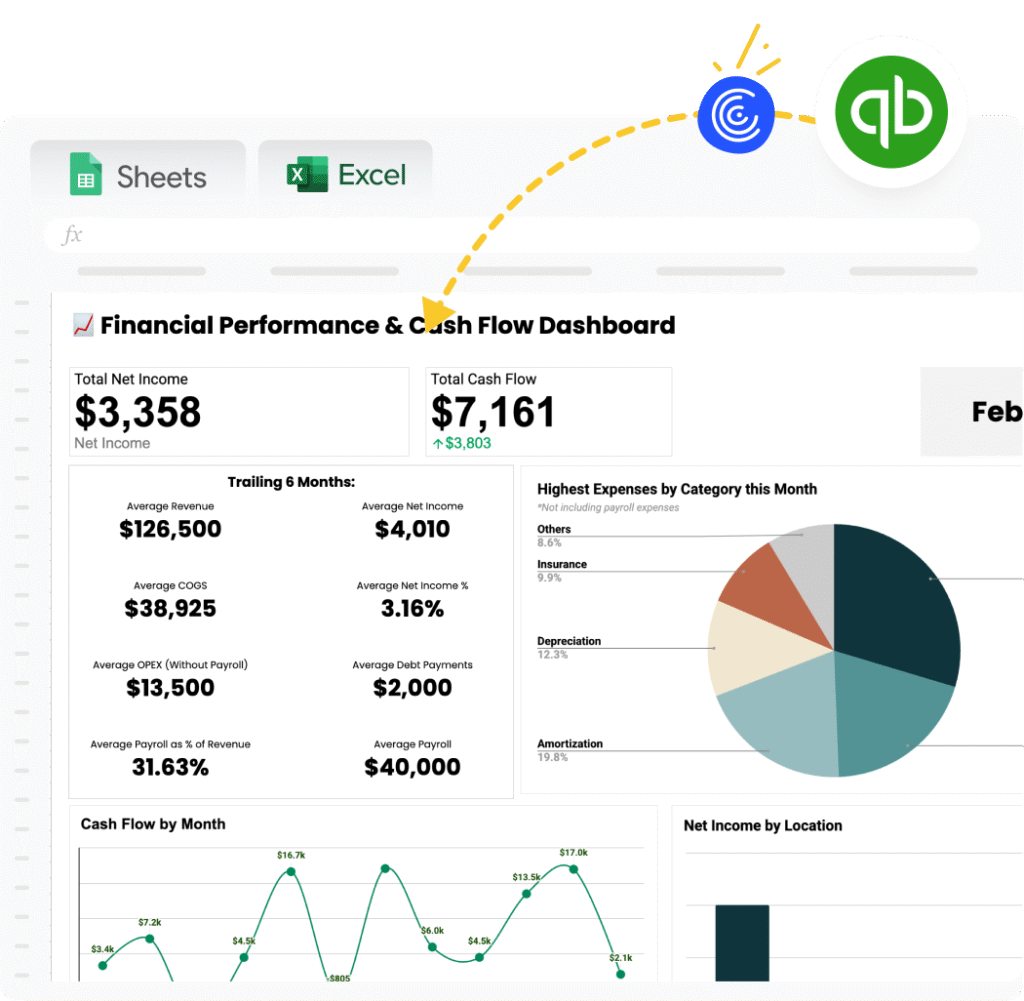
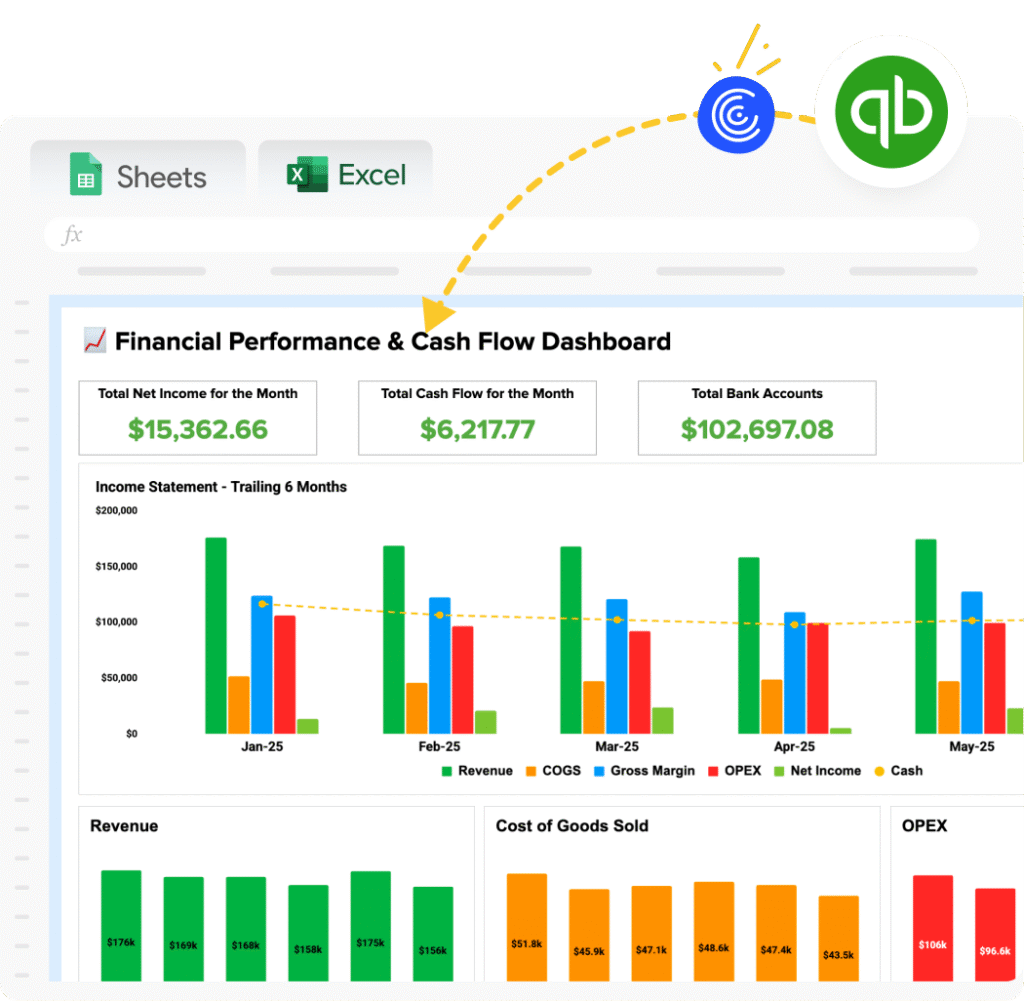
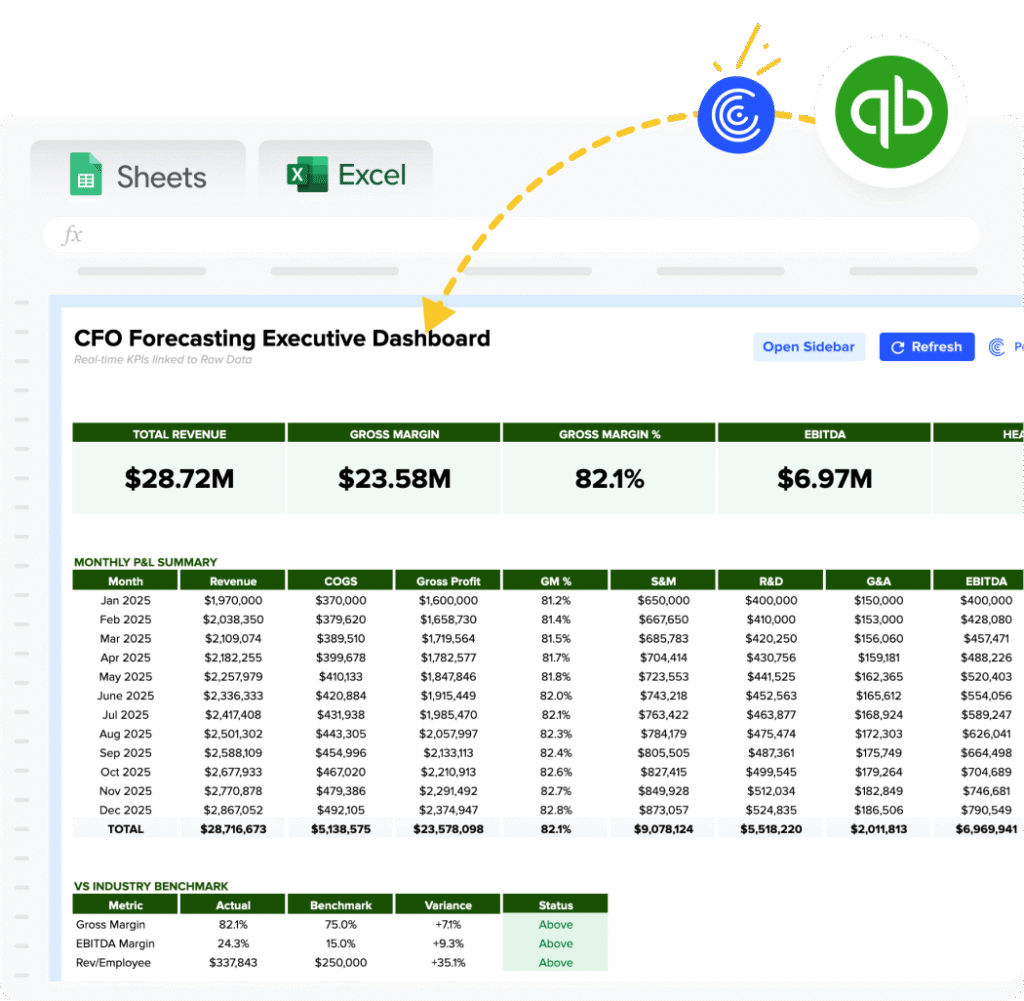
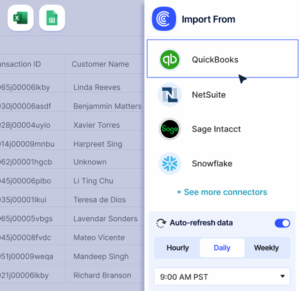
Coefficient connects your accounting system straight to Excel or Google Sheets. Your inventory values, COGS, and DIO calculate themselves from live data.
Save 20-30 minutes per month with zero data entry. Eliminate copy-paste errors that throw off your analysis. Set automatic refreshes daily, weekly, or monthly so your metrics stay current. Perfect for fractional CFOs managing multiple client dashboards from one place.
Set it up once and your DIO updates on its own. Get started with Coefficient and free up time for analysis instead of calculations.
How to Improve Your DIO
A high DIO traps cash in inventory. Here’s how to free it up.
Tighten demand forecasting
Use rolling 12-month sales data to predict future needs. Compare forecast accuracy monthly and adjust your model. Better forecasts cut excess stock by 15-25%.
Implement ABC inventory classification
Sort items into A (high value, fast-moving), B (moderate), and C (low value, slow-moving). Apply stricter controls to A items. This improves overall DIO by 10-20%.
Reduce safety stock intelligently
Review buffer levels quarterly. Many businesses hold 30-50% more than needed. Cut buffers on reliable suppliers first. Track stockout rates to stay balanced.
Run targeted clearance campaigns
Identify items sitting over 90 days and discount them. A 20% margin hit today beats a 100% write-off later. Use email campaigns to clear stagnant inventory fast.
Optimize reorder points
Set reorder triggers based on actual lead time plus a small buffer. Order smaller quantities more frequently if suppliers allow it. This matches inventory closer to sales velocity.
DIO vs. Inventory Turnover vs. DSO vs. DPO
Finance teams use multiple metrics to understand how fast cash moves through operations. Here’s how they connect.
Days Inventory Outstanding (DIO)
Measures how long inventory sits before sale. Lower is better. Formula: (Avg Inventory ÷ COGS) × 365.
Inventory Turnover Ratio
Shows how many times inventory sells per year. Higher is better. Formula: COGS ÷ Average Inventory.
Days Sales Outstanding (DSO)
Tracks how long to collect payment after sale. Lower is better. Formula: (Accounts Receivable ÷ Revenue) × 365.
Days Payable Outstanding (DPO)
Shows how long you take to pay suppliers. Higher is better. Formula: (Accounts Payable ÷ COGS) × 365.
When to use each
These four metrics combine to form your Cash Conversion Cycle (CCC):
CCC = DIO + DSO – DPO
A shorter cycle means cash flows through your business faster. For example: A company with 40 days DIO, 30 days DSO, and 45 days DPO has a CCC of 25 days (40 + 30 – 45). This means 25 days pass from when they pay for inventory until they collect cash from customers.
Pro tip for fractional CFOs: Present DIO alongside DSO and DPO to show the complete working capital picture. For instance: “Your DIO dropped from 60 to 45 days, freeing up $150,000. But DSO climbed from 35 to 50 days, absorbing that gain. The net effect on cash flow is minimal until we address collections.”
DIO and inventory turnover are mathematical inverses. If turnover is 9 times per year, DIO equals roughly 40 days (365 ÷ 9). Both tell the same story from different angles. Use whichever resonates better with your audience.
Control your cash
DIO shows how efficiently you convert inventory investment into sales. Track it monthly alongside DSO and DPO for complete working capital visibility.
Get started with Coefficient to automate your DIO tracking and focus on improving operations instead of calculating metrics.
 Sync Live Finance Data into Your Spreadsheet