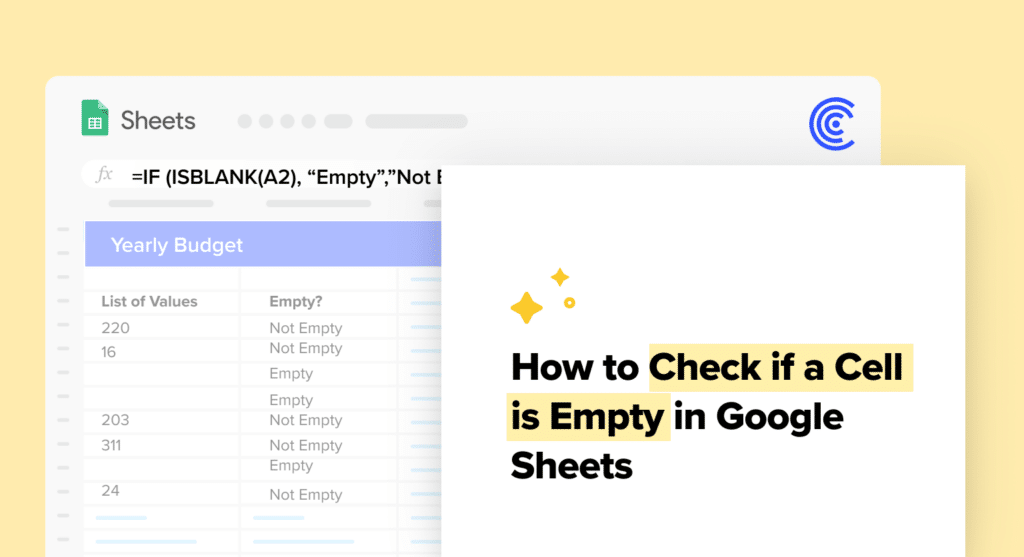
Check if a Cell is Empty in Google Sheets: A Quick Guide
Google Sheets is a robust tool for organizing and analyzing data. A key feature is identifying empty cells, crucial for data validation and workflow efficiency. Here’s how you...
Google Sheets is a robust tool for organizing and analyzing data. A key feature is identifying empty cells, crucial for data validation and workflow efficiency. Here’s how you...

Google Sheets Conditional Formatting feature allows users to highlight rows based on specific cell values. This feature becomes indispensable when working with extensive datasets, as it allows users...

Google Sheets turns complex data tasks simple. Learn how to use absolute references for error-free, efficient data management. Understanding Cell References in Google Sheets In Google Sheets, mastering...
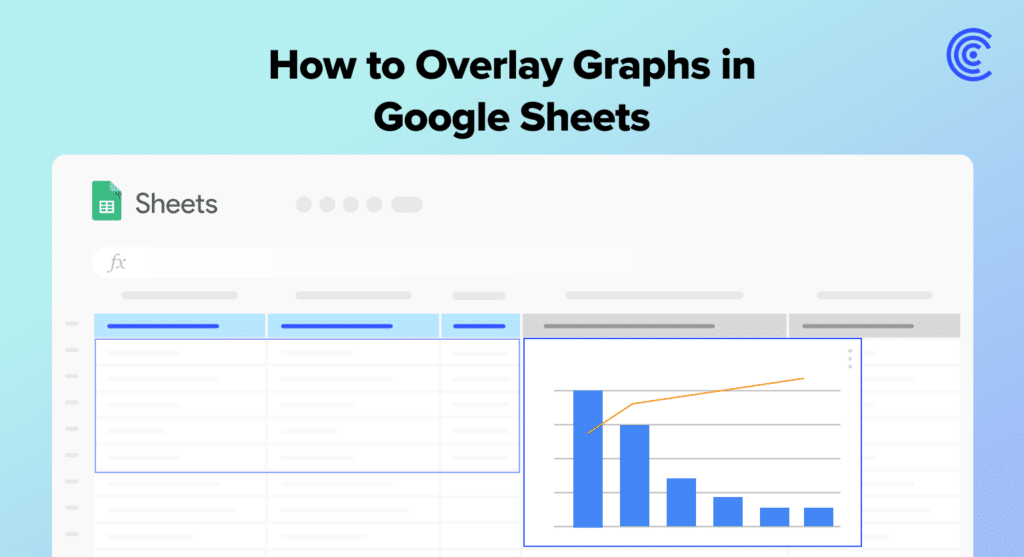
Overlaying graphs in Google Sheets simplifies data analysis. It helps you see trends and outliers by combining charts. This guide shows how to do it, step by step....
Learn how to quickly make a frequency table in Google Sheets. This guide simplifies data analysis for B2B SaaS business teams. Creating a Frequency Table in Google Sheets...

Manipulating data in Google Sheets comes with a myriad of functionalities, one of which includes the ability to reverse the order of data — effectively flipping information for...

Calculating variance is an essential statistical function that allows users to measure the spread or dispersion within a dataset. Variance indicates how much the individual data points differ...
Discover how to filter data dynamically using Google Sheets slicers. Learn to make your reports and dashboards interactive and user-friendly in this guide. Understanding Google Sheets Slicers Google...

Creating categories in Google Sheets is an essential skill for organizing and analyzing data efficiently. When data is categorized correctly, it simplifies tasks such as filtering, sorting, and...
Linear regression reveals data relationships. It’s crucial for informed decisions. Google Sheets simplifies this with built-in functions. You don’t need complex software. This guide explains using Google Sheets...

Need to count days between two dates in Google Sheets? Whether for project planning or deadline tracking, this guide makes it easy. Understanding Date Calculations in Google Sheets...

Counting unique values is essential in data analysis. It’s straightforward in Google Sheets. This guide shows how with practical business applications. Understanding Unique Values in Google Sheets In...