

Table of Contents

-
Financial planning automation: Save 20+ hours per week
- Key components of financial planning automation
- What can be automated in financial planning
- Key benefits of financial planning automation
- Implementation challenges and solutions
- Top financial planning automation software
- Coefficient for financial planning automation
- Future of financial planning automation
- Start automating your financial planning


Finance teams waste too much time on manual work. Research shows that 88-94% of business spreadsheets contain errors, and finance teams spend nearly 50% of their time on transaction processing rather than strategic analysis.
Financial planning automation changes this reality. This guide covers what can be automated in financial planning, how to implement automation successfully, and which tools deliver the best results for mid-market finance teams.
Key components of financial planning automation
Automated data integration and consolidation
Automated data integration consolidates information from ERPs, CRMs, data warehouses, and operational systems into unified planning environments. This eliminates manual CSV exports and copy-paste work that consume hours daily.
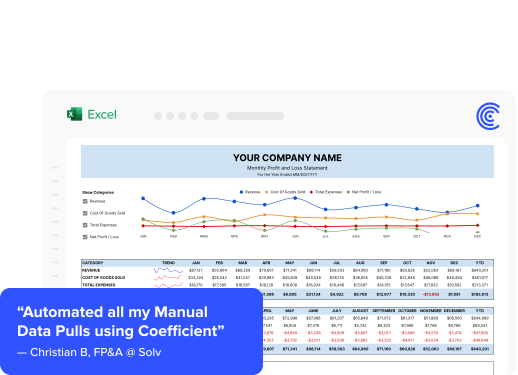
Modern platforms provide native integrations with real-time syncing. Christian Budnik at Solv quantified these savings: “Before Coefficient, I was doing multiple data pulls a day from various systems. By automating connections between Salesforce, Looker, and QuickBooks, we saved 364 hours per year. That’s over 9 weeks of manual work eliminated.”
The key is connecting source systems directly to your planning environment. When data flows automatically, you eliminate version control issues, reduce errors from manual entry, and always work with current numbers.
Automated budgeting and forecasting
Budget automation transforms annual planning from weeks-long exercises to continuous processes. Systems auto-populate historical data, apply growth assumptions, and generate variance reports without manual intervention.
Predictive analytics use machine learning to improve forecast accuracy. Organizations can reduce forecasting errors from 20-30% to under 10% through automation. Rolling forecasts replace static annual budgets, enabling continuous updates based on actual performance.
The shift from annual to continuous planning means finance teams spend less time building budgets and more time analyzing variances and adjusting strategy. Automation handles the data work while humans focus on judgment calls.
Automated reporting and dashboards
Real-time reporting replaces static monthly statements with live dashboards that update automatically. Finance teams build P&L statements, balance sheets, and cash flow reports once, then set automatic refresh schedules.
Automated budget-to-actual comparisons highlight exceptions immediately, enabling proactive management. Instead of waiting for month-end to discover variances, teams see issues as they develop and can course-correct in real time.
The Cashflow Forecast Dashboard provides a template for real-time visibility into cash position and runway projections—connect it to your accounting system and refresh schedules handle the rest.
Workflow automation and collaboration
Workflow automation orchestrates planning processes across departments. Approval routing sends budget requests to appropriate managers, tracks submission status, and escalates delays automatically.
Collaborative planning enables cross-functional teams to work from unified data sources. Sales, marketing, operations, and finance contribute to plans simultaneously, with changes visible in real time. Audit trails track every modification, creating accountability without manual documentation.
This coordination eliminates the back-and-forth emails and version confusion that plague traditional planning cycles.
What can be automated in financial planning
Budget preparation and management
Budget creation automation pulls historical actuals from accounting systems, applies growth rates, and distributes allocations across departments and cost centers. Systems handle complex organizational hierarchies without manual calculations.
Continuous monitoring compares actual spending against budget in real time. Automated alerts notify managers when departments approach spending limits, enabling timely course corrections. Rollover processes carry forward approved budgets to new periods, adjusting for known changes.
The result: budget cycles that used to take weeks now complete in days, with fewer errors and better alignment across the organization.
Financial forecasting
Rolling forecasts maintain continuous forward-looking projections—typically 12-18 months—that update monthly or quarterly as actuals arrive and assumptions change.
Cash flow forecasting integrates operating, investing, and financing activities into comprehensive projections. Predictive models identify patterns in historical data to improve accuracy. The Cashflow Forecast Template provides real-time cash position tracking with automated projections connected to your accounting system.
Machine learning improves over time. The more historical data your models have, the better they predict future performance.
Scenario planning and analysis
What-if modeling enables finance teams to test assumptions by adjusting variables—revenue growth rates, cost structures, headcount plans—and immediately viewing financial statement impacts.
Sensitivity analysis identifies which variables drive the greatest impact on outcomes. Multiple scenario generation creates best case, base case, and worst case projections simultaneously.
The What-If Scenario Analysis Template allows teams to model multiple scenarios side-by-side, comparing outcomes across revenue, COGS, and profit metrics without rebuilding spreadsheets from scratch.
Variance analysis
Budget-to-actual comparisons generate automatically each period, calculating variances across all financial statement line items. Exception reporting filters to significant variances, highlighting areas requiring attention.
Trend analysis identifies patterns over time—is this variance a one-time event or emerging pattern? Automated commentary templates capture explanations alongside the numbers.
The QuickBooks Budget vs Actual Report provides automated variance tracking with visual indicators that refresh as new actuals arrive.
Financial close and consolidation
Close acceleration automates journal entries, account reconciliations, and financial statement preparation. Mid-market companies typically spend 6-10 days on month-end close; automation can reduce this by 40-60%.
Multi-entity consolidation handles intercompany eliminations, currency translations, and minority interests without manual adjustments. The system applies consistent rules each period, eliminating reconciliation headaches.
<iframe width=”560″ height=”315″ src=”https://www.youtube.com/embed/pmc3GpbruD4″ title=”Month-End Close Automation” frameborder=”0″ allow=”accelerometer; autoplay; clipboard-write; encrypted-media; gyroscope; picture-in-picture” allowfullscreen></iframe>
Management reporting
Executive dashboards consolidate KPIs from financial and operational systems into unified views. CFOs access revenue trends, profitability metrics, and cash position without requesting IT support.
Automated board reporting packages generate on schedule with consistent formatting. Narrative templates pull in key metrics automatically, leaving time for analysis rather than data assembly.
Browse the Finance and Accounting Dashboard Gallery for pre-built templates covering common reporting needs.
Key benefits of financial planning automation
Significant time savings
Finance teams save 20+ hours per week by eliminating manual data exports, spreadsheet updates, and report generation. Organizations report reducing monthly forecasting cycles from three weeks to three days.
Real-world example: Loftium saved 40+ hours per month on property financial tracking. Christian Budnik at Solv eliminated 364 hours annually by automating connections between financial, sales, and analytics systems. According to Gartner, AI can automate 40-60% of FP&A activities.
These aren’t theoretical gains. They’re measurable hours returned to strategic work.
Improved accuracy and reliability
Manual financial planning suffers from high error rates. Research shows 88-94% of business spreadsheets contain errors that can lead to poor decisions, financial losses, and operational problems.
Automation reduces errors through eliminated manual data entry, single source of truth across systems, automated calculations with built-in validation, and consistent application of business rules. Organizations report reducing error rates from 20-30% to under 10%.
The compound effect matters. One error cascades through dependent calculations. Automation catches issues at the source.
Real-time insights and visibility
Real-time visibility transforms finance from backward-looking reporters to forward-looking business partners. Dashboards update automatically—hourly or daily—reflecting latest transactions and operational metrics.
Organizations using real-time financial dashboards report making decisions 2-3 weeks faster than those relying on traditional monthly reporting cycles. When you see a variance developing, you can act before it becomes material.
Continuous monitoring replaces periodic surprises with ongoing awareness.
Enhanced collaboration
Cloud-based planning platforms break down departmental silos, enabling cross-functional collaboration on unified data. Sales, marketing, operations, and finance contribute to plans simultaneously with changes visible in real time.
Workflow automation coordinates handoffs between teams. Comment threads keep context attached to specific numbers. Version control prevents the “which spreadsheet is current” problem.
According to McKinsey, 74% of employees using automation work faster across their organizations.
Better strategic focus
Finance teams spending 50% of time on transaction processing have limited capacity for strategic analysis. Automation reverses this ratio: top-performing teams spend 60% of time on decision support rather than data handling.
Finance transforms from scorekeepers to strategic advisors when freed from manual data work. The CFO becomes a business partner, not a reporting function.
Scalability and flexibility
Automated systems scale with business growth. Adding new entities, products, or geographies doesn’t require proportional headcount increases. The platform handles additional data volume and complexity.
Flexibility matters during change. When business structure shifts—acquisitions, reorganizations, new product lines—automated systems adapt faster than manual processes. Update the configuration once and reports reflect the new structure everywhere.
Implementation challenges and solutions
Change management and resistance
Employee resistance represents the primary implementation challenge. Finance professionals comfortable with Excel workflows may resist adopting new platforms, fearing job displacement or doubting technology reliability.
Successful change management requires executive sponsorship from the CFO down, clear communication that automation augments rather than replaces roles, involving key users in platform selection and testing, and comprehensive training before go-live.
Start with quick wins that demonstrate value. When the team sees automated reports save hours weekly, resistance decreases.
Integration complexity
Modern finance teams work with multiple systems: ERPs, CRMs, data warehouses, HR systems, and specialized tools. Integrating these systems poses technical challenges, particularly for organizations with legacy technology.
Solution approaches include selecting platforms with pre-built connectors to your existing systems, using middleware for complex integrations, and starting with critical systems before expanding coverage.
Coefficient simplifies this challenge by connecting 70+ business systems directly to Excel and Google Sheets—no middleware required. Finance teams maintain their spreadsheet workflows while gaining automated data refresh from source systems.
Implementation costs
Financial planning automation requires upfront investment in software licenses, implementation services, training, and change management. Finance leaders need clear ROI cases.
Phased implementation reduces risk and spreads costs. Start with highest-impact use cases—often reporting and variance analysis—then expand to forecasting and planning.
Most organizations report 200-400% ROI within 12-18 months through quantifiable time savings and qualitative improvements in decision quality.
Data quality and governance
Automation amplifies data quality issues. Inaccurate source data produces unreliable automated reports, undermining trust. Organizations need data governance frameworks establishing ownership, quality standards, validation rules, and audit trails.
Clean data before automation. Otherwise, you automate the propagation of errors. Establish data stewardship roles, implement validation at point of entry, and create exception workflows for data quality issues.
Top financial planning automation software
#1 Coefficient
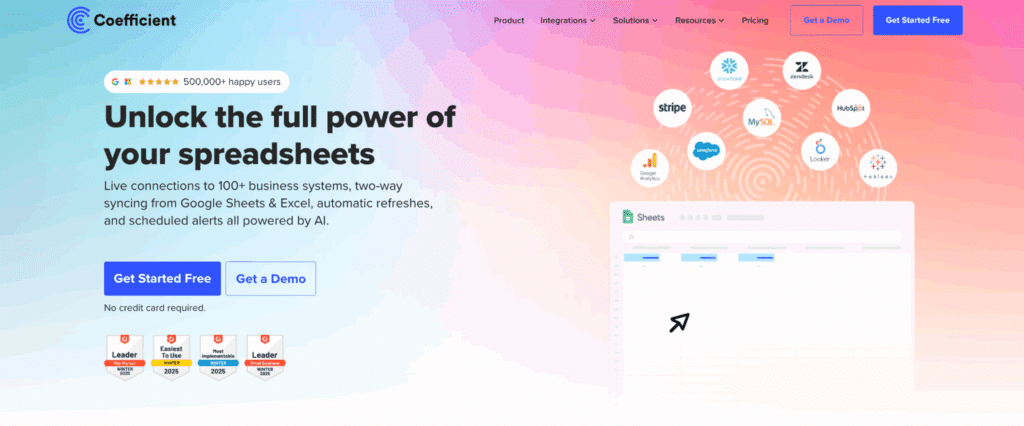
Coefficient is a spreadsheet add-on that connects Excel and Google Sheets directly to 70+ business systems including QuickBooks, NetSuite, Salesforce, and Snowflake. Finance teams keep their existing spreadsheet workflows while gaining automated data refresh, eliminating manual exports and copy-paste work.
Highlights of Coefficient
- 70+ native integrations with real-time data syncing to accounting, CRM, and data warehouse systems
- Scheduled refreshes (hourly, daily, weekly) keep planning models current without manual intervention
- Writeback capabilities push spreadsheet data back to source systems
Pros
Spreadsheet-native approach. Finance teams continue working in Excel or Google Sheets—no new interface to learn. The familiar environment reduces training time and adoption friction.
Fast implementation. Connect to your first data source in minutes, not months. No IT project required for basic setup.
Affordable entry point. Free tier available for individual users, with team plans scaling based on usage.
Cons
Spreadsheet limitations apply. Very large datasets may hit spreadsheet row limits. Complex multi-dimensional analysis may require additional tools.
Google Sheets features more advanced. Some features like AI Sheets Assistant are currently Google Sheets only.
Pricing
As of December 2025, Coefficient offers a free Starter plan, Pro plan at $59/month, and Team plans with custom pricing based on users and data volume.
What do users say about Coefficient?
Positive: “Before Coefficient, I was doing multiple data pulls a day from various systems. By automating connections between Salesforce, Looker, and QuickBooks, we saved 364 hours per year.” — Christian Budnik, Solv
Critical: Some users note that advanced features require the paid tiers, and very complex data transformations may need SQL knowledge.
Customer support
Coefficient provides email support, extensive documentation, video tutorials, and template library. Pro and Team plans include priority support and onboarding assistance.
#2 Planful

Planful delivers AI-powered FP&A software for budgeting, forecasting, consolidation, and reporting. The platform targets mid-market to enterprise organizations needing comprehensive financial performance management with strong workflow automation.
Highlights of Planful
- AI-powered forecasting with Planful Predict for anomaly detection and intelligent insights
- Financial consolidation with multi-entity support and currency translation
- Workforce planning module for headcount budgeting and scenario modeling
Pros
Comprehensive CPM suite. Covers budgeting, forecasting, consolidation, and reporting in one platform—no need for multiple tools.
Excel-like interface. Finance teams find the interface familiar, reducing learning curve compared to pure cloud platforms.
Strong workflow automation. Approval routing, task management, and audit trails streamline planning processes.
Cons
Implementation complexity. Organizations typically need 3-6 months for full implementation with consulting support. Not a quick-start solution.
Report performance issues. Some users report dashboards and complex reports can be slow to load.
Pricing
As of December 2025, Planful pricing starts around $1,250/month and scales based on users and modules. Enterprise implementations typically range $50,000-$150,000+ annually. Contact vendor for quote.
What do users say about Planful?
Positive: “Planful has been a major upgrade from our previous vendor. It has helped us implement a rolling forecast, automate the balance sheet and cash flow forecasts, all while we reduced the size of our team.” — Gartner Peer Insights
Critical: “Implementation took longer than promised due to complexities that our partner didn’t fully grasp in the beginning.” — Gartner Peer Insights
Customer support
Planful offers dedicated customer success managers, 24/7 support for enterprise customers, Planful Community forums, and Planful Academy training resources.
#3 Abacum

Abacum is an AI-native FP&A platform designed for mid-market companies seeking to automate reporting, forecasting, and collaborative planning. The platform emphasizes speed and ease of use with a modern interface.
Highlights of Abacum
- AI-powered forecasting with Abacum Intelligence for automated predictions and insights
- Multi-dimensional modeling for complex analyses and scenario planning
- Real-time collaboration enabling simultaneous work across finance and operations
Pros
Fast time-to-value. Users report getting value within days of implementation, not months. The platform is designed for quick wins.
Intuitive interface. Modern design praised for ease of use, particularly the drill-down functionality for variance analysis.
Strong integrations. Connects easily with popular systems like QuickBooks, Salesforce, NetSuite, and Stripe.
Cons
Limited ERP coverage. While popular ERPs connect well, users report challenges integrating with smaller or industry-specific accounting systems.
Reporting-first focus. Some reviewers note Abacum excels at reporting but may lack advanced budgeting and scenario planning depth compared to full CPM suites.
Pricing
As of December 2025, Abacum pricing is not publicly listed. Industry sources indicate implementations typically start around $50,000+ annually. Contact vendor for quote.
What do users say about Abacum?
Positive: “Abacum has fundamentally transformed our finance function. Its seamless integrations make it our definitive source of truth for financial planning and analysis.” — G2 Review
Critical: “There’s a slight learning curve due to how powerful and flexible the platform is, especially when building complex models.” — Softwareadvice
Customer support
Abacum provides dedicated implementation support, customer success managers, email and chat support, and regular product webinars.
#4 Vena Solutions
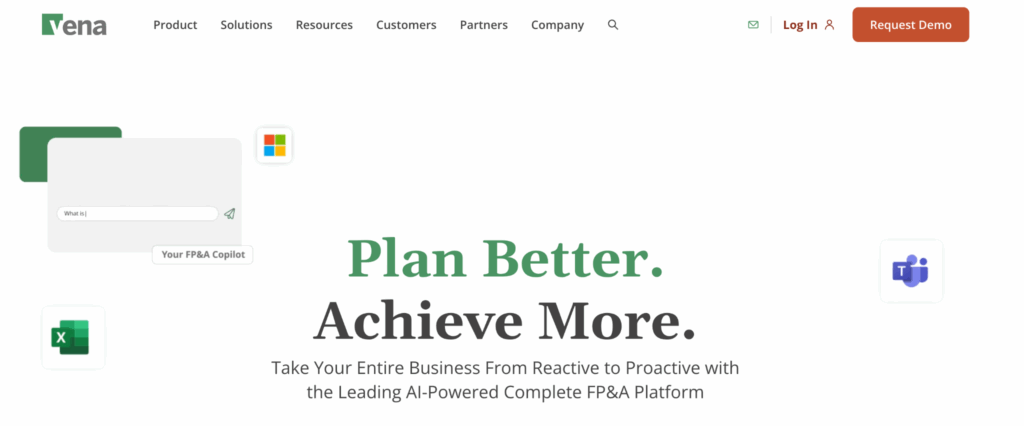
Vena is an Excel-based FP&A platform that layers enterprise controls and automation on top of familiar spreadsheet workflows. The platform targets organizations that want to enhance Excel rather than replace it.
Highlights of Vena
- Native Excel integration with CubeFLEX OLAP database built specifically for Excel
- Vena Copilot AI assistant for natural language queries and report generation
- Workflow automation with approval routing, version control, and audit trails
Pros
Excel familiarity. Finance teams continue working in Excel while gaining database power, version control, and collaboration features.
Single source of truth. Reviewers consistently cite data consolidation as the biggest advantage—one reliable source across the organization.
Strong Microsoft integration. Works with Power BI, Teams, and the broader Microsoft 365 ecosystem.
Cons
Expensive total cost. Can run over $60,000 for the first year including implementation fees. Ongoing costs add up with third-party support.
Long implementation. Users report implementation times longer than promised, sometimes requiring dedicated technical resources or consultants.
Pricing
As of December 2025, Vena pricing starts around $5,000 annually for smaller implementations, but typical mid-market deals range $40,000-$100,000+ per year. Contact vendor for quote.
What do users say about Vena?
Positive: “Vena has significantly decreased the time it takes us to close the books and prepare month-end financial reports. It has also streamlined our budgeting process.” — G2 Review
Critical: “There were occasional formula differences whenever I had to integrate models created in Excel, so there was usually the need to do some extra checking.” — Capterra Review
Customer support
Vena offers dedicated customer success managers, live chat and phone support, Vena Community forums, and extensive training through the Vena Academy.
#4 Cube
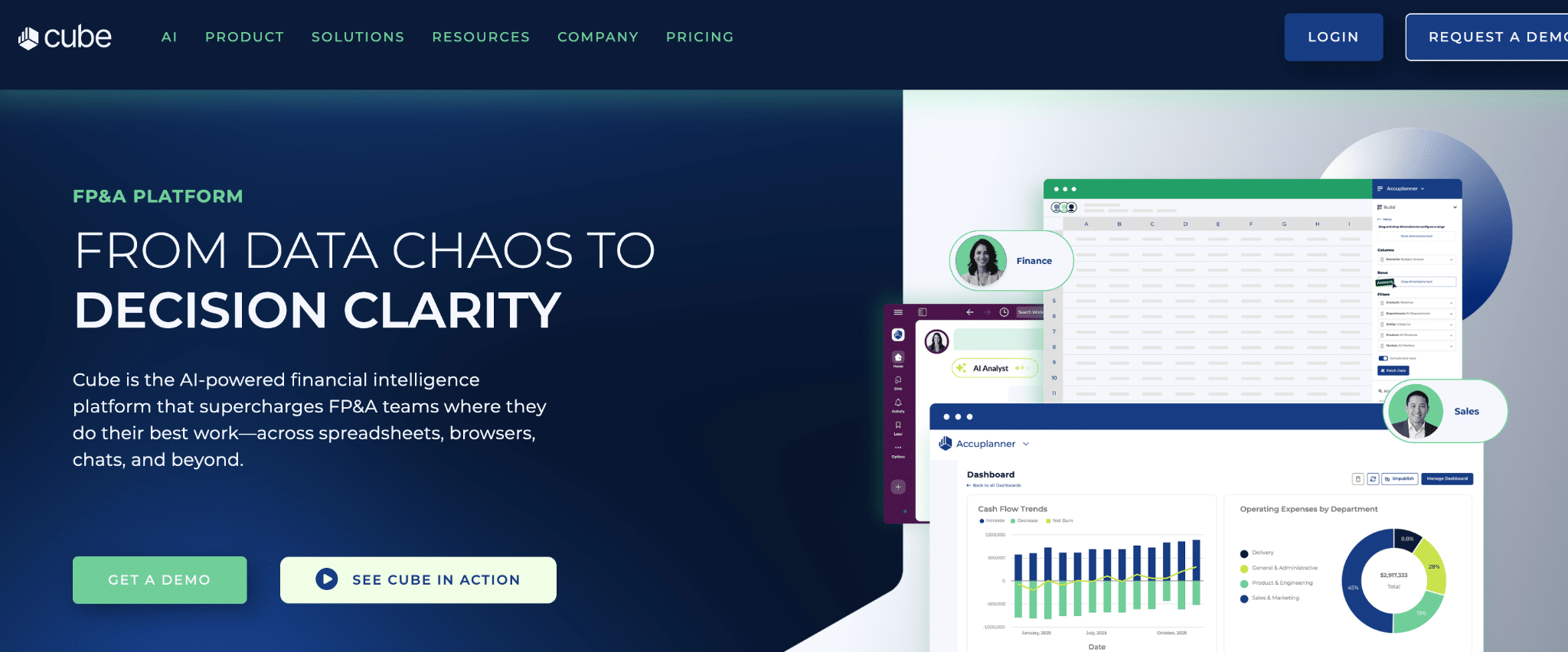
Cube is a spreadsheet-native FP&A platform that integrates directly with Excel and Google Sheets. The platform targets small to mid-sized companies wanting to add FP&A capabilities without leaving their spreadsheet environment.
Highlights of Cube
- Spreadsheet-native design that enhances rather than replaces Excel and Google Sheets
- AI capabilities for forecasting, analysis, and natural language queries via Slack and Teams
- Multi-scenario analysis for modeling different financial outcomes
Pros
Quick implementation. Designed to be easier to implement than larger FP&A suites—often live within weeks.
Excellent customer support. Users consistently praise responsive, knowledgeable support team throughout implementation and ongoing use.
Spreadsheet flexibility. Finance teams maintain their existing models while adding automation and version control.
Cons
Dashboard limitations. Reviewers note dashboarding isn’t as intuitive as dedicated BI tools like Power BI or Tableau.
Missing modules. Lacks robust headcount planning and some advanced forecasting features that larger platforms offer.
Pricing
As of December 2025, Cube pricing starts at $1,250/month for the Essentials plan, $2,800/month for Premium, and custom pricing for Enterprise. Implementation fees additional.
What do users say about Cube?
Positive: “Cube has completely streamlined our budgeting, forecasting, and reporting. It’s fast, flexible, and integrates seamlessly with our systems.” — G2 Review
Critical: “We could never get an automatic data connection with NetSuite working, so it is always a manual upload process each month.” — Capterra Review
Customer support
Cube provides dedicated implementation managers, customer success managers, regular check-ins, and highly-rated responsive support team.
#5 Anaplan
Anaplan is an enterprise-grade connected planning platform designed for complex, large-scale organizations. The platform uses proprietary Hyperblock technology for high-speed calculations across massive datasets.
Highlights of Anaplan
- Hyperblock technology handles billions of data points without performance degradation
- Connected planning across finance, sales, supply chain, and workforce
- Advanced modeling for sophisticated financial structures and scenario analysis
Pros
Enterprise scalability. Built for organizations with complex planning needs, multiple entities, and large data volumes. Performance doesn’t degrade as you scale.
Cross-functional planning. Finance connects to sales forecasts, supply chain planning, and workforce planning in real time.
Cons
Significant cost. Enterprise pricing reflects enterprise capabilities. Implementations typically cost $100,000-$500,000+ annually plus consulting.
Implementation complexity. Organizations typically need 6-12+ months for full implementation with extensive consulting support.
Pricing
As of December 2025, Anaplan is enterprise-priced. Industry sources indicate typical implementations range $100,000-$500,000+ annually depending on users, data volumes, and modules.
What do users say about Anaplan?
Positive: “Anaplan revolutionizes how businesses visualize, plan, and operate. It allows users to contextualize real-time performance data and predict future outcomes.” — The Finance Weekly
Critical: “The quote? $50,000 annually, plus implementation and consultant fees that easily double the total cost. That’s for a tool that would take five months to set up.” — Fuel Finance
Customer support
Anaplan provides dedicated customer success managers, 24/7 global support, Anaplan Community forums, Anaplan Academy training, and extensive partner network.
#6 Prophix
Prophix is a mid-market CPM platform providing budgeting, planning, forecasting, reporting, and consolidation for companies with 100-2,000 employees seeking comprehensive financial performance management.
Highlights of Prophix
- Spreadsheet-style interface familiar to Excel users
- Automated workflow and approval routing for planning cycles
- Financial consolidation with currency translation for multi-entity organizations
Pros
Mid-market sweet spot. Pricing and capabilities target organizations that have outgrown spreadsheets but don’t need enterprise complexity.
Comprehensive CPM features. Covers full planning, budgeting, forecasting, consolidation, and reporting needs without requiring multiple tools.
Cons
Limited cutting-edge features. Organizations needing advanced AI or highly sophisticated modeling may find capabilities insufficient compared to larger platforms.
Learning curve. Users report the platform requires meaningful training to master fully despite the familiar interface.
Pricing
As of December 2025, Prophix pricing typically ranges $40,000-$100,000 annually for mid-market implementations. Contact vendor for quote.
What do users say about Prophix?
Positive: “Prophix provides robust financial modeling tools that help businesses forecast future performance and analyze financial trends.” — The Finance Weekly
Critical: “Users report the platform has comprehensive features but requires training to master fully.” — The Finance Weekly
Customer support
Prophix offers dedicated support teams, comprehensive training programs, Prophix Community user forums, and customer success managers.
#7 Pigment

Pigment is an agile business planning platform emphasizing speed, flexibility, and cross-functional collaboration. The platform targets fast-moving organizations, particularly SaaS and technology companies.
Highlights of Pigment
- No-code platform enabling business users to build models without IT involvement
- Real-time collaboration across finance, sales, marketing, and operations
- Modern interface designed for ease of use and rapid adoption
Pros
Agility and speed. Finance teams build and modify models quickly. Changes to business structure get implemented rapidly without waiting on IT.
Cross-functional design. Built for collaboration between departments working from unified assumptions and data.
Cons
Limited financial depth. While flexible for various planning types, Pigment may lack specialized financial consolidation features found in purpose-built CPM platforms.
Performance at scale. Users note slower performance when working with very large datasets or highly complex models.
Pricing
As of December 2025, industry sources indicate Pigment implementations typically range $30,000-$80,000+ annually depending on users and features. Contact vendor for quote.
What do users say about Pigment?
Positive: “Pigment is praised for its sleek interface and responsive customer support. The platform enables rapid modeling and scenario building.” — Research.com
Critical: “Many teams struggle with its technical modeling requirements and slower performance at scale. Formula logic often requires deep technical know-how.” — Fuel Finance
Customer support
Pigment provides email and chat support, customer success managers for enterprise customers, online documentation and training resources, and regular product webinars.
Coefficient for financial planning automation
Live data foundation for planning
Coefficient connects 70+ business systems directly to Excel and Google Sheets. Finance teams access accounting systems (QuickBooks, NetSuite, Sage Intacct), CRM platforms (Salesforce, HubSpot), and data warehouses (Snowflake, BigQuery) through a single add-on.
Automated refreshes keep planning models current. Set schedules—hourly, daily, or weekly—and data populates automatically. No more manual exports, no more stale numbers, no more version confusion about which spreadsheet has current data.
The spreadsheet-native approach means zero learning curve. Your existing models, formulas, and workflows remain intact. Coefficient adds automation underneath.
Automated budget templates and models
Coefficient’s finance and accounting template gallery provides pre-built dashboards for common financial planning needs. Templates connect to live data sources, eliminating manual population.
Copy a budget template, connect to QuickBooks or NetSuite, and historical actuals populate automatically. Formula auto-fill extends your calculations as new data arrives. Variance automation highlights exceptions without manual review.
The templates serve as starting points. Customize them to match your chart of accounts, reporting hierarchy, and KPI definitions—then let automation handle the refresh.
Streamlined reporting workflows
Automated report generation transforms monthly reporting from days of work to scheduled updates. Build reports once, connect to accounting systems, set refresh schedules, and reports stay current.
Financial dashboards consolidate KPIs across systems. Revenue from your CRM, expenses from your ERP, and headcount from your HRIS appear in unified views. Scheduled exports send reports automatically via email or Slack alerts when metrics exceed thresholds.
Browse the Finance and Accounting Dashboard Gallery for templates covering cash flow forecasting, budget vs actual tracking, and executive dashboards.
Future of financial planning automation
The future of financial planning is autonomous, powered by generative AI and intelligent agents. More than 58% of finance departments now use some form of AI, with adoption accelerating rapidly.
Generative AI capabilities will advance beyond formula generation to strategic insight delivery. AI will analyze patterns across financial, sales, marketing, and operational data, identifying root causes and recommending actions. Natural language interfaces will let anyone query financial data without SQL or spreadsheet expertise.
Continuous planning will replace annual budgets entirely. Organizations will maintain rolling 18-24 month forecasts that update automatically as actuals arrive. The annual budget cycle becomes a continuous process of assumption validation and adjustment.
Agentic AI—systems that take autonomous action—will handle routine planning tasks. Variance explanations, forecast adjustments, and exception routing will happen without human intervention for standard cases. Finance teams will focus on judgment-intensive decisions while AI handles pattern recognition and data processing.
The winners will be organizations that adopt automation now, building the data foundations and process discipline that advanced AI requires.
Start automating your financial planning
Financial planning automation eliminates the manual work consuming 20+ hours per week for most finance teams. By connecting live data sources, automating budget preparation, enabling real-time forecasting, and streamlining reporting workflows, finance teams shift focus from data gathering to strategic analysis.
The challenges—change management, integration complexity, implementation costs, and data quality—have proven solutions. Organizations implementing financial planning automation report 200-400% ROI within 12-18 months through time savings, improved accuracy, and better decision-making.
The future of FP&A is automated, AI-powered, and continuous. Finance teams adopting automation today build competitive advantages that compound over time.
Get started with Coefficient to automate your financial planning workflows today.
