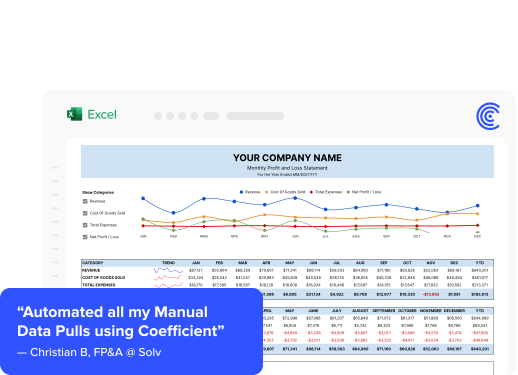




Your HubSpot says 340 active customers. Your QuickBooks says 287 paying accounts. Your CEO is asking which number is right. You do not have a data engineer. You do not have a data warehouse. You have a spreadsheet, three SaaS tools, and a full-time job.
Most guides to fixing data silos are written for enterprise teams with six-figure infrastructure budgets. This one is not.
Why Small Businesses Have Data Silos
Small businesses accumulate SaaS tools fast. A CRM for sales, accounting software for finance, an email platform for marketing, a support tool for customer success. Each tool was bought to solve a specific problem. Nobody at a 20-person company plans the data architecture at the same time as they are setting up HubSpot.
The silos form naturally. Data lives in each tool in its own format with no connection between them. The result is manual exports, conflicting numbers, and decisions made on incomplete data.
What You Do Not Need
You do not need:
- A data warehouse. Snowflake, BigQuery, and Redshift are tools for organizations with many data sources, high volumes, and dedicated data engineering teams.
- An ETL pipeline. Building and maintaining a pipeline from HubSpot to Snowflake requires an engineer and ongoing maintenance.
- A dedicated BI tool. Tableau, Looker, and Power BI solve visualization and governance problems at scale. They are expensive and require setup time that a small team cannot justify.
The goal is to get your key business metrics into one place, automatically, without someone spending every Friday on manual exports.
The Practical Fix to Data Silos for Small Businesses
Coefficient connects your business tools directly into Google Sheets or Excel with one-click OAuth. No API tokens. No developer credentials. No engineering ticket.
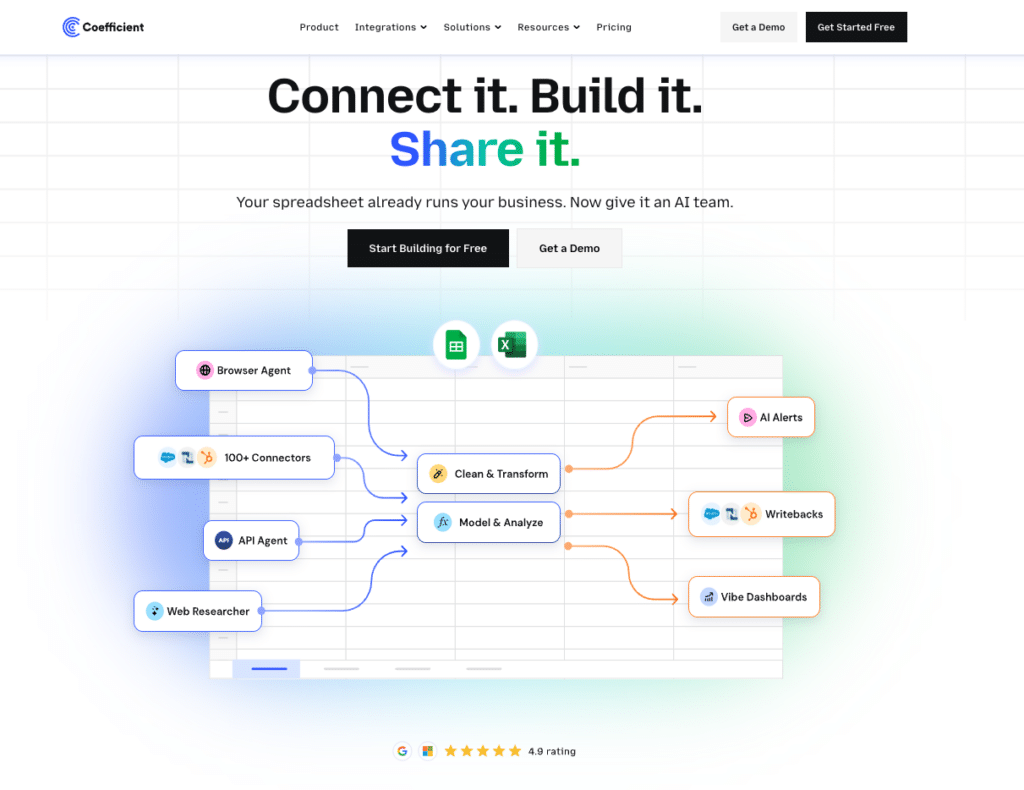
Connect QuickBooks and HubSpot to the same Google Sheet or Excel file. Set an auto-refresh schedule: hourly, daily, or weekly. The data updates automatically. No manual exports. Numbers are always current.
Coefficient’s AI Chat lets you describe the report you need in plain English and builds it from your live data. A revenue reconciliation between HubSpot and QuickBooks, a unified customer count, a pipeline-to-revenue attribution report.
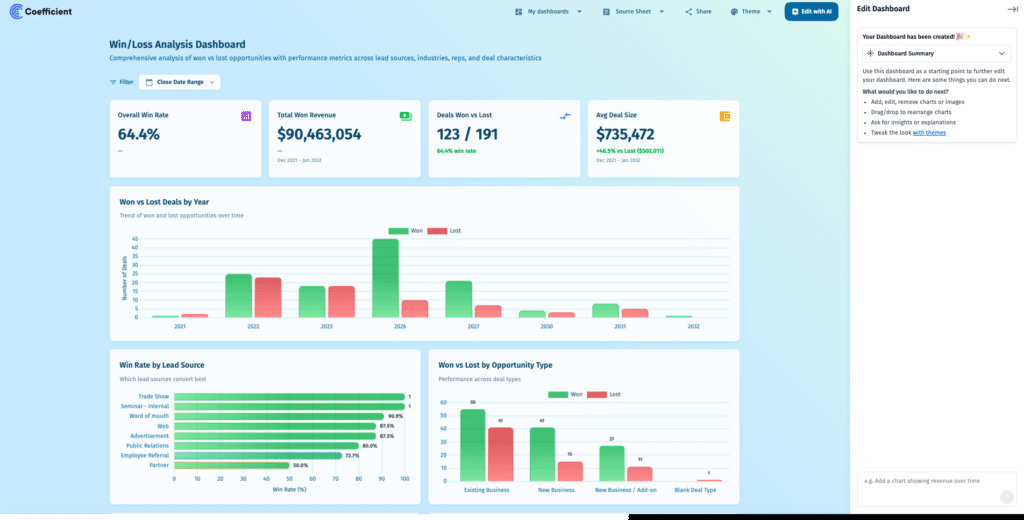
AI web dashboards work in both Google Sheets and Excel. Publish the dashboard as a shareable link. Your CEO can bookmark it. Viewer seats are free. No per-user licensing.
Two-way sync is available for Salesforce, HubSpot, NetSuite, QuickBooks, Snowflake, MySQL, MS SQL Server, PostgreSQL, BigQuery, and Redshift. When you need to push corrected data back to a source system, you do it from the spreadsheet without re-entering anything manually.
Free plan available. Paid plans from $49/month with no per-user fees.
Three Use Cases Worth Starting With
Finance and CRM Reconciliation
Connect QuickBooks invoices and HubSpot deals into one sheet. Match records by company name. Flag mismatches automatically with a conditional formula. The reconciliation that used to take two days at month-end takes 20 minutes. Push corrections back to QuickBooks or HubSpot directly from the sheet.
Marketing Attribution Without a Marketing Team
Pull HubSpot contact data (source, lifecycle stage, associated deal value) into a Google Sheet. Set a daily refresh. Build a simple attribution table showing which channels generate actual revenue, not just form submissions. Share with leadership as a live web dashboard.
The CEO Dashboard
Pull headcount from your HRIS, revenue from QuickBooks, pipeline from HubSpot, and ad spend from Google Ads into one sheet. Set a weekly refresh. Publish a live AI web dashboard link. Works in both Google Sheets and Excel. Your CEO gets a single URL showing the current state of the business every Monday morning.
Frequently Asked Questions
Do I need a data warehouse to fix data silos as a small business?
No. Data warehouses are the right solution for organizations with many data sources, high volumes, and a data engineering team to maintain them. For most small businesses with 5 to 20 SaaS tools, connecting those tools directly to a spreadsheet with live auto-refresh solves the core problem.
What is the cheapest way to connect my business tools?
Coefficient’s free plan connects your data sources to Google Sheets or Excel. Paid plans start at $49/month with no per-user fees. Compare that to Tableau (from $75/user/month) or Looker (around $5,000/month platform fee) and the cost difference for a small team is substantial.
Bottom Line
If you are running a small or mid-market business with data scattered across HubSpot, QuickBooks, Salesforce, and spreadsheets, and you do not have a data team, you do not need one to fix your silo problem.
Coefficient is free to start. Connect your first source in minutes and have a unified report by end of day.