Help Scout does not have an “Export Everything” button. Its native export covers reporting metrics only. Conversation thread contents, customer records and knowledge base articles require the API or a migration service. Understanding this upfront saves significant time.
This guide covers all methods: native report export, Import2 migration, the Help Scout API and Coefficient for recurring live exports to Google Sheets or Excel.
| What data can you import and export from Help Scout? |
| Help Scout’s native export covers reporting metrics (conversation volume, response times, happiness scores) as CSV or XLSX. Conversation thread contents, full customer records and Docs articles cannot be exported from the UI. These require the Inbox API or Docs API. Import is handled via Import2, which supports migration from Zendesk, Freshdesk, Intercom and 20+ other help desks. Coefficient connects Help Scout to Google Sheets & Excel for live reporting data exports. |
Help Scout’s data structure: what you can and cannot export natively
Help Scout separates data into two categories. Reporting data (metrics, volume, response times, happiness scores) is exportable from the UI as CSV or XLSX. Conversation data (the actual message threads, attachments, customer profiles) is not exportable from the UI at all.
This is the most important thing to know before you start. If you need the text of your conversations for a migration, a compliance audit or a backup, you must use the API. There is no workaround via the native interface.
One additional nuance: custom fields and contact properties are separate objects in Help Scout. Export both if you need to preserve full customer context for a migration.
How to import data into Help Scout
Help Scout does not provide a native CSV import for conversations or contacts. All imports are handled via Import2 or the API.
Method 1: Import2 migration tool
Help Scout partners with Import2 to handle migrations from other help desks. This is the standard path when switching from another platform.
- In Help Scout, go to Manage > Company > Import Data.
- Choose your source platform from the list. Import2 supports Zendesk, Freshdesk, Intercom, Groove, Kayako, Front, Salesforce Service Cloud and Help Scout itself.
- Connect your source account via OAuth or API token.
- Run a sample import first. Review the results in Help Scout before proceeding.
- Confirm the full import. Import2 emails you when it is complete.
Important before you start: create all Inboxes in your destination Help Scout account with the same names as in the source before running the sample import. Stop your team from working in the source tool during the full import to avoid tickets being stranded.
Method 2: Help Scout API
The Help Scout Inbox API supports creating conversations, customers and threads programmatically. Use this for custom migration pipelines from systems not supported by Import2, or for automated workflows that create conversations from external triggers. The Docs API covers knowledge base articles. Authentication uses OAuth 2.0 with 48-hour access tokens.
How to export data from Help Scout
Method 1: Native report export (CSV/XLSX)
This covers reporting metrics only. Not conversation threads.
- Go to Reports in the left navigation.
- Select a report type: All Channels, Email, Company or Happiness.
- Apply filters: date range, mailbox, tags or assigned user.
- Click the Export/Print icon and choose CSV or XLSX.
- Help Scout processes the export and sends a download link to your email for larger exports.
Key differences between formats:
- CSV: timestamps use your account timezone (set in Manage > Company).
- XLSX: timestamps use UTC.
- Plus plan: exports include custom field values as additional columns.
- Not included: conversation thread contents and satisfaction rating comments are excluded from all native exports.
Method 2: Customer list export (on request)
Help Scout can provide Account Owners with a CSV of all customer names and email addresses on request. This does not include conversation history. Contact Help Scout support to request this export.
Method 3: Coefficient for live reporting exports
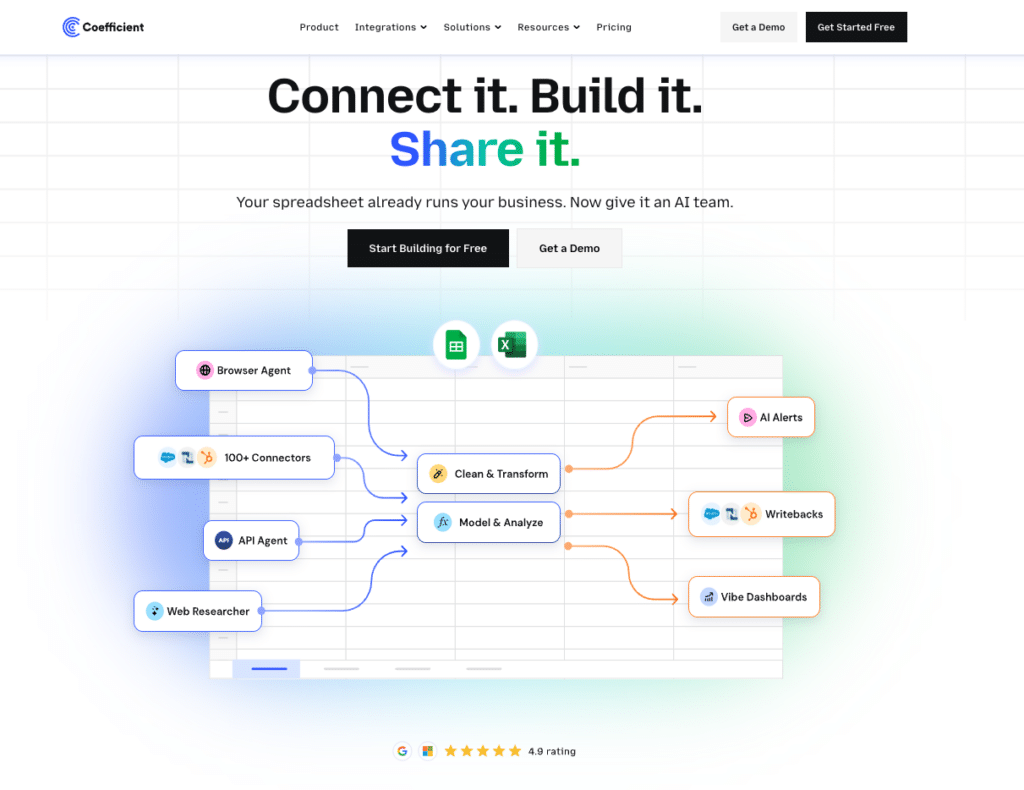
The native report export is a manual, one-time pull. For teams that need fresh Help Scout reporting data in a spreadsheet on a regular basis, Coefficient removes the manual step.
Coefficient connects Help Scout to Google Sheets or Excel and refreshes reporting data automatically on a schedule you set.
What you can do with the Coefficient Help Scout connector:
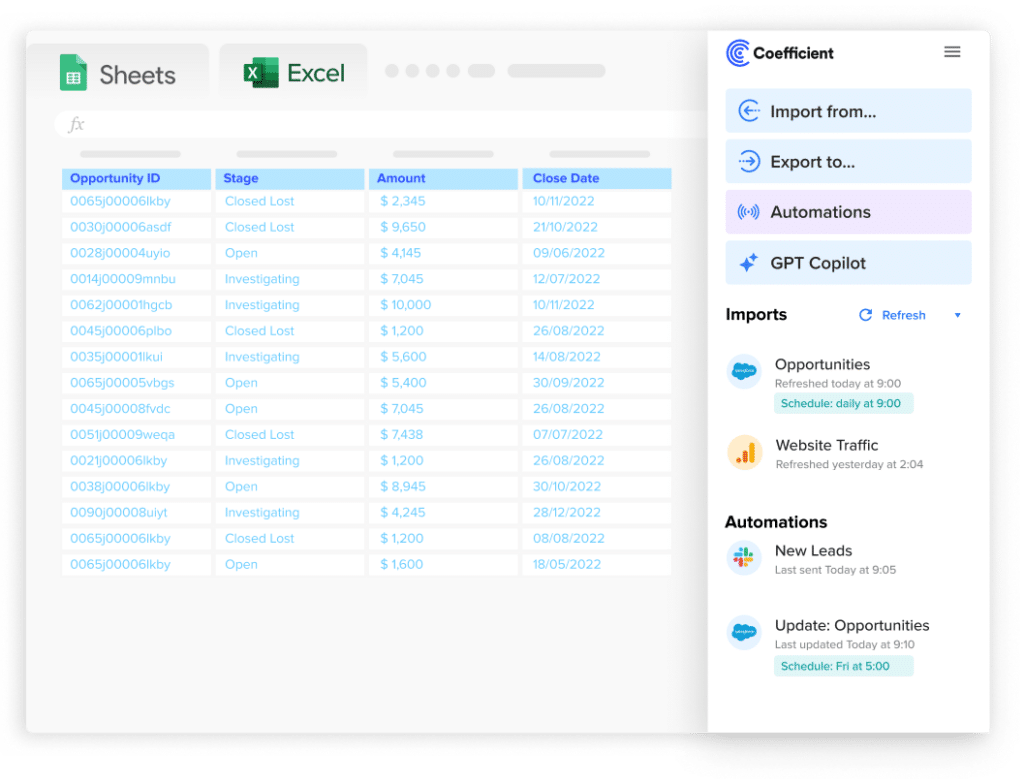
Stop exporting data manually. Sync data from your business systems into Google Sheets or Excel with Coefficient and set it on a refresh schedule.
Get Started
- Import reporting metrics (volume, response times, happiness scores) with field-level selection and date filters.
- Set auto-refresh daily or weekly so reporting dashboards are always current.
- Build team performance dashboards from live Help Scout data without manual exports each cycle.
- Turn live Help Scout data into a shareable web dashboard. Coefficient AI dashboards build it from your live data in plain English.
How to connect Help Scout to a spreadsheet with Coefficient:
- Install Coefficient from the Google Workspace Marketplace or Microsoft AppSource.
- Open Coefficient from the Extensions menu in Google Sheets, or the add-in menu in Excel.
- Click Import From and select Help Scout. When prompted, enter your Help Scout API key to complete the connection.
- Select the report type, choose fields and apply date filters.
- Set a Scheduled Run to refresh the data automatically.
Not a standalone BI platform. Requires Google Sheets or Excel. Try Coefficient free.
Method 4: Help Scout API for full data extraction
The Help Scout Inbox API is the only way to get conversation thread contents, attachments and full customer records out of Help Scout. The API requires OAuth 2.0 authentication. Access tokens expire after 48 hours and must be refreshed. Rate limits apply and vary by plan. The Help Scout Docs API covers knowledge base articles.
Import and export method comparison
| Method | Direction | Data covered | Format | Best for |
|---|---|---|---|---|
| Import2 migration | Import | Conversations, customers, tags | Varies by source | Switching to Help Scout from another help desk |
| Help Scout API (import) | Import | Conversations, customers, articles | JSON | Custom migration pipelines, automated workflows |
| Native report export | Export | Reporting metrics only (no threads) | CSV, XLSX | One-time metric exports for analysis |
| Customer list (on request) | Export | Customer names and emails only | CSV | Basic customer list backup |
| Coefficient | Export from Help Scout | Reporting metrics | Live sync to Sheets or Excel | Recurring exports, live reporting, auto-refresh |
| Help Scout API (export) | Export | Conversations, threads, customers, articles | JSON | Full data extractions, migrations, backups |
FAQs
Can you export Help Scout conversations to CSV?
Not via the native interface. The built-in export covers reporting metrics only, not conversation thread contents. To export conversation bodies, use the Help Scout Inbox API or a migration service like Import2.
What data can be imported into Help Scout?
Import2 supports migration of conversations, customers, tags, agents and attachments from 20+ source platforms including Zendesk, Freshdesk and Intercom. Knowledge base articles can be imported via the Docs API. Help Scout does not support native CSV import of contact lists or conversations.
Can you export Help Scout data to Google Sheets automatically?
Yes, for reporting metrics. Coefficient connects Help Scout reporting data to Google Sheets or Excel on a refresh schedule. Conversation thread contents are not available via Coefficient — those require the API.
How do you get conversation thread contents out of Help Scout?
Only via the Help Scout Inbox API. Use the threads endpoint to retrieve message bodies for each conversation. This requires OAuth 2.0 authentication and developer resources. There is no UI-based method.
What file formats does Help Scout export support?
Native report exports produce CSV (with account timezone) or XLSX (with UTC timestamps). The API returns JSON. There is no native PDF or XML export option for data.
Does Help Scout support two-way sync with spreadsheets?
No. Help Scout’s data tools are read-only for external tools. Coefficient imports Help Scout reporting data into Google Sheets or Excel and keeps it live with auto-refresh. Writing data back to Help Scout from a spreadsheet is not supported.
If you need Help Scout reporting data refreshed automatically in a spreadsheet, try Coefficient free and connect Help Scout in a few clicks.