Build data apps from
your spreadsheet
Create commission trackers, financial forecasts and marketing dashboards - no coding required.


Trusted by more than 700,000 leading GTM teams of all sizes


How it works

Import Agent
1. Connect your spreadsheet to any system
100+ Prebuilt Connectors


API Agent
Build your own connector
Build a connector to any internal tool or niche app with an API using AI.
Start building
Browser Agent
Scrape any site
Use browser agents to scrape live data from any site (LinkedIn, G2, etc.)
Start scraping

"The realization that my spreadsheet could directly connect to our data warehouse was an absolute game-changer. It was like having my own instance of Snowflake…"


2. Build faster with AI in spreadsheets

Clean & Transform
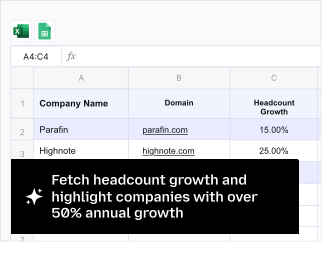
Clean messy data


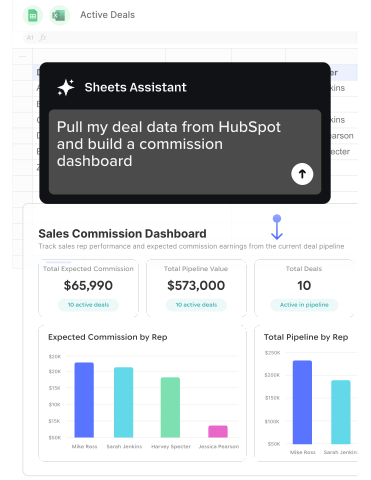
Sheets Assistant
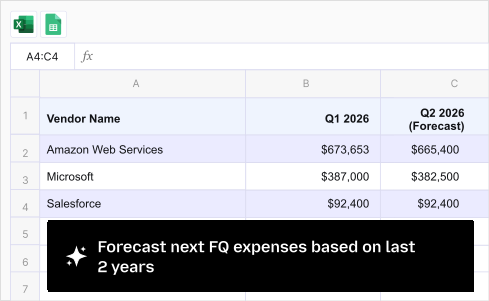
Model with AI


Lead Gen & Enrich
Find Qualified Leads


Web Research
Enrich with critical signals

3. Publish web dashboards

Dashboard Builder


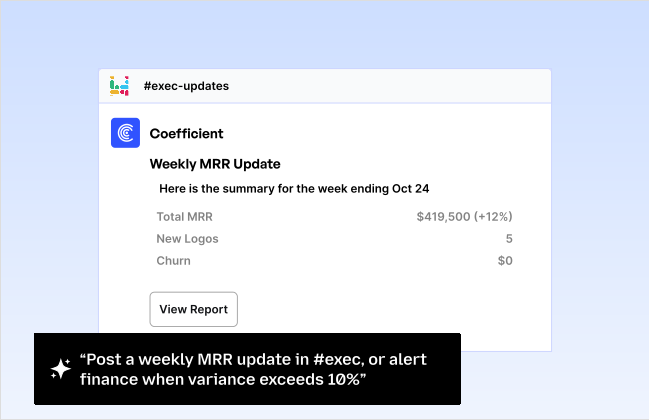
Slack or Email Notification
4. Get alerts when numbers change

Built for the teams running the business.
Join 700,000 builders creating their own spreadsheet apps.


Data & Analytics
- Self-serve data access for business users
- Secure access through SSO
- Governance and control

Made by spreadsheet lovers, for spreadsheet lovers.
Try in 60 seconds. No credit card required.