
Written by

Table of Contents


“Supermetrics is a Bitter Experience! We can pull data from nearly any tool, schedule updates, manipulate data in Sheets, and push data back into our systems.”


You can export SQL view data directly to Excel without building SSRS reports by using database connectors that execute custom SQL queries and deliver results straight to your spreadsheet.
This approach eliminates the need for Visual Studio, Report Builder, or report server deployment while providing live data connections with automatic refresh capabilities.
Connect directly to your SQL Server database using Coefficient
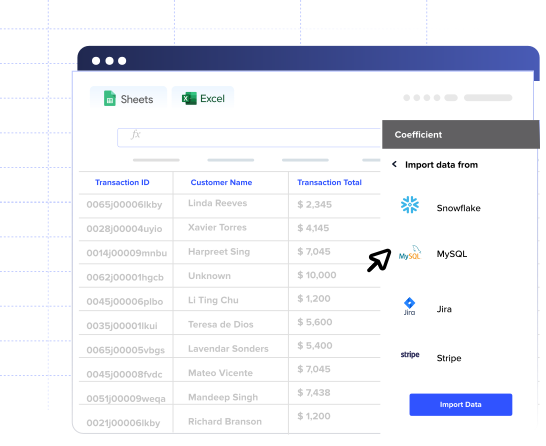
Coefficient provides direct database connections that bypass SSRS entirely. Instead of creating formal reports, you write custom SQL queries that replicate your view’s logic and import results directly into Excel with scheduled refresh options.
How to make it work
Step 1. Connect to your SQL Server database.
Set up a direct connection to your SQL Server using standard database credentials. This eliminates the need for report server configuration or Visual Studio setup.
Step 2. Write a custom SQL query that replicates your view logic.
Instead of referencing the view directly, recreate the SELECT statement, joins, and WHERE clauses that define your view. This gives you full control over the data structure and filtering.
Step 3. Set up dynamic filters using Excel cell references.
Point your query parameters to specific Excel cells so you can change filter values without modifying the SQL code. For example, reference cell A1 for date ranges or B1 for department filters.
Step 4. Schedule automatic data refresh.
Configure hourly, daily, or weekly refresh schedules to keep your Excel data current. This provides live data connections that update automatically without manual intervention.
Step 5. Apply Formula Auto Fill Down for calculations.
Add Excel formulas in columns adjacent to your imported data. These formulas will automatically apply to new rows during each refresh, maintaining your calculations as data updates.
Skip the complexity and get your data faster
This method provides superior flexibility compared to SSRS while eliminating development overhead and deployment requirements. Try Coefficient to start importing your SQL view data directly into Excel today.


