A RevOps leader gets told they need an “ETL pipeline” to connect Salesforce to their data warehouse. Their finance counterpart gets told they need a “data integration tool” to pull NetSuite into Excel. Both are trying to solve the same basic problem: getting data from one place to another. But the two terms are not interchangeable, and buying the wrong one wastes months and budget.
ETL is a specific method within the broader category of data integration. The distinction matters when you are choosing tools, scoping projects, or figuring out why the approach your data team recommended does not match what your business users actually need.
This article draws the line clearly, maps each approach to real use cases, and explains where no-code data integration fits for business teams who need live data without engineering overhead.
What Is ETL?
ETL stands for Extract, Transform, Load. It is a structured three-step process for moving data from one or more source systems into a target destination, typically a data warehouse.
Each step has a specific job:
- Extract: Pull raw data from source systems. This includes CRMs, ERP platforms, databases, APIs and flat files.
- Transform: Clean, reshape and standardize the data before it moves. This is where business logic gets applied: renaming fields, deduplicating records, converting date formats, joining tables, applying calculations. Transformation happens before the data reaches the destination.
- Load: Write the transformed data into the target system. Usually a cloud data warehouse like Snowflake, BigQuery or Redshift.
ETL is a warehousing pattern. It is structured, predictable and designed for batch processing of structured data at scale. The tools built for it, Fivetran, Airbyte, Rivery, dbt, all assume a data engineering team on the other end configuring, scheduling and maintaining the pipelines.
One note on terminology: modern cloud warehouses have shifted many teams toward ELT, where raw data lands in the warehouse first and transformation happens inside it using tools like dbt. The sequence changes, but the core concept is the same: engineered pipelines moving structured data into a central repository.
| ETL is how data teams build data warehouses. It is not how business teams get data into a spreadsheet on Monday morning. |
What Is Data Integration?
Data integration is the broader category. It encompasses any process, method or tool that combines data from multiple sources into a unified, usable view. ETL is one method within data integration, not a synonym for it.
The scope difference is significant. Data integration includes:
- ETL and ELT pipelines for moving data into warehouses
- API-based connectors that pull live data directly into applications or spreadsheets
- Data virtualization which lets you query source data without physically moving it
- Real-time streaming for use cases where latency matters
- No-code integration tools that let business users connect data sources without writing a line of code
The destination is not always a warehouse either. A RevOps team connecting Salesforce to Google Sheets for a live pipeline dashboard is doing data integration. A finance team pulling NetSuite data into Excel for monthly close is doing data integration. Neither use case requires a data warehouse or a data engineering team.
This is where the practical gap between ETL and data integration opens up. ETL is what the data team does to build infrastructure. Data integration is what business teams need to get data where decisions actually happen. Both are valid. They serve different people with different needs and different timelines.
ETL vs Data Integration: Key Differences
The table below puts the distinction on paper. The rows that matter most for buying decisions are scope, who uses it, and skill required.
| Dimension | ETL | Data Integration |
|---|---|---|
| Scope | Specific three-step method | Broad category that includes ETL |
| Primary destination | Data warehouse | Warehouse, spreadsheet, app, dashboard |
| Who uses it | Data engineers | Engineers and business teams |
| Skill required | SQL, pipeline configuration | Varies: none to SQL depending on tool |
| Timing model | Batch processing, scheduled loads | Batch or real-time depending on method |
| Transformation | Before load, defined upfront | Varies by method |
| Example tools | Fivetran, Airbyte, dbt | Coefficient, Zapier, MuleSoft, ETL tools |
| Coefficient fit | No. Coefficient is not an ETL tool | Yes. No-code integration for business teams |
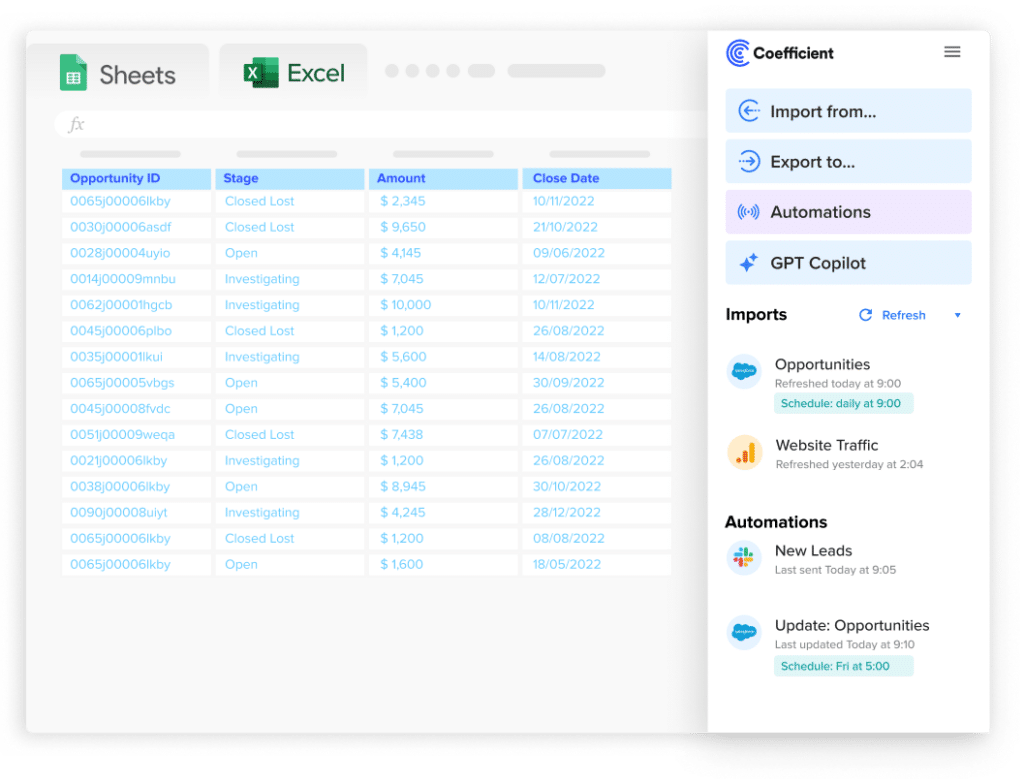
The Coefficient fit row is intentional. Coefficient is a no-code data integration layer for business teams, not an ETL tool. It connects 150+ source systems to Google Sheets and Excel via pre-built connectors with scheduled auto-refresh and two-way sync. There are no pipelines to configure, no transformation logic to write upfront, and no engineering resources required.
When to Use ETL
ETL is the right call when you are building or maintaining an enterprise data warehouse. If your goal is a single governed repository that consolidates data from Salesforce, NetSuite, billing platforms and product databases so every team queries the same source of truth, ETL is the appropriate tool for that job.
It also makes sense when:
- Data volumes are large and require significant transformation before they are usable
- Your team has data engineering resources to build, monitor and maintain pipelines
- Batch processing is acceptable and daily or weekly loads fit the use case
- Compliance or auditing requirements demand a formal, documented data lineage from source to warehouse
A concrete example: a data team building a Snowflake warehouse that consolidates Salesforce, NetSuite and Stripe data for company-wide analytics. The engineers configure Fivetran connectors, dbt models handle the transformation layer, and the warehouse becomes the governed source of truth that both BI tools and downstream applications query.
Where ETL breaks down is when business users need data faster than the pipeline cycle allows, when there is no engineering team to own the infrastructure, or when the destination is a spreadsheet rather than a warehouse. Building an ETL pipeline to get data into a Google Sheet is using a freight train to deliver a letter.
Stop exporting data manually. Sync data from your business systems into Google Sheets or Excel with Coefficient and set it on a refresh schedule.
Get Started
When Data Integration Without ETL Is the Right Answer
No-code data integration is the right call when business users need live data in the tools they already use, without waiting on engineering resources or a warehouse build.
This covers a wide range of common operational use cases:
- Pipeline dashboards: A RevOps team connecting live Salesforce data to Google Sheets, refreshing every morning, so the pipeline review runs on current numbers rather than a CSV from two days ago.
- Financial reporting: A finance team pulling QuickBooks or NetSuite data directly into Excel for month-end close, eliminating the manual export and paste cycle.
- Marketing attribution: A marketing ops team combining Google Ads, HubSpot and Salesforce data in one spreadsheet to analyze CAC and conversion rates across channels without building a data warehouse first.
- Cross-system reporting: Any use case that requires data from two or more systems in one place, at a cadence faster than a formal ETL pipeline can realistically deliver.
Tools like Coefficient handle this layer with pre-built connectors to 150+ source systems, including Salesforce, HubSpot, Snowflake, NetSuite and QuickBooks. Scheduled auto-refresh keeps data current. Two-way sync means updates can flow back to source systems from the spreadsheet. No pipeline code, no infrastructure to maintain, no engineering tickets.
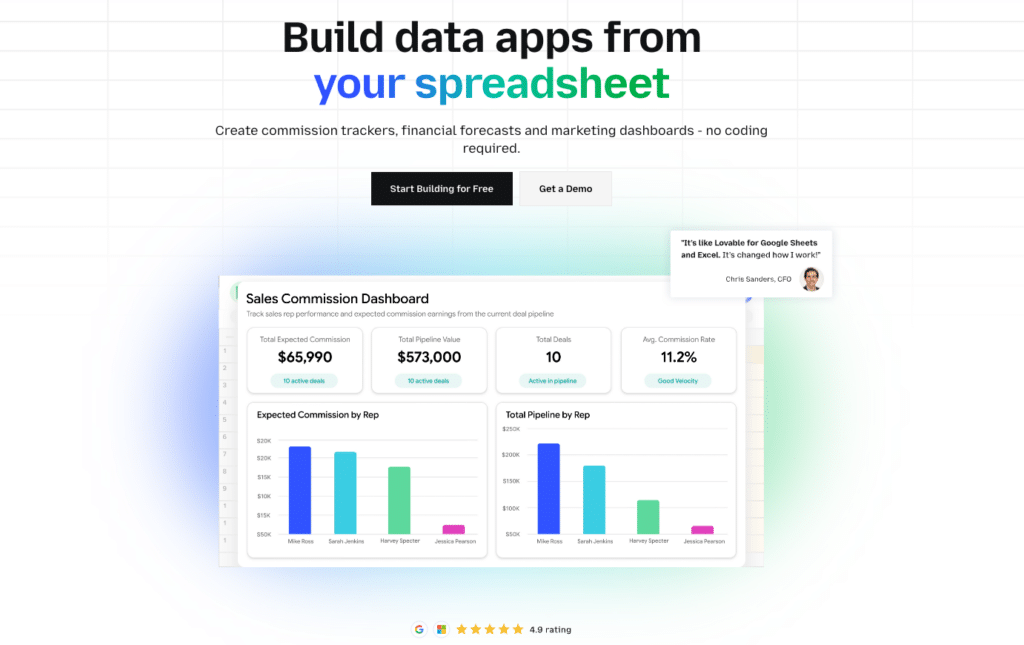
The distinction from ETL is the destination and the owner. These workflows deliver data directly to the operational layer where decisions get made. The goal is access and currency, not consolidation into a canonical data model.
Do You Need Both?
For mature data organizations, yes. ETL and no-code data integration are complementary, not competing.
The pattern that works: the data engineering team builds and maintains the warehouse via ETL. Salesforce, NetSuite and billing data flows into Snowflake, gets transformed, and becomes the governed source of truth. Business teams access that governed data via a no-code integration layer. Coefficient surfaces live Snowflake data, including governed Semantic Views, into Google Sheets where finance and RevOps do their operational work without SQL and without filing tickets.
This avoids both failure modes. The first is ETL for everything: business users wait weeks for dashboard requests while the data team fields an endless queue of reporting tickets. The second is no integration infrastructure at all: everyone downloads CSVs and maintains their own version of the truth in disconnected spreadsheets.
| The governed warehouse is the foundation. The no-code integration layer is the last mile. Both have to exist for the data to actually reach the people making decisions. |
Klaviyo built this stack. Their BI team used Coefficient to extend live Snowflake data to 50+ business users across finance, marketing and RevOps, preserving schema-level governance while giving non-technical users self-service access. Evan Cover, Director of BI Engineering and Governance, framed the core challenge: “We had to move fast, iterate, and ensure data from Snowflake was accessible for non-technical users.” ETL built the foundation. Coefficient handled the last mile.
The Bottom Line
ETL is an engineering process for building data warehouses. Data integration is the broader category of connecting data across systems, and it includes approaches that require no engineering resources at all. Knowing which you need, and for whom, determines whether you spin up a Fivetran pipeline or install a no-code connector.
The two are not in competition. ETL builds the governed foundation. No-code data integration delivers that data to the business teams who need it, in the tools where they actually work.
If your team needs live data in Google Sheets or Excel without engineering overhead, try Coefficient free. 150+ connectors, scheduled refresh, two-way sync. Not a standalone BI platform. Requires Google Sheets or Excel.