


Most BI dashboards stop being used within the first month. The data team spent weeks building them. Leadership was excited. Usage dropped to near zero. This is not a visualization problem. It is a workflow problem. Here are the five root causes and what actually fixes each one.
Business Users Cannot Build Their Own Views
BI tools are designed for data teams to build dashboards that business users consume. The moment a business user needs a filter, a metric, or a view that was not built in, they file a ticket. In most organizations that means a 2 to 4 week wait.
By the time the updated dashboard arrives, the business question has evolved. Teams stop requesting updates and start working around the dashboard with their own spreadsheets.
Tableau’s licensing model illustrates the structural issue. Creator licenses ($75/month Standard, $115 Enterprise) allow full dashboard authoring. Viewer licenses ($15/$35) are read-only. Business users who need to modify a view must either have a Creator license or file a ticket.
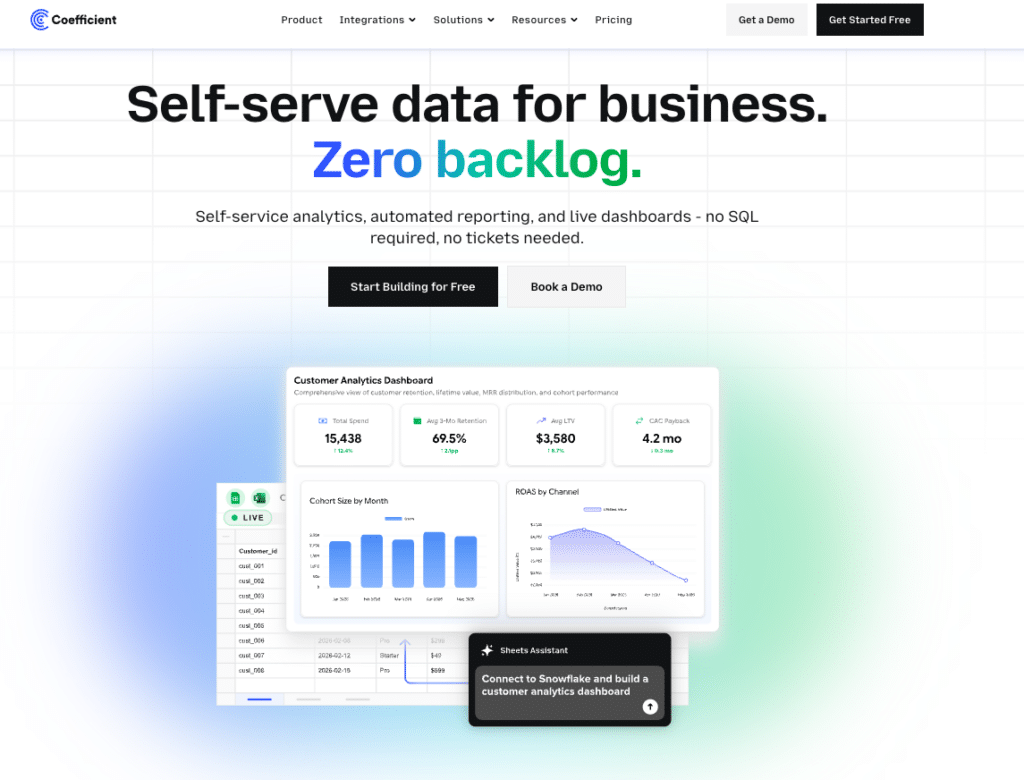
The fix: give business users the ability to build their own imports and reports in a tool they already know. Coefficient’s visual field picker and filter builder let a RevOps manager or finance analyst build their own live report in Google Sheets or Excel without touching the data team.
No Way to Write Data Back
BI dashboards are read-only by design. You can see the number, but you cannot update the record.
Sales leaders want to flag a deal as a forecast exception. Finance managers want to adjust a budget line. RevOps teams want to bulk-update a CRM field. None of these are possible from a BI dashboard. The result is a broken loop: the dashboard shows the problem, the user exports a CSV, makes changes in a spreadsheet, and manually re-enters updates into the source system.
The fix: two-way sync. Coefficient supports write-back to Salesforce, HubSpot, NetSuite, QuickBooks, Snowflake, MySQL, MS SQL Server, PostgreSQL, BigQuery, and Redshift directly from a spreadsheet.

Per-User Licensing Makes Sharing Expensive
Sharing a BI dashboard broadly means paying for every viewer. 100 viewer-only stakeholders at Tableau’s Standard tier costs $18,000/year for read-only access. Power BI Pro adds $14/user/month for everyone who needs to view a dashboard in a secure workspace.
For executive teams who check a dashboard twice a month before a board meeting, the per-viewer cost is impossible to justify. Organizations end up building PDF exports and emailing static snapshots instead, which defeats the purpose of a live dashboard.
The fix: Coefficient’s AI web dashboards carry free viewer seats. The person who builds the dashboard pays for their Coefficient subscription. Everyone who consumes it accesses the published link at no additional cost. Available in both Google Sheets and Excel.
Too Many Metrics Drives Abandonment
A well-intentioned effort to make dashboards useful often produces the opposite effect. When a dashboard has 40 metrics, 12 filters, and 8 chart types on one screen, users experience decision paralysis.
CIO research has described traditional BI dashboards as designed to provide superficial information rather than to explore complex problems. When dashboards are overfilled in an attempt to serve everyone, they become harder to act on.
The fix: limit dashboards to 5 to 7 key metrics per view. Build separate focused reports for different audiences rather than one universal dashboard that tries to serve everyone.

Stop exporting data manually. Sync data from your business systems into Google Sheets or Excel with Coefficient and set it on a refresh schedule.
Get Started
Dashboards Are Often Static Until Someone Refreshes Them
Most BI tools require a data refresh to be scheduled or manually triggered. When the underlying pipeline breaks, the dashboard shows stale data silently. No alert, no error. Just wrong numbers.
Power BI’s on-premises data gateway is a common failure point: a gateway misconfiguration or expired credential stops the refresh without warning. Tableau extract schedules have the same problem. When the refresh fails, the dashboard looks current but is not.
Users stop trusting numbers that might be wrong. They revert to email chains and manual exports where at least they know the data’s provenance.
The fix: live data connectivity with automatic refresh and failure alerts. Coefficient connects directly to source systems and refreshes on a schedule, with Slack or email alerts when data changes or a refresh fails.
What Actually Fixes Dashboard Adoption
The pattern across all five failures: adoption fails when business users cannot get current, trustworthy data in the format they work in, without friction. The dashboard is rarely the problem. The pipeline, the access model, and the read-only constraint are.
For teams that live in Google Sheets or Excel, Coefficient addresses all five: automatic refresh with alerts, self-service imports without SQL, two-way sync, free viewer seats, and focused reports built from live data.
For teams that need enterprise BI, the answer is investing in better pipeline infrastructure before building more dashboards. A slow, unreliable pipeline upstream of Tableau or Power BI produces slow, unreliable dashboards regardless of how well the visualization layer is built.
Bottom Line
Before buying another BI tool, diagnose which of these five failures is actually happening. Most broken dashboard programs trace to stale data or an access model that prevents self-service.
Coefficient is free to start and connects your first data source in minutes.







