


If you scheduled SQL queries through Seekwell to push results into Google Sheets, Slack, or Excel, you have about three months before those jobs stop running.
ThoughtSpot — which acquired Seekwell in 2021 — has posted a notice confirming the platform reaches end of life on July 31, 2026. The official recommendation is to “consider using ThoughtSpot Sync instead.” For teams that bought Seekwell precisely *because* they didn’t want a full BI platform, that’s not really a migration – it’s a different product at a much different price point.
If you fall in that bucket, this is a practical guide to your actual options and a 60-minute migration plan to Coefficient.
What you actually used Seekwell for
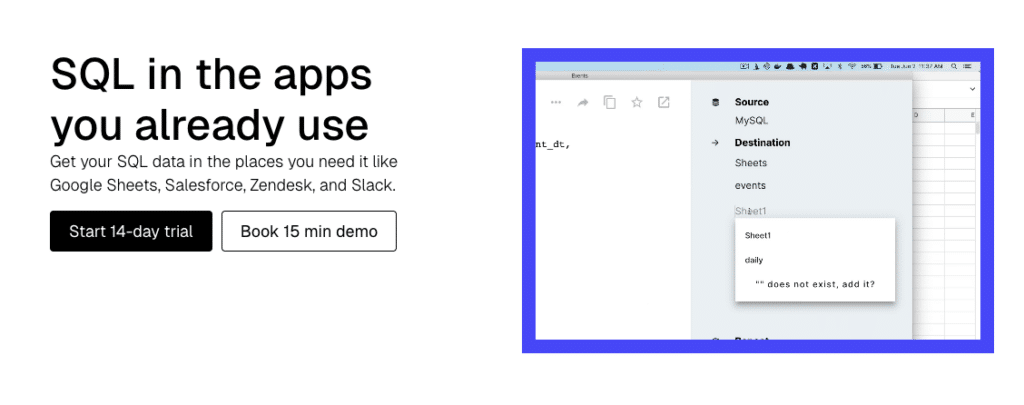
Almost every Seekwell account we’ve talked to runs the same handful of jobs:
- A SQL query against Snowflake, Redshift, BigQuery, Postgres, or MySQL on a daily or hourly schedule
- Results land in a Google Sheet (and sometimes an Excel file)
- A Slack channel or email gets pinged when something interesting happens
- A few non-SQL teammates pull the sheet to do their work – finance, ops, RevOps, marketing.
That’s it. It’s a quiet workflow that quietly helps a lot of decisions get made faster.
The official path: ThoughtSpot Sync
ThoughtSpot Sync is what ThoughtSpot wants you to migrate to. It does a similar job — push warehouse data to Sheets, Slack, Teams, and a handful of operational apps.
The catch:
- It’s a feature of the ThoughtSpot platform. You need a ThoughtSpot account and license.
- Pricing is contact-sales. The floor is materially higher than Seekwell’s $150–$300/month tiers.
- It’s built for organizations who want a full BI tool. If you wanted a full BI tool, you probably wouldn’t have been on Seekwell.
That gap between “I just need my SQL in Sheets” and “buy the whole BI platform” is why our team at Coefficient has been hearing from previous Seekwell users often.
The like-for-like migration: Coefficient
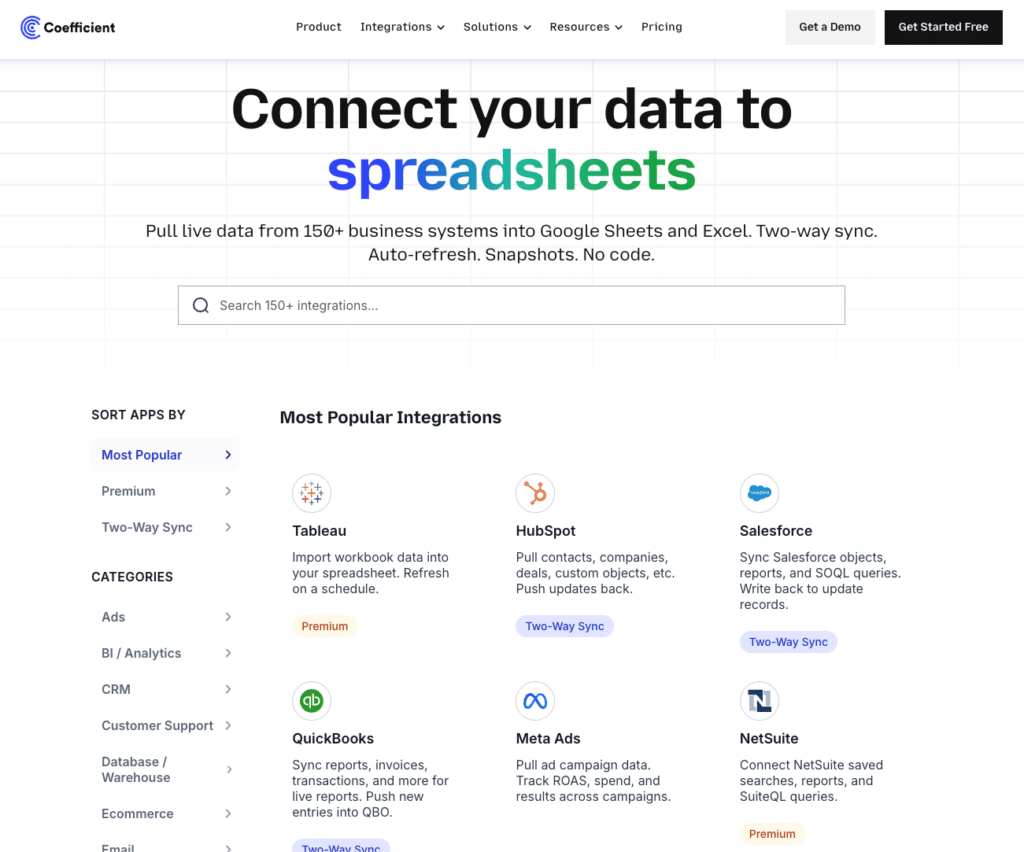
Coefficient supports the same warehouses Seekwell did — Snowflake, Redshift, BigQuery, Postgres, MySQL, and MSSQL — and pushes results into Google Sheets and Excel on a schedule. The connection setup is one-to-one. Your existing SQL queries paste in and run.
Three to four things change in your favor when you switch:
1. Excel works at every paid tier. On Seekwell, Excel was locked to the $300/month Team plan. On Coefficient, it’s included from the $49/month Starter.
2. Two-way write-back. Seekwell pushes data out of the warehouse. Coefficient does that *and* lets you update rows in Snowflake, Redshift, BigQuery, Postgres, MySQL, or MSSQL from the same sheet. If you’ve ever needed to override a forecast value, fix a customer record, or push a model back into the warehouse, you stop doing it through your data engineer.
3. Non-SQL teammates can self-serve. Seekwell is a SQL editor. If you write the query, you own the next ten “can you change this” requests forever. Coefficient layers a visual table-and-column picker plus prompt-based SQL on top of the same warehouse, so the FP&A or RevOps person can adjust filters and re-pull on their own.
4. There are more options for Slack delivery. Seekwell posted the actual query result table into a Slack channel on a schedule. Coefficient can do this as well or can send Slack alerts when a value crosses a threshold, share live visualizations, and more. For most use cases, it’s a more robust workflow workflow and teams appreciate the options.
Side-by-side Comparison
| Seekwell | Coefficient | |
| Snowflake, Redshift, BigQuery, Postgres, MySQL, MSSQL | Yes | Yes |
| Databricks, MongoDB | No | Yes |
| Google Sheets | Yes | Yes |
| Excel | Team tier ($300/mo) only | Included in all plans |
| Two-way write-back to warehouse | No | Yes |
| Non-SQL authoring (visual + prompt) | No | Yes |
| SQL editor with parameters | Yes (Blocks, Snippets) | Yes (Custom SQL + Parameters) |
| Slack: post a result table on schedule | Yes | Yes + Alerts + shared dashboards (different shape) |
| Other integrations | 6 databases | 150+ (DB, CRM, finance, marketing, BI) |
| Refresh cadence (paid) | 5-minute, hourly, daily | Hourly (Pro), Daily (Starter) |
| Pricing model | Flat per-account | Per-user |
Pricing
Seekwell’s flat per-account pricing was genuinely cheap for a 2–3 person data team. We’re not going to pretend otherwise.
What we’d point out:
- Seekwell Pro at $150/month doesn’t include Excel. To get Excel + Snowflake + Slack on Seekwell, you needed the Team plan at $300/month.
- Coefficient Pro at $99/user/month includes Excel, hourly refresh, all 150+ integrations, and write-back at every tier. Snowflake, BigQuery, Databricks, and SQL Server are Premium data sources, so they do require an Enterprise plan. Coefficient Enterprise is comparable to Seekwell’s Team plan.
- For 1–2 users on a Snowflake-plus-Excel workflow, Coefficient is competitive.
- For 5+ user teams, the per-user math reflects that *every person in the workflow uses the tool* — not just the analyst writing the queries.
If your data team was the only Seekwell user, Coefficient looks more expensive at first. But when business teams can self-serve the data, that’s usually the point.
The 30-minute migration plan
You can do this in a free trial without a credit card.
Minute 0–3. Install Coefficient.
Go to Coefficient’s get started page, pick Google Sheets or Excel, and sign in. The add-in installs in under a minute. Open the extension in Sheets or Excel as you would any other plugin and complete setup.
Minute 3–8. Connect the same warehouse.

Stop exporting data manually. Sync data from your business systems into Google Sheets or Excel with Coefficient and set it on a refresh schedule.

Open Coefficient in Sheets or Excel → Add Source → pick Snowflake / Redshift / BigQuery / Postgres / MySQL / MSSQL. Use the same connection details Seekwell uses.
Minute 8-20. Migrate your top 5–10 queries.
For each one in Seekwell:
- Copy the SQL.
- In Coefficient, click Import From → Custom SQL Query → paste.
- If you used Seekwell Parameters, recreate them in Coefficient SQL Parameters (same concept, same syntax).
- Save and pick a destination tab.
Minute 20–25. Re-create your schedule.
Open the imported query → Auto-refresh → set the cadence (hourly, daily, weekly). If Seekwell ran it at 9am ET daily, do the same.
Minute 25–30. Replace Slack delivery.
For “post a table to Slack on schedule” workflows, set up a Coefficient Slack alert on the metric or threshold that actually matters in that table, and share the live sheet URL in the channel description. For “ping me when X happens” workflows, set up the alert directly.
That’s it. The same warehouse, the same SQL, on a more durable platform.
What if I don’t migrate by July 31?
After EOL, scheduled jobs stop. The downstream sheets, dashboards, and Slack workflows that depend on them go stale silently. The work to put it back together later — under pressure, after someone notices the numbers are old — is meaningfully harder than doing it now.
The teams calling us in May aren’t doing it because they want a new tool. They’re doing it because they don’t want to find out in August what broke.
Get started with your 30-min migration
Install Coefficient free — no credit card. The 30-minute plan above works in the free trial. If you want help walking through the migration, book a call and we’ll do it with you.
Coefficient connects 150+ data sources — including Snowflake, Redshift, BigQuery, and every database Seekwell supports — to Google Sheets and Excel, with two-way write-back and AI-assisted SQL. We’re hearing from Seekwell teams every week and built this guide from those conversations.







