

What Is Rows?
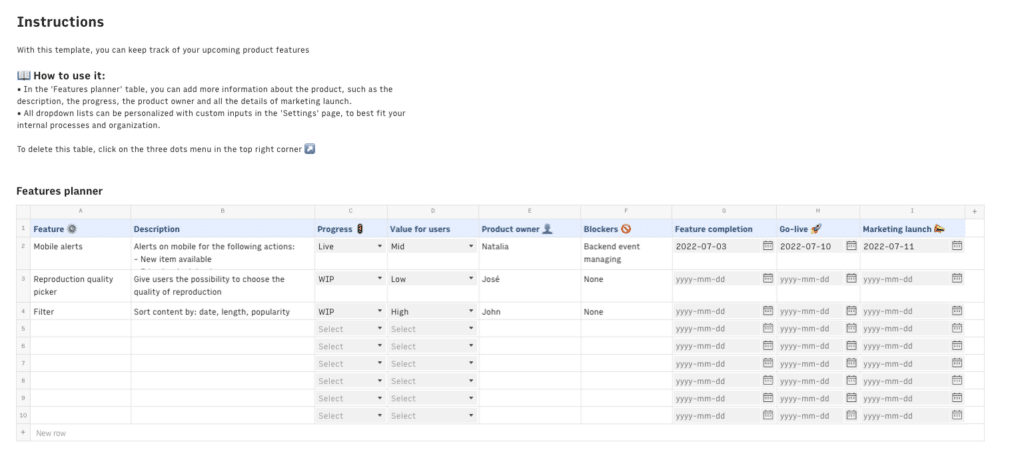
Rows was a modern spreadsheet built for teams that needed more than Google Sheets could offer. It combined native data integrations, an AI Analyst for plain-language queries, and a clean publishing experience into one tool.
Marketing teams used it for live ad reporting. Ops teams relied on it for data enrichment workflows. Analysts used it for lightweight automation.
Rows Is Joining Superhuman and Shutting Down on May 31, 2026
On February 22, 2026, Rows co-founders Humberto Ayres Pereira and Torben Schulz announced that Rows had been acquired by Superhuman.
The Rows product will fully wind down on May 31, 2026. The team moves into Superhuman’s connected AI productivity ecosystem to strengthen Coda, Superhuman’s all-in-one collaboration product. Rows will not continue as a standalone tool.
For current users, the situation is clear: migrate before the deadline. Rows is reaching out to customers directly with account wind-down details and next steps. If you have not received that communication yet, contact [email protected].
For anyone still evaluating Rows as a new tool, the decision is already made. There is no workflow worth building on a platform with a confirmed shutdown date. The rest of this article covers what you were paying for and where to go next.
| Action required for current customers: Export your spreadsheets, data connections, and automations now. Do not wait until May. All workflows built on Rows stop functioning on May 31, 2026. Visit rows.com for official guidance on account wind-down and contact [email protected] with any questions. |
Rows Pricing Plans: What You Were Getting
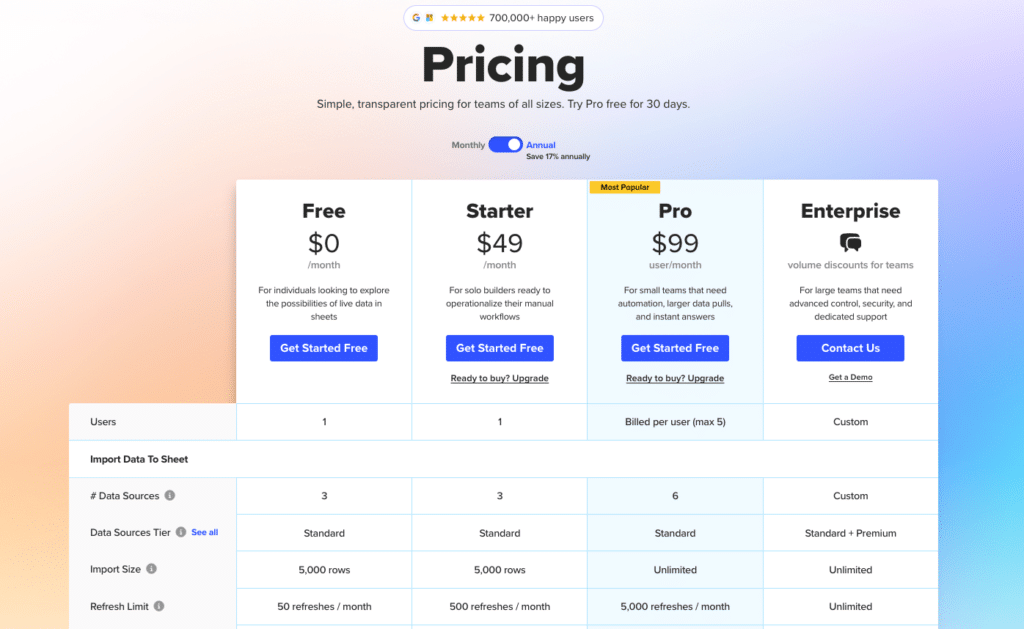
Before the acquisition, Rows offered four tiers: Free, Plus, Pro, and Enterprise. Here is how they compared across the dimensions that mattered most.
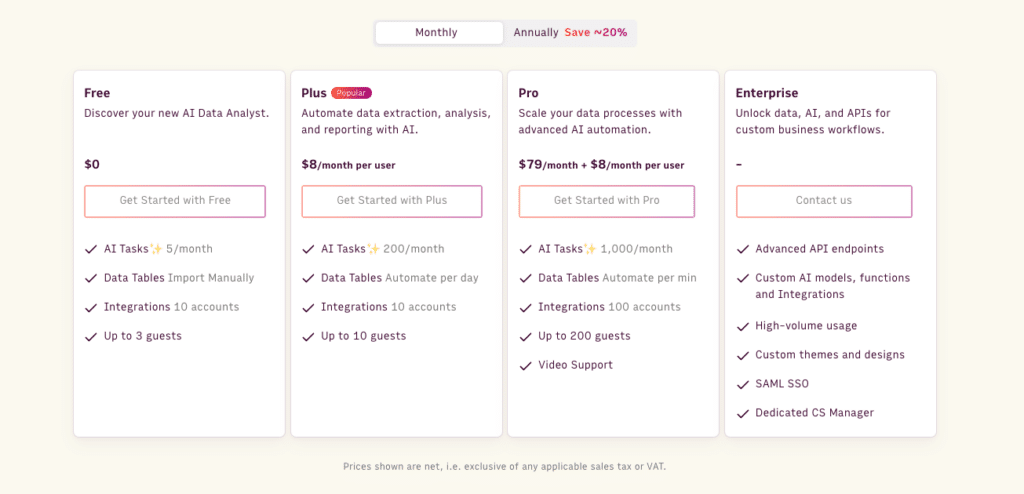
| Plan | Price | Refresh Frequency | Enrichment Tasks/Month | Guests | AI Analyst |
| Free | Free | Manual only | Limited | 3 | 5 tasks / mo |
| Plus | $8/mo per member | Daily | 1 million | 10 | 200 tasks / mo |
| Pro | $79/mo base + $8/mo per member | Every minute | 1 million | 200 | 1000 tasks / mo |
| Enterprise | Custom | Custom | Custom | Custom | Custom |
How Rows Charged for Workspace Members
Rows billed per workspace, and within each workspace, per member. The Plus plan charged $8 per member per month on monthly billing, or $6 per member on annual billing. Pro followed the same structure on top of its base fee.
For a 10-member team on Plus, the real monthly cost was $59 in base fees plus $80 in member fees, totaling $139 per month. Teams evaluating Rows often focused on the headline base price and underestimated how per-member billing compounded as headcount grew.
The Hidden Cost: How Cell Enrichment Tasks Added Up
Rows counted enrichment tasks per cell, not per run. Every time a Formula Column processed a row, that counted as one task toward the monthly limit.
Run a column of 500 cells pulling data from a Salesforce or Google Analytics integration, and that is 500 tasks consumed in a single execution. Teams running multiple integrations against large datasets hit the Free plan’s 500-task ceiling almost immediately after setup.
Even the 1 million task allowance on paid plans required active management for heavy enrichment users. Most teams did not think about this number until they started hitting it.
Rows Enterprise: What It Costs and Who It’s For
Enterprise pricing was custom and required a direct conversation with the Rows sales team. It was designed for organizations running high-volume automation, teams needing a dedicated Customer Success Manager, or companies requiring custom integration support.
Given the May 31 wind-down, pursuing an Enterprise contract at this point is not a viable option for any organization.
What Happens to Your Rows Data After May 31, 2026
According to the official announcement, Rows is committed to supporting customers through the transition period. Current customers will receive a direct email with account wind-down details and specific next steps.
What this means practically: all spreadsheets, data connections, scheduled automations, and published dashboards built on Rows will stop working on May 31. There is no stated plan to preserve or export data automatically on your behalf.
What to do right now:

Stop exporting data manually. Sync data from your business systems into Google Sheets or Excel with Coefficient and set it on a refresh schedule.
Get Started
- Export all spreadsheets and underlying data immediately
- Document every data connection and automation logic you have built
- Identify which workflows are business-critical and migrate those first
- Contact [email protected] with questions about your specific account
Do not assume you can handle this in April. Migration takes real time, especially for teams that built complex enrichment workflows or recurring scheduled reports.
Rows Alternatives: What to Use Instead
The right replacement depends on which part of Rows your workflows actually relied on. There is no single drop-in substitute.
If you used Rows primarily for live data connectivity (pulling from CRMs, ad platforms, databases, or APIs into a spreadsheet), the closest replacement that works inside your existing spreadsheet environment is Coefficient.
If you need big data performance and direct warehouse connectivity, Row Zero is purpose-built for that use case. If your Rows usage was closer to a collaborative database or project tracker, Airtable or Smartsheet will feel more familiar.
Rows vs. Coefficient: Staying in Your Spreadsheet vs. Starting Over
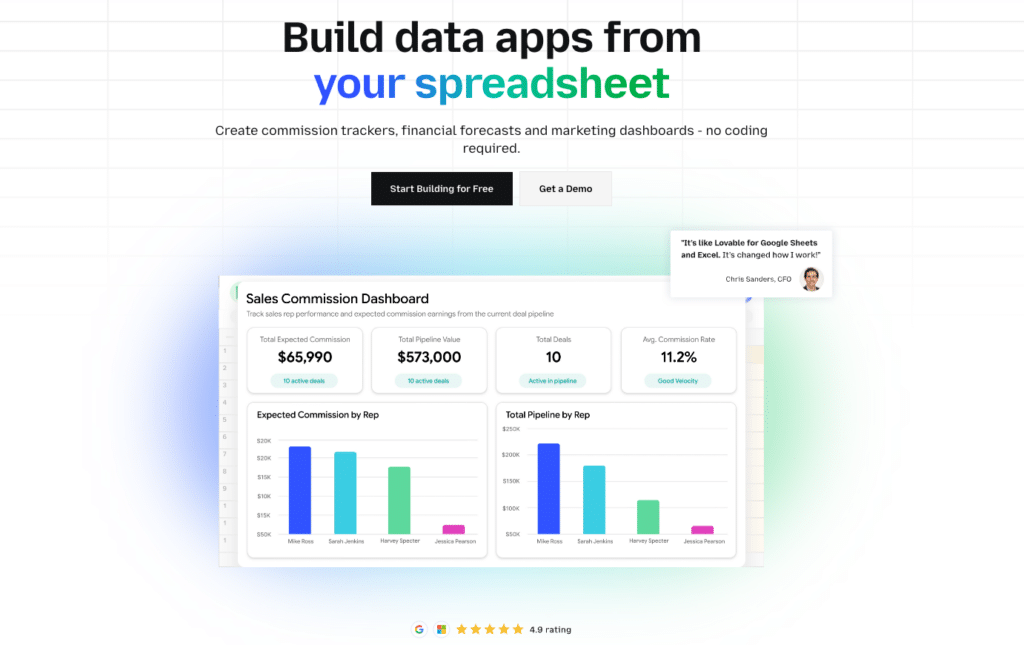
The practical question for most Rows users is whether to migrate to a new tool or bring the same data connectivity into the spreadsheet they already use. Coefficient does the latter.
It installs as an add-in for Excel or Google Sheets and connects 100+ data sources directly: Salesforce, HubSpot, Google Analytics, Meta Ads, QuickBooks, NetSuite, Snowflake, MySQL, and more. Scheduled auto-refresh, two-way writeback, AI-assisted analysis, and one-click AI web dashboard creation happens inside the environment your team already runs on.
The cost comparison matters too. Rows charged a base fee plus a per-member fee, and enrichment tasks burned against a monthly ceiling. Coefficient uses a flat subscription model.
For teams that used Rows alongside an existing Google Sheets or Excel workflow, the migration path is clean. Your existing spreadsheet models stay intact. Coefficient adds the live data layer that Rows was providing, without asking you to rebuild anything in a new interface.
| Rows (Sunsetting) | Coefficient | |
| Works inside existing spreadsheets | No | Yes (Excel + Google Sheets) |
| Data sources | 50+ | 100+ |
| Pricing model | Base + per-member fee | Flat subscription |
| Enrichment task limits | Yes, counted per cell | No |
| Status | Shutting down May 31, 2026 | Active |
| Excel support | No | Yes |
| Setup time | New tool to learn | Five Minutes |
Should You Still Sign Up for Rows in 2026?
No. With a confirmed May 31 wind-down date, signing up for Rows today means building workflows on a platform you will need to abandon before summer. That is not a worthwhile investment of setup time or team resources.
For current paid customers, the priority right now is data export and migration planning, not expanding usage. The sooner you start evaluating alternatives for Rows and replicating your key workflows elsewhere, the more runway you have before the hard deadline.
If Rows was solving a real problem for your team, that problem still needs solving. The tools covered in this article are all active, stable alternatives built to last. You can try Coefficient for free today.







