


Quick Answer
Excel’s AI landscape transformed dramatically in 2025. Copilot leads the charge – Microsoft’s native AI agent that handles complex spreadsheet tasks through natural language commands, from formula generation to data analysis.
Beyond Copilot, Excel offers AI-powered data cleaning, automated insights, and smart formula suggestions. These tools eliminate technical barriers while accelerating workflows. However, most advanced features require Microsoft 365 subscriptions, and performance can lag with large datasets.
Does Excel have an AI Agent?
Yes. Excel features a powerful AI agent called Copilot as of 2025 that is deeply integrated into Excel across desktop, web, and mobile versions, fundamentally changing how users interact with spreadsheets.
Copilot transforms Excel into a conversational workspace. Ask questions in plain English. Get instant answers. No more wrestling with complex formulas or hunting through menus.

What are the Latest Excel AI Features?
1. Smarter Context Awareness for Copilot
Game changer. Copilot now automatically detects which data table or range you’re referencing in natural language queries. No more confusion about what data you’re analyzing – it highlights the relevant section visually for instant feedback.
Available in the June 2025 Excel update with step-by-step demos.
2. Clean Data with Copilot
One-click data cleaning. Copilot automatically finds and fixes common data issues – text inconsistencies, number formatting problems, extra spaces. It offers editable suggestions to standardize datasets instantly.
Featured in the May 2025 Excel blog under “Data Tab > Clean Data.”
3. Formula Generation from the Grid
Type “=” in any cell. Describe what you want. Get immediate formula suggestions based on your data and question. Perfect for complicated references and new users who feel intimidated by Excel’s formula complexity.
Highlighted in recent Excel for Web updates.
4. Value Tokens for Rich Data Types
Excel now visually differentiates cells containing rich data types – stocks, geography, organizational data – with new “value tokens.” These visual cues help users quickly understand and work with heavily annotated data.
Demonstrated in the June 2025 Excel update.
This makes Excel especially useful when working with detailed research notes and reference-heavy documents. For students and researchers who often think “I need to write my annotated bibliography,” these visual tokens help organize sources and citations, ensuring clarity and structure across complex datasets.
What are the Popular Excel AI Features?
Natural Language Q&A with Copilot
Ask questions in plain English – no formulas or technical jargon required. “Show me sales by region.” “Which product performed best last quarter?” Copilot instantly creates visualizations, summaries, and insights.
This democratizes data analysis. Non-technical users can interrogate complex datasets. Power users save hours of manual work. The barrier between question and answer disappears.
Microsoft’s Copilot launch demos showcase real-world examples.
Availability by Pricing Plans
- Microsoft 365 subscribers with Copilot enabled (Pro/Business plans)
- Not available in standalone Excel purchases
AI-Powered Formula Generation
“Highlight all sales over $10,000.” “Calculate the moving average for the last 6 months.” Copilot writes complex formulas instantly.
This eliminates trial-and-error. No more googling syntax or debugging formula logic. Advanced functions become accessible to everyone. Even Excel experts save time on complex conditional formulas.
See the Copilot Formula Assistant in action.
Availability by Pricing Plans
- Paid Copilot plans (Pro or Microsoft 365 enterprise tiers)
- Not included in basic Office 365
Data Cleaning with AI
Copilot identifies and auto-corrects common spreadsheet issues – standardizing dates, fixing inconsistencies, suggesting deduplication, flagging suspicious outliers. You always review and approve changes.
This saves hours of manual work. Data preparation often takes 80% of analysis time. Copilot handles the tedious parts while keeping you in control.
Walkthrough available in recent Excel blog posts.
Availability by Pricing Plans
- Rolling out to all Microsoft 365 account holders
- Full suite in Copilot plans
Automated Data Insights (Analyze Data)
The “Analyze Data” feature suggests insights, spots trends, performs anomaly detection, and explains patterns. Now works with multi-row headers and messy, real-world data.
This uncovers hidden insights. Patterns you might miss become obvious. Anomalies get flagged automatically. Data tells its own story.
Explore Microsoft’s Analyze Data page and product tour.
Availability by Pricing Plans
- Available in standard Excel (Office 365)
- Enhanced features with Copilot plans
Common Limitations of Excel AI
Pricing & Subscription Barriers
Most advanced AI features hide behind paywalls. Microsoft 365 subscriptions range from $6-22+ per month. Users frequently discuss on r/excel and Microsoft forums how recurring costs add up compared to perpetual licenses.
Many small businesses and individual users get locked out of the best features.
Gradual/Uneven Rollout
Not everyone gets features simultaneously. New AI capabilities often launch in “Insider” or Current Channel first. Feature availability depends on operating system, geographic region, and update channel.
Users see announcements but can’t access tools immediately. Frustrating for teams trying to standardize workflows.
Performance Issues
Large datasets can bog down AI features. Users in Excel forums report occasional slowdowns or freezes when using Copilot with complex spreadsheets – especially on lower-spec hardware.
AI suggestions sometimes lag with big datasets, defeating the purpose of speed improvements.
Usefulness/Accuracy Concerns
Copilot isn’t infallible. Reddit and Excel forum users highlight instances where Copilot gives inaccurate, irrelevant, or incomplete answers – particularly with ambiguous queries or poorly structured data.
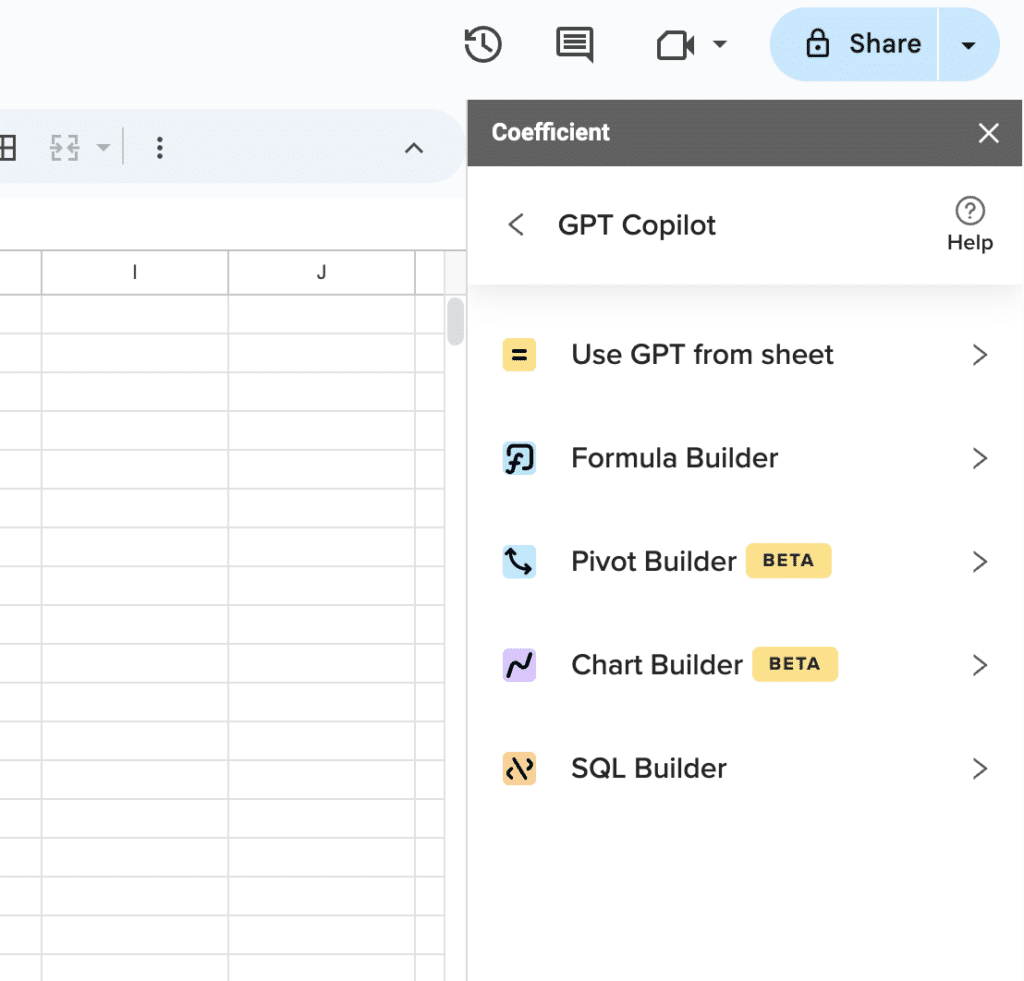
Supercharge your spreadsheets with GPT-powered AI tools for building formulas, charts, pivots, SQL and more. Simple prompts for automatic generation.

“Copilot tried to total across a hidden row and missed an entire category” – r/excel user
“Honestly, Copilot in Excel is an amazing step forward, but it’s not magic—still found myself correcting its formulas a few times when my headers weren’t named clearly.” – r/excel validation
“Hyped for Copilot, but half my team still waits for it to hit the semi-annual channel, and the pricing adds up.” – r/sysadmin Excel thread
What are the Alternatives to Excel AI?
Coefficient AI

Google Sheets meets advanced AI. Coefficient’s AI Sheets Assistant works entirely through natural language commands, eliminating complex formulas and technical barriers.
Key AI use cases:
- Automated dashboard creation: Build comprehensive dashboards with charts, metrics, and insights using simple prompts like “Create a team performance dashboard”
- Smart formula assistance: Generate, fix, and explain formulas by describing what you want – “Calculate year-over-year growth for each product line”
Unlike Excel’s subscription-locked features, Coefficient AI is currently free for all users and works exclusively in Google Sheets. Perfect for teams already in the Google ecosystem who want powerful AI without Microsoft’s pricing barriers.
Try Coefficient AI for Google Sheets.
Zapier

Workflow automation with AI enhancement. Zapier’s recent AI features help create and optimize automation workflows through natural language.
Key AI use cases:
- Smart workflow suggestions: Describe your process and get automated workflow recommendations
- Intelligent data formatting: AI helps clean and standardize data as it moves between applications
Best for teams needing to connect Excel with other business tools automatically.
Clay

AI-powered data enrichment and outreach. Clay combines spreadsheet functionality with AI-driven research and personalization capabilities.
Key AI use cases:
- Automated lead research: AI finds and enriches prospect data from multiple sources
- Personalized message generation: Create custom outreach messages based on prospect data and AI insights
Ideal for sales and marketing teams who need AI-enhanced prospecting beyond traditional spreadsheet analysis.
Power Up Your Spreadsheet Game
Excel’s AI features mark a revolution in spreadsheet productivity. Copilot transforms how we interact with data – from natural language queries to automated insights. But subscription costs and feature limitations leave gaps for many users.
Whether you choose Excel’s native AI, explore Google Sheets alternatives like Coefficient, or integrate specialized tools like Zapier and Clay, the key is matching AI capabilities to your actual workflow needs. The future of spreadsheets is conversational, intelligent, and accessible.
Ready to experience AI-powered spreadsheets without subscription barriers? Start with Coefficient’s free AI assistant in Google Sheets today.
FAQs
How do I use generative AI in Excel?
Enable Microsoft Copilot through your Microsoft 365 subscription, then access it via the Copilot button in Excel’s ribbon. Type natural language queries or requests to generate formulas, analyze data, or create visualizations. For Google Sheets users, Coefficient offers similar AI capabilities without subscription requirements.
Can I use ChatGPT in Excel?
Excel doesn’t have direct ChatGPT integration, but Microsoft Copilot (built on similar technology) provides comparable functionality within Excel. Third-party add-ins may offer ChatGPT connections, though these require separate subscriptions and setup.
How do I turn on Copilot in Excel?
Copilot requires a Microsoft 365 subscription with Copilot access. Once enabled by your admin, look for the Copilot button in Excel’s Home tab ribbon. Click it to start the AI assistant panel and begin typing natural language queries.
Is GPT Excel free?
Microsoft’s Copilot in Excel requires paid Microsoft 365 subscriptions (typically $6-22+ monthly). However, alternatives like Coefficient’s AI assistant offer similar AI-powered spreadsheet capabilities completely free in Google Sheets, including formula generation and data analysis.







